
Practical overview
When it fits
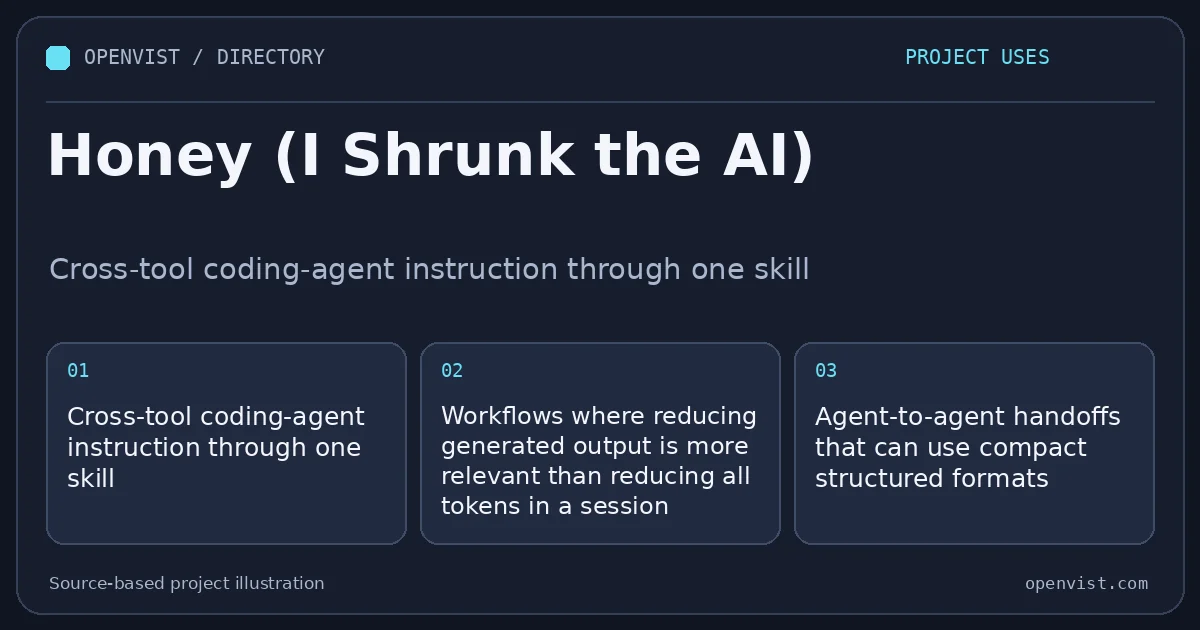
Use Honey when working with a listed coding assistant and you want its generated code and prose to be more concise, or when an agent workflow needs compact handoffs.
Who it is for
- Developers using supported AI coding assistants who want more concise generated code and explanations.
- Teams whose coding workflows pass context between AI agents.
Documented uses
- Encourage an assistant to choose a minimal implementation, starting with whether new code is needed and considering existing language features or dependencies.
- Reduce explanatory filler in coding responses.
- Compress information passed from one agent to another without applying that format to user-facing answers.
Requirements & limits
The repository is public and MIT-licensed. The README documents Claude Code plugin installation and points users of other platforms to separate instructions.
- The project's reported savings vary by task set: its fixed-rule Exercism results show smaller reductions than its author-written benchmark.
- In a Cline agent loop, the reported output reduction did not translate into a lower bill because input tokens dominated.
- The README identifies validation, error handling, authentication, secrets, migrations, deletes and explicitly requested work as compression carve-outs.
Check current requirements in the official documentation. Source-based guidance does not mean OpenViST has run or independently tested this project.
Enable Honey in Claude Code
Install the Honey plugin in Claude Code and activate its coding skill.
Before you start
- Claude Code
- Access to the Honey GitHub repository
Steps
Add the marketplace with
/plugin marketplace add Green-PT/honey-for-devs.Install the plugin with
/plugin install honey@greenpt.Run
/honeyonce to activate it.If desired, set an intensity with
/honey lite,/honey fullor/honey ultra.
Expected outcome
Honey is activated for the project, with an optional selected intensity.
Guide limitations
- The repository documents these commands for Claude Code; it directs users of other platforms to separate platform instructions.
Compare options for AI coding assistance
These projects document a common task and share a project role. This is a source-based comparison, not an execution benchmark or a guarantee of interchangeability.
| Project | Documented purpose | Platform | Access and requirements |
|---|---|---|---|
| Honey (I Shrunk the AI) | Encourage an assistant to choose a minimal implementation, starting with whether new code is needed and considering existing language features or dependencies. | CLI | The repository is public and MIT-licensed. The README documents Claude Code plugin installation and points users of other platforms to separate instructions. |
| Nac | Keep a coding agent aligned with a longer project task by retaining its goals and session history. | CLI | Nac is available as an open-source project under the Apache-2.0 license. The documented stable-release installer puts `nac-web` in `$HOME/.local/bin`; the local dashboard defaults to `http://127.0.0.1:3210`. |
| Gemini Kit | Explore a codebase or research a development topic | CLI | The repository is public and displays an MIT license. The documented setup requires local installation and linking with Gemini CLI. |
Sources & review
Source record details
- Source availability
- Active
- Sources checked
- 17 November 2026
- Original website title
- Green-PT/honey-for-devs · Official homepage title · retained in its source language