
Practical overview
When it fits
Use Monet when you need to review existing Claude Code or Codex histories, keep tabs on concurrent runs, or manage agent interactions from a desktop interface.
Who it is for
- Developers using Claude Code or Codex who want a shared session archive and search.
- People running multiple coding-agent sessions who need a single view of status, output, and token usage.
- Developers comparing responses from different agent engines, models, or channels.
Documented uses
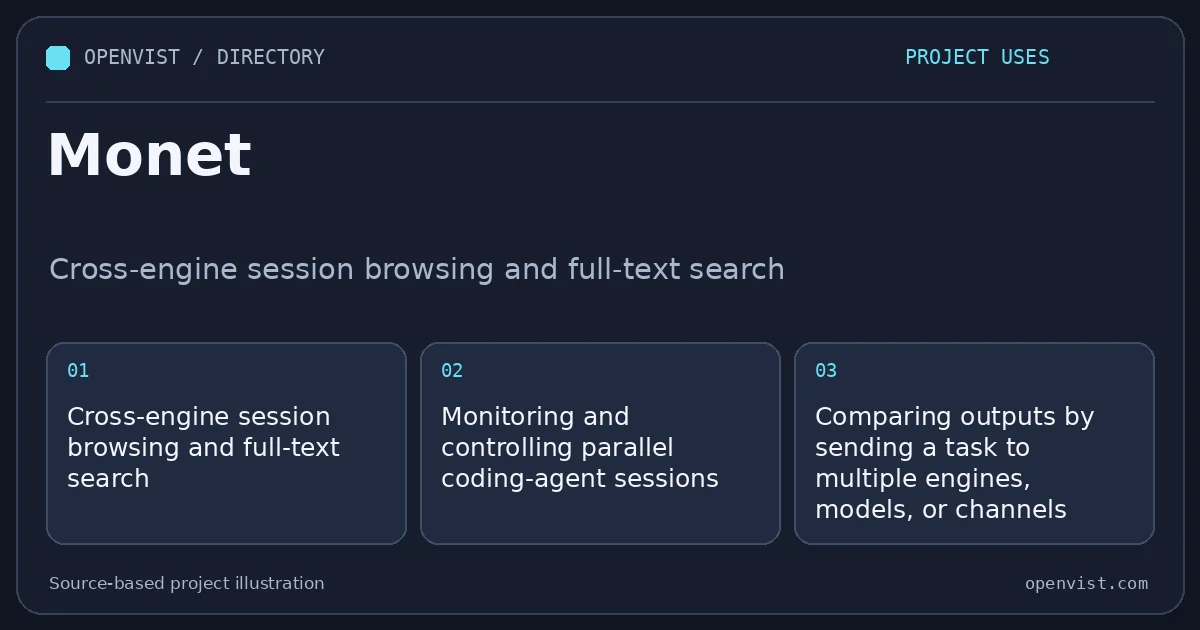
- Find a past conversation across Claude Code and Codex histories.
- Track parallel agent runs and inspect their recent output and token use.
- Respond to agent permissions or questions and retry failed work from session cards.
- Send one task to different engines, models, or channels for comparison.
Requirements & limits
Desktop installers are documented for macOS and Windows. macOS 11 or later on Apple Silicon is identified as supporting the full feature set; Windows supports core functions, while widgets, menu-bar integration, and wake-from-sleep scheduling are macOS-specific. Existing histories can be browsed without the corresponding CLI installed; creating or continuing sessions requires that engine's CLI to be installed and log
- The app supports Claude Code and Codex; the relevant CLI must be installed and logged in to create or continue sessions.
- Existing session files are read-only, while Monet's additional titles, labels, and scheduled-task data are kept separately in ~/.monet/.
- Local session features are described as offline; AI enhancements use the user's own provider and quota.
- Some system-level integrations are limited to macOS.
Check current requirements in the official documentation. Source-based guidance does not mean OpenViST has run or independently tested this project.
Build Monet from source
Prepare and build the desktop application from its repository.
Before you start
- Node.js 22 or later
- pnpm 10 or later
- Rust 1.77 or later
- Xcode Command Line Tools
Steps
Clone the Monet repository and enter its directory.
Install dependencies with pnpm install.
Run pnpm tauri build to build the frontend, MCP binary, and Tauri application.
Expected outcome
A local build of the Monet desktop application and its included components.
Guide limitations
- The documented build prerequisites include Xcode Command Line Tools.
- The repository directs users to Releases for official distribution artifacts.
Sources & review
Source record details
- Source availability
- Active
- Sources checked
- 21 November 2026
- Original website title
- zenolab124/monet · Official homepage title · retained in its source language