
Practical overview
When it fits
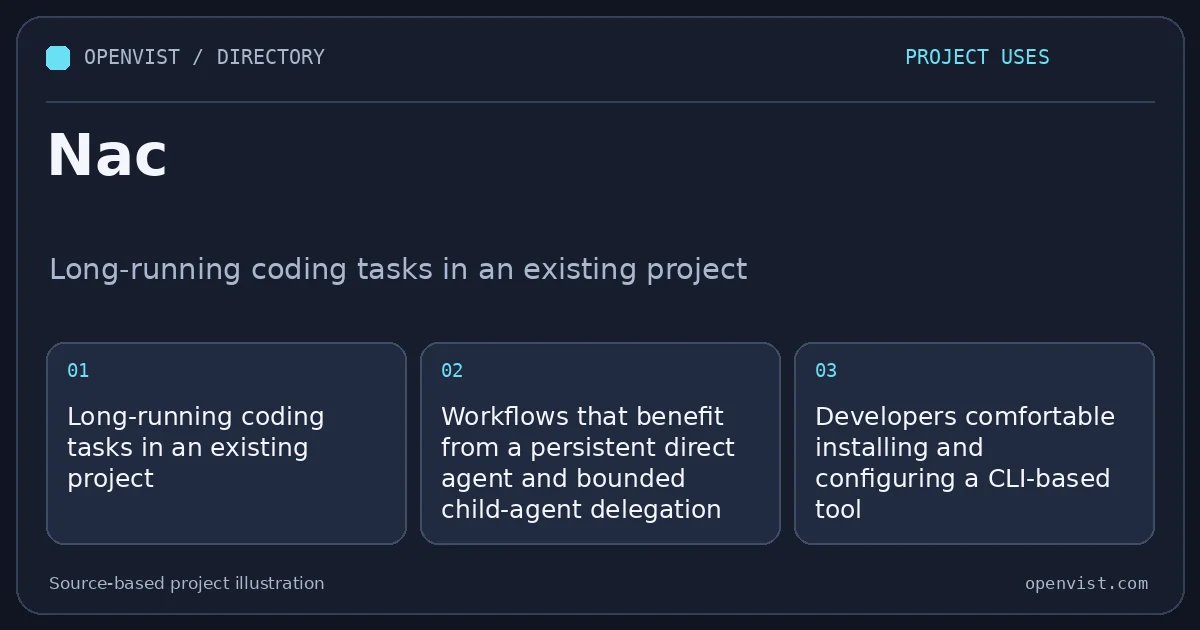
Use Nac when a coding task is expected to take multiple steps and the agent needs to retain its goals and session history. It is also relevant when a developer wants to connect a coding-agent workflow through MCP.
Who it is for
- Developers who want an agent to work through multi-step tasks in a project while retaining goals and session context.
- People building workflows around coding agents, tools and bounded child-agent delegation.
- Users of agent harnesses and MCP clients who want to connect them to Nac's onboarding and MCP integration.
Documented uses
- Keep a coding agent aligned with a longer project task by retaining its goals and session history.
- Coordinate tool use and bounded tasks delegated to child agents.
- Start and configure Nac from a local dashboard, with a selected model-provider authentication route.
Requirements & limits
Nac is available as an open-source project under the Apache-2.0 license. The documented stable-release installer puts `nac-web` in `$HOME/.local/bin`; the local dashboard defaults to `http://127.0.0.1:3210`.
- Nac is a coding-agent harness, not a standalone model; a model-provider login or API key is needed before starting a session, with configuration also available later from the dashboard.
- The repository documents Arcee device-code login, ChatGPT Codex login and API keys for catalog providers, including OpenAI-compatible options.
- The direct installation route starts a local browser dashboard; an alternative documented route uses an onboarding skill and MCP integration with a chosen agent harness and MCP client.
- The documented stable-release install and upgrade paths are distinct from building from source, for which the repository describes a Rust and React development workflow.
Check current requirements in the official documentation. Source-based guidance does not mean OpenViST has run or independently tested this project.
Install Nac and open its project dashboard
Install the stable release and start the dashboard from a project directory.
Before you start
- A project directory for the coding agent.
- A shell and a browser.
Steps
Run the documented stable-release installer: the command below.
curl -fsSL https://raw.githubusercontent.com/arcee-ai/nac/main/scripts/install.sh | shIf needed, add
$HOME/.local/binto yourPATH; the installer placesnac-webthere.From your project directory, run
nac-web.Open the dashboard at its default address,
http://127.0.0.1:3210.
Expected outcome
The Nac dashboard opens locally for the project.
Guide limitations
- The documented default dashboard address is local to the machine.
- Choose and configure a model-provider login or API key before starting a session, or configure it later from the dashboard.
Compare options for Agent orchestration
These projects document a common task and share a project role. This is a source-based comparison, not an execution benchmark or a guarantee of interchangeability.
| Project | Documented purpose | Platform | Access and requirements |
|---|---|---|---|
| Nac | Keep a coding agent aligned with a longer project task by retaining its goals and session history. | CLI | Nac is available as an open-source project under the Apache-2.0 license. The documented stable-release installer puts `nac-web` in `$HOME/.local/bin`; the local dashboard defaults to `http://127.0.0.1:3210`. |
| Rove | Switch a coding task between supported agent CLIs. | macOS, Linux, CLI, Desktop |
Sources & review
Source record details
- Source availability
- Active
- Sources checked
- 21 November 2026
- Original website title
- arcee-ai/nac · Official homepage title · retained in its source language