
Practical overview
When it fits
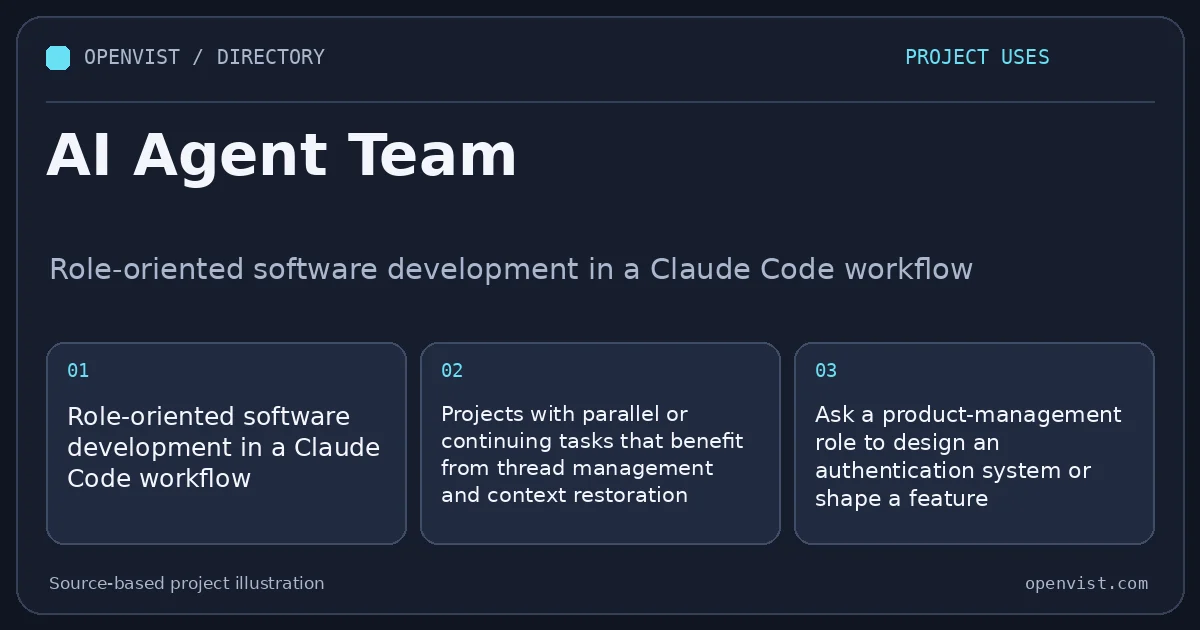
Use it when Claude Code development work benefits from distinct specialist roles or when tasks need persistent, searchable context across sessions. The Thread Manager commands require its MCP server to be enabled.
Who it is for
- Developers who use Claude Code and want role-specific assistance across software planning, implementation, testing, and operations.
- People managing multiple or long-running development tasks who want searchable threads and restored context.
- Teams or individuals choosing between shared project-local configuration and personal global configuration.
Documented uses
- Ask a product-management role to design an authentication system or shape a feature.
- Delegate frontend, backend, full-stack, QA, DevOps, or architecture tasks to the corresponding role.
- Create and switch between development task threads, search saved messages, and restore prior task context.
- Track task work through the README-described Git integration.
Requirements & limits
The public GitHub repository identifies the project as open source under the MIT license. The README documents npm installation and requires Claude Code and Git.
- Claude Code and Git are listed system requirements.
- Thread management depends on separately enabling the Thread Manager MCP server.
- Global initialization applies across projects; project-local initialization applies to the current project.
- The repository is JavaScript and declares an MIT license.
Check current requirements in the official documentation. Source-based guidance does not mean OpenViST has run or independently tested this project.
Set up AI Agent Team and enable Thread Manager
Install and initialize the project, then configure its MCP server so thread-management commands can be used.
Before you start
- Claude Code installed and configured
- Git
- Node.js/npm, as the documented installation uses npm
Steps
Install the package globally with the command below.
npm install -g ai-agent-teamRun
ai-agent-team initfor global setup, or run it from a project directory for local setup.Add the Thread Manager MCP server in Claude Code with
claude mcp add thread-manager nodeand the path to.claude/skills/thread-manager/dist/index.js.
Expected outcome
The project is initialized and the Thread Manager MCP server is configured; its README says thread commands require this server.
Guide limitations
- The server command requires the actual path to the generated Thread Manager entry file.
- The guide documents setup, not a verified installation or successful run.
Sources & review
Source record details
- Source availability
- Active
- Sources checked
- 14 November 2026
- Original website title
- peterfei/ai-agent-team · Official homepage title · retained in its source language