
Practical overview
When it fits
Use FASTT5 when a project already uses a pretrained T5 model and needs a documented route to ONNX Runtime inference, with quantization available as part of the conversion workflow.
Who it is for
- Developers preparing pretrained T5 models for ONNX Runtime inference.
- Teams seeking a conversion and quantization workflow they can customize for text-generation workloads.
Documented uses
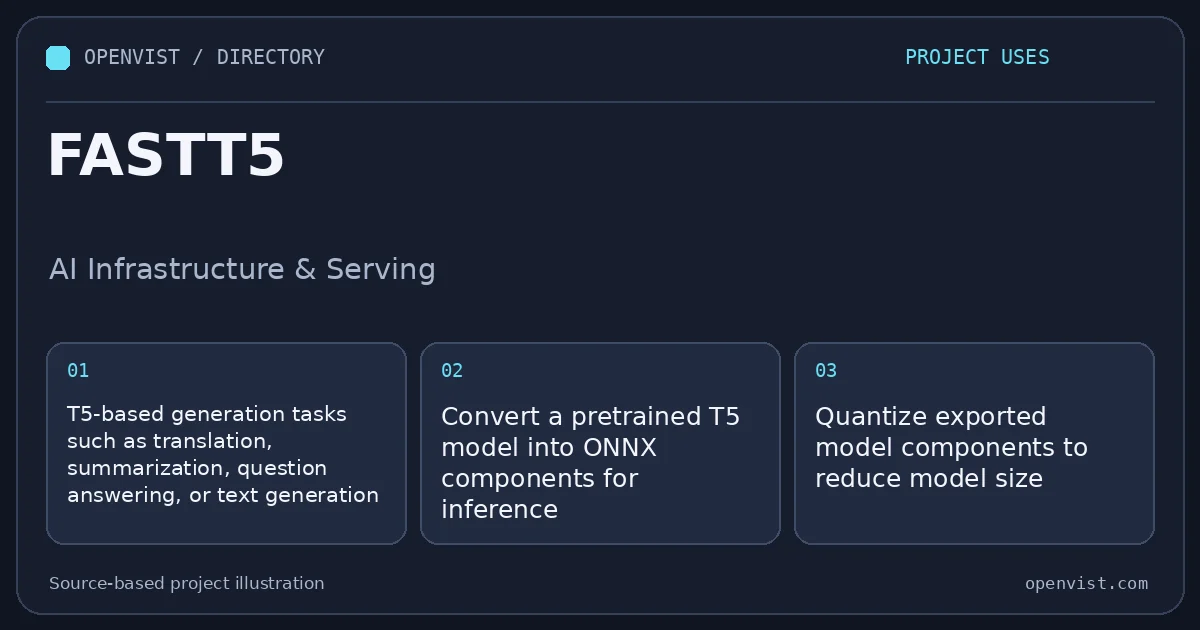
- Convert a pretrained T5 model into ONNX components for inference.
- Quantize exported model components to reduce model size.
- Load exported models into ONNX Runtime and generate text using a Hugging Face-style interface.
Requirements & limits
The repository documents installation from PyPI or an editable installation from a Git clone. It identifies the license as Apache-2.0.
- The documented API supports disabling quantization with quantized=False.
- The project supports a custom folder for exported model files; the default is a models folder in the current directory.
- The README reports up to 5x speedup for greedy search and 3–4x for beam search, and a 3x model-size reduction; these are project-reported figures, not guarantees for other workloads.
Check current requirements in the official documentation. Source-based guidance does not mean OpenViST has run or independently tested this project.
Convert a pretrained T5 model for ONNX generation
Export a pretrained T5 model, quantize it by default, and obtain a model that supports Hugging Face's generate() method.
Before you start
- Python environment with fastT5 installed from PyPI using pip install fastt5.
- A pretrained T5 model name, such as t5-small.
- Hugging Face Transformers components used in the documented example, including AutoTokenizer.
Steps
Import export_and_get_onnx_model and AutoTokenizer.
Call export_and_get_onnx_model with the pretrained model name; use quantized=False if quantization is not wanted.
Load the matching tokenizer with AutoTokenizer.from_pretrained.
Tokenize input text and pass input_ids and attention_mask to the returned model's generate() method.
Expected outcome
An ONNX Runtime-backed model object that can generate text through the documented Hugging Face-style interface.
Guide limitations
- The README's example uses translation; it does not establish performance for every task or model.
- Quantization is enabled by default in the documented helper, but can be disabled.
Load previously exported T5 ONNX models
Reuse an exported model rather than running the export workflow again.
Before you start
- fastT5 installed.
- The model name and the folder containing the previously exported ONNX models.
Steps
Import get_onnx_model.
Call get_onnx_model with the model name and, when applicable, the custom ONNX models folder path.
Expected outcome
A model object loaded from the existing exported model files for ONNX Runtime inference.
Compare options for Model inference and serving
These projects document a common task and share a project role. This is a source-based comparison, not an execution benchmark or a guarantee of interchangeability.
| Project | Documented purpose | Platform | Access and requirements |
|---|---|---|---|
| FASTT5 | Convert a pretrained T5 model into ONNX components for inference. | Linux, Windows, macOS | The repository documents installation from PyPI or an editable installation from a Git clone. It identifies the license as Apache-2.0. |
| Rten | Load an ONNX model and run CPU inference from Rust. | Linux, macOS, Windows, Server | |
| Moe Infinity | Serve MoE models whose expert weights do not all fit in GPU memory. | Linux, Server, Self-hosted | The repository is public and identifies its license as Apache-2.0. Installation documentation specifies Python 3.10 or later and a CUDA-capable GPU. |
Sources & review
Source record details
- Source availability
- Active
- Sources checked
- 23 October 2026
- Original website title
- Ki6an/fastT5 · Official homepage title · retained in its source language