
Practical overview
When it fits
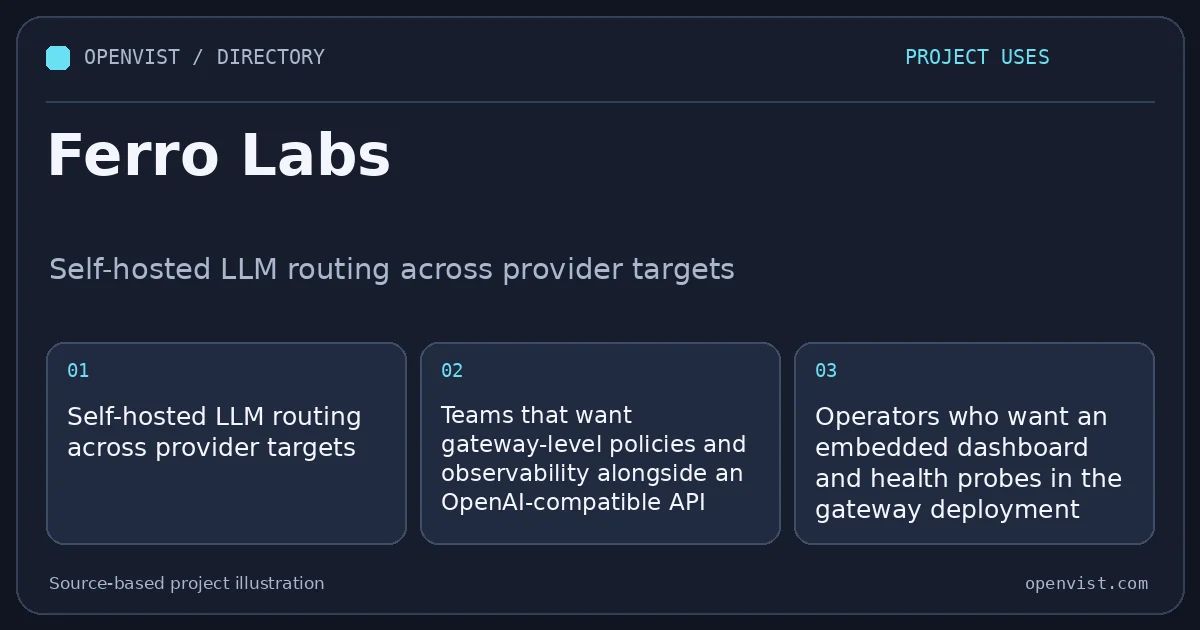
Use it when an LLM-backed application needs a self-hosted gateway to centralize provider requests, apply routing or plugin policies, and expose operational visibility.
Who it is for
- Teams operating applications that send requests to one or more LLM providers.
- Operators seeking a self-hosted layer for provider routing, request policies and service monitoring.
Documented uses
- Send OpenAI-compatible requests through a shared gateway endpoint.
- Route requests across provider targets using configured strategies.
- Apply gateway plugins for rate limits, budgets, caching and content checks.
- Inspect gateway activity and monitor service health using logs, traces, metrics and probes.
- Connect MCP tool servers over HTTP or stdio for documented tool-calling workflows.
Requirements & limits
The gateway is documented for Linux, macOS, Windows and Docker deployments. Its documentation describes it as open source under Apache 2.0. Inference routes require a bearer token by default.
- It is infrastructure to operate, not a hosted end-user chat application.
- The gateway's API is OpenAI-compatible, while upstream provider credentials are supplied through gateway configuration.
- Routing strategy, plugin policy and supported endpoint needs determine how much configuration is required.
- The embedded dashboard and metrics, tracing, logs and health probes support operational work alongside request routing.
Check current requirements in the official documentation. Source-based guidance does not mean OpenViST has run or independently tested this project.
Start the gateway with Docker
Configure the documented Docker quickstart and send a chat-completions request through the local gateway.
Before you start
- Docker
- Provider API keys, such as OpenAI and Anthropic keys
- A generated master key
Steps
Set the provider API key environment variables shown in the quickstart.
Run the documented gateway Docker image, map port 8080 and pass the provider keys and master key.
Send a request to http://localhost:8080/v1/chat/completions using a bearer token set to the master key.
Open http://localhost:8080/ to access the embedded dashboard.
Expected outcome
A local gateway endpoint accepts OpenAI-compatible chat-completions requests and serves its dashboard at the gateway root.
Guide limitations
- Inference routes require a bearer token by default; the documentation describes unauthenticated proxy access only when explicitly enabled.
- The quickstart covers a basic request and dashboard, not production deployment or provider-specific configuration.
Sources & review
Source record details
- Source availability
- Active
- Sources checked
- 15 November 2026
- Original website title
- Ferro Labs AI Gateway · Official homepage title · retained in its source language