
Practical overview
When it fits
Use RTen when you have an ONNX model and want to run inference inside Rust software, or want to use the documented WebAssembly route from JavaScript. It also provides a ready example for exporting and running a ResNet-50 image classifier.
Who it is for
- Rust developers embedding ONNX inference in applications or server-side software.
- Developers bringing models trained in Python or PyTorch into Rust workflows.
- JavaScript developers who want to run ONNX models through RTen's WebAssembly API.
Documented uses
- Load an ONNX model and run CPU inference from Rust.
- Use RTen's supporting libraries for common pre- and post-processing.
- Run a model from JavaScript through WebAssembly and retrieve its output tensors.
- Build a WebAssembly library for a JavaScript model workflow.
Requirements & limits
- Inference is CPU-only; the runtime supports SIMD via AVX2, AVX-512, Arm Neon and WebAssembly SIMD.
- Operator coverage includes most standard ONNX operators and some contrib operators; check the project's operator tracking issue for a specific model.
- f32 and int8 weights are supported; f16 weights are only partially supported and are upconverted to f32 when loaded.
- The WebAssembly SIMD build requires a compatible runtime; the documented non-SIMD build is significantly slower.
- The repository is licensed under Apache-2.0.
Check current requirements in the official documentation. Source-based guidance does not mean OpenViST has run or independently tested this project.
Build RTen for WebAssembly
Compile RTen's WebAssembly library for use in a JavaScript project.
Before you start
- A recent stable version of Rust
- just
- Optional: wasm-opt from Binaryen for WebAssembly optimization
- Optional: a recent Node version for running demos
Steps
Clone the RTen repository and change into its directory.
Run
just wasmto build the WebAssembly library.For a build without WebAssembly SIMD, use
just wasm-nosimd;just wasm-allbuilds both variants.
Expected outcome
A WebAssembly library build. The SIMD build requires WebAssembly SIMD support; the non-SIMD build is documented as significantly slower.
Guide limitations
- This guide covers building the library, not running a model.
- The project documents WebAssembly SIMD support in Chrome 91, Firefox 89 and Safari 16.4.
- Optional Node is listed for running demos, not as a build prerequisite.
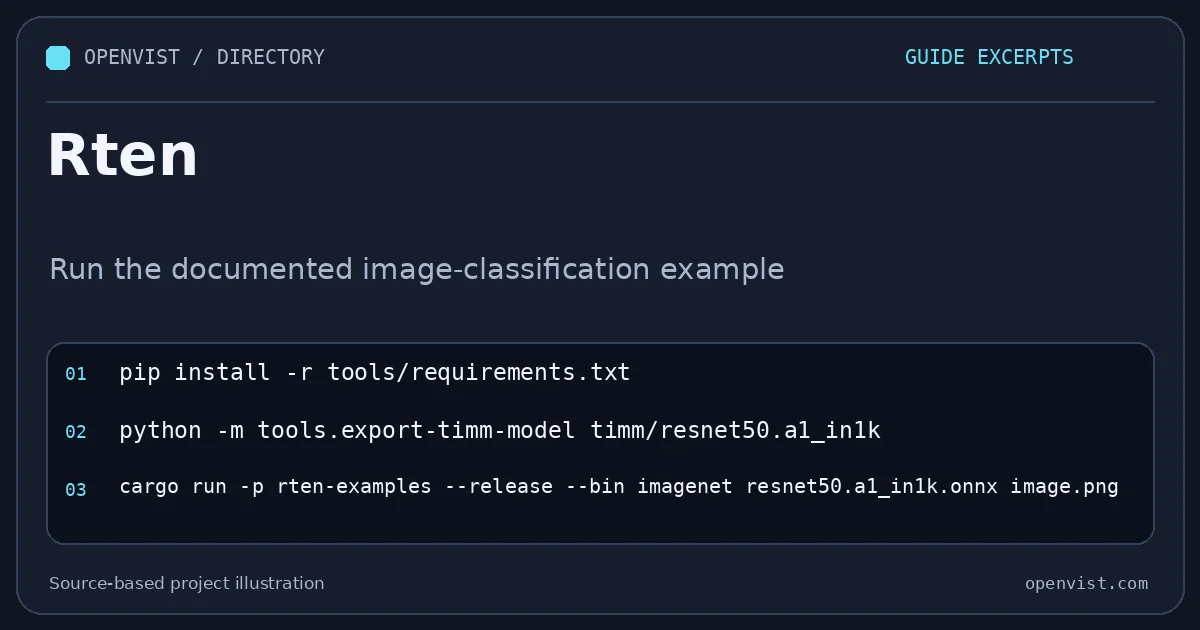
Run the documented image-classification example
Export the example ResNet-50 model to ONNX and run the RTen image-classification example on an image.
Before you start
- A recent Python version
- Dependencies listed in
tools/requirements.txt - Cargo and the Rust build environment
- An image file to use as input
Steps
Clone the RTen repository and change into its directory.
Install the Python dependencies with the command below.
pip install -r tools/requirements.txtExport the model with the command below.
python -m tools.export-timm-model timm/resnet50.a1_in1kRun the command below, replacing
image.pngwith the input image path.cargo run -p rten-examples --release --bin imagenet resnet50.a1_in1k.onnx image.png
Expected outcome
The repository's image-classification example runs using the exported ONNX model and the supplied image.
Guide limitations
- The example is specific to the documented ResNet-50 image-classification workflow.
- The repository README links to the examples directory for further instructions and other examples.
Compare options for Model inference and serving
These projects document a common task and share a project role. This is a source-based comparison, not an execution benchmark or a guarantee of interchangeability.
| Project | Documented purpose | Platform | Access and requirements |
|---|---|---|---|
| Rten | Load an ONNX model and run CPU inference from Rust. | Linux, macOS, Windows, Server | |
| Moe Infinity | Serve MoE models whose expert weights do not all fit in GPU memory. | Linux, Server, Self-hosted | The repository is public and identifies its license as Apache-2.0. Installation documentation specifies Python 3.10 or later and a CUDA-capable GPU. |
| Quant.cpp | Run interactive or one-shot chats with locally downloaded GGUF models. | CLI, Self-hosted | The README documents installation through pip and local model downloads. It states that the documented quick-start flow requires no API key or GPU. The repository is public and lists the Apache-2.0 license. |
Sources & review
Source record details
- Source availability
- Active
- Sources checked
- 17 November 2026
- Original website title
- robertknight/rten · Official homepage title · retained in its source language