
Practical overview
When it fits
Use it when an existing MCP-compatible coding agent would benefit from OpenAI model consultation and web search during development tasks.
Who it is for
- Developers using an MCP-compatible AI coding agent who want model-assisted web research in their workflow.
- Teams or individual developers investigating software errors, library changes or design questions with an agent.
Documented uses
- Investigate difficult bugs by asking an agent to consult OpenAI and search sources such as GitHub issues and Stack Overflow.
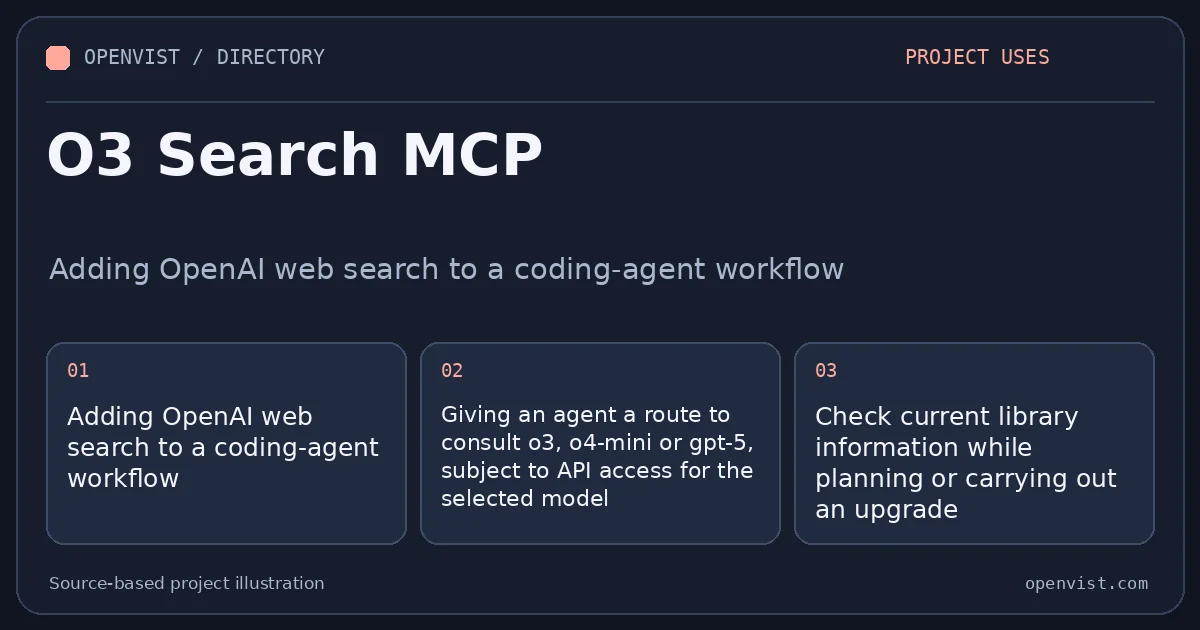
- Check current library information while planning or carrying out an upgrade.
- Ask for a design discussion or review during a complex software project.
Requirements & limits
An OpenAI API key is required. The README says o3 API access requires tier 4 or organization verification; o4-mini and gpt-5 are also listed as model options.
- It is an MCP server for extending a separate coding agent, rather than a standalone coding agent.
- The documented default is o3; o4-mini and gpt-5 can be selected through the model environment variable.
- Search context size, reasoning effort, timeout and retry limits are configurable.
- The README documents both npx-based Claude Code registration and a local Git/pnpm build path.
Check current requirements in the official documentation. Source-based guidance does not mean OpenViST has run or independently tested this project.
Configure O3 Search MCP in Claude Code with npx
Register the MCP server in Claude Code so the coding agent can consult an OpenAI model and use web search.
Before you start
- Claude Code
- An OpenAI API key
- An OpenAI API model enabled for the chosen model; o3 specifically requires tier 4 or organization verification, according to the README
Steps
Register the server in Claude Code using the documented
claude mcp addconfiguration and the command below command.npx o3-search-mcpSet
OPENAI_API_KEYto the key for the OpenAI API.Choose
OPENAI_MODELas o3, o4-mini or gpt-5; the documented default is o3.Optionally set search context size, reasoning effort, API timeout and retry limit using the documented environment variables.
Expected outcome
Claude Code has an MCP server configuration for O3 Search MCP, with the selected model and settings.
Guide limitations
- The guide documents configuration, not a verified successful connection or search.
- An API key that is not enabled for o3 will cause calls using o3 to error.
Build a local copy of O3 Search MCP
Set up and build the repository locally before registering its built entry point with Claude Code.
Before you start
- Git
- pnpm
- Node.js
- An OpenAI API key for using the configured server
Steps
Clone the
yoshiko-pg/o3-search-mcprepository.Change into the repository directory.
Run
pnpm install.Run
pnpm build.
Expected outcome
The documented local setup produces a build that can be referenced by the README's separate Node-based Claude Code configuration.
Guide limitations
- These steps cover local setup and build only; they do not establish that the server runs successfully.
- The README's local Claude Code configuration requires an OpenAI API key and a path to the built entry point.
Compare options for AI coding assistance
These projects document a common task and share a project role. This is a source-based comparison, not an execution benchmark or a guarantee of interchangeability.
| Project | Documented purpose | Platform | Access and requirements |
|---|---|---|---|
| O3 Search MCP | Investigate difficult bugs by asking an agent to consult OpenAI and search sources such as GitHub issues and Stack Overflow. | CLI, Server | An OpenAI API key is required. The README says o3 API access requires tier 4 or organization verification; o4-mini and gpt-5 are also listed as model options. |
| Codex Bridge | Authorize project directories for chat-driven file and command tasks. | macOS, Windows, Linux, Desktop, Self-hosted | The project is self-hosted and provides desktop builds for macOS, Windows and Linux. The documented ChatGPT or Dot Tunnel route requires Plus or higher, or a team subscription. Windows requires WebView2 Runtime; the macOS installer is ad-hoc signed and not Apple-notarized. |
| Awwwards MCP | Search for website references using natural-language queries or filters such as color, tags, technology and award type. | CLI | The README documents a local setup with no API key or account requirement. Node.js 22.13 or later is required. The core npx setup does not run browser-dependent tools. |
Sources & review
Source record details
- Source availability
- Active
- Sources checked
- 21 November 2026
- Original website title
- yoshiko-pg/o3-search-mcp · Official homepage title · retained in its source language