
Practical overview
When it fits
Use it when an AI coding agent needs visual website references or structured design details to inform frontend work. Choose the browser-enabled installation when the task requires live-site capture or other browser-dependent tools.
Who it is for
- Frontend developers using MCP-compatible coding agents who want website references during design or implementation.
- Designers and developers comparing award-winning sites by visual details, technology or award history.
Documented uses
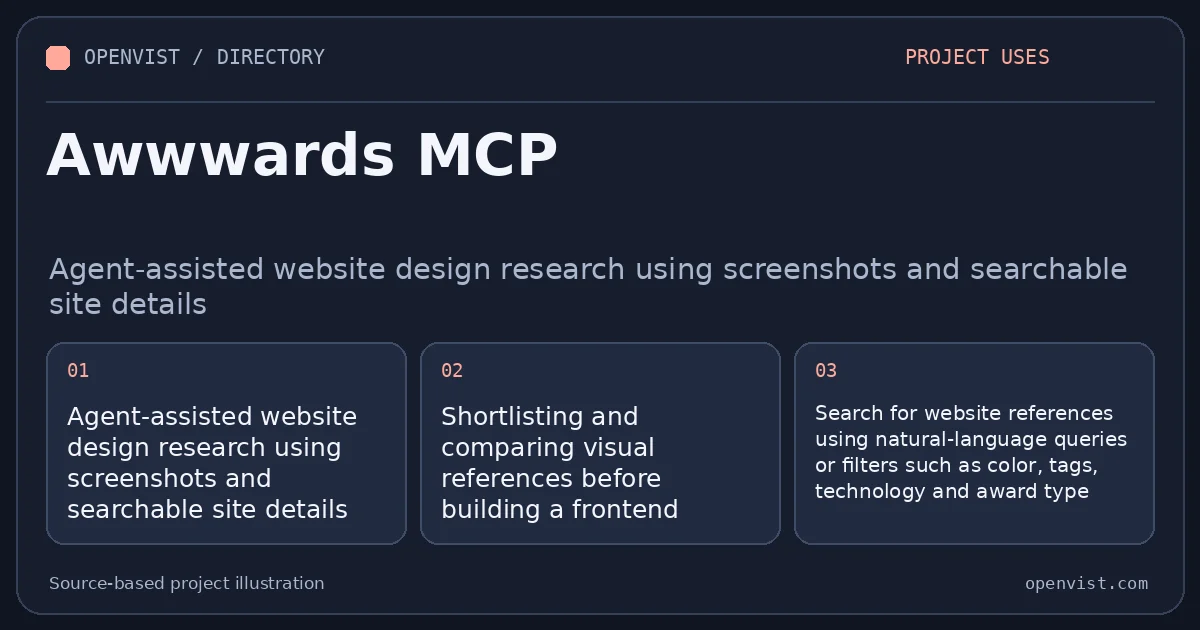
- Search for website references using natural-language queries or filters such as color, tags, technology and award type.
- Review screenshots and retrieve a selected site's palette, technologies, design elements and award history.
- Compare two or three sites or generate a cited design brief from selected site records.
Requirements & limits
The README documents a local setup with no API key or account requirement. Node.js 22.13 or later is required. The core npx setup does not run browser-dependent tools.
- The core workflow runs locally through an MCP-compatible coding agent and uses npx.
- The basic npx setup is limited to the no-browser tool path; live-site capture, page analysis, motion recording and build verification require a browser-enabled installation.
- The project is open source, written in TypeScript and licensed under MIT.
Check current requirements in the official documentation. Source-based guidance does not mean OpenViST has run or independently tested this project.
Connect Awwwards MCP to Claude Code
Configure Claude Code to start the Awwwards MCP server using the documented npx setup.
Before you start
- Node.js 22.13 or later
- Claude Code
Steps
Run
claude mcp add awwwards -- npx -y awwwards-mcp.Use the configured MCP server from Claude Code.
Expected outcome
Claude Code is configured to launch Awwwards MCP through npx.
Guide limitations
- This is the core, no-browser setup; browser-dependent tools return an installation hint rather than running.
- The server may refresh its index and check npm at startup.
Compare options for AI coding assistance
These projects document a common task and share a project role. This is a source-based comparison, not an execution benchmark or a guarantee of interchangeability.
| Project | Documented purpose | Platform | Access and requirements |
|---|---|---|---|
| Awwwards MCP | Search for website references using natural-language queries or filters such as color, tags, technology and award type. | CLI | The README documents a local setup with no API key or account requirement. Node.js 22.13 or later is required. The core npx setup does not run browser-dependent tools. |
| Codex Bridge | Authorize project directories for chat-driven file and command tasks. | macOS, Windows, Linux, Desktop, Self-hosted | The project is self-hosted and provides desktop builds for macOS, Windows and Linux. The documented ChatGPT or Dot Tunnel route requires Plus or higher, or a team subscription. Windows requires WebView2 Runtime; the macOS installer is ad-hoc signed and not Apple-notarized. |
| O3 Search MCP | Investigate difficult bugs by asking an agent to consult OpenAI and search sources such as GitHub issues and Stack Overflow. | CLI, Server | An OpenAI API key is required. The README says o3 API access requires tier 4 or organization verification; o4-mini and gpt-5 are also listed as model options. |
Sources & review
Source record details
- Source availability
- Active
- Sources checked
- 21 November 2026
- Original website title
- INSANE0777/Awwwards-mcp · Official homepage title · retained in its source language