
Practical overview
When it fits
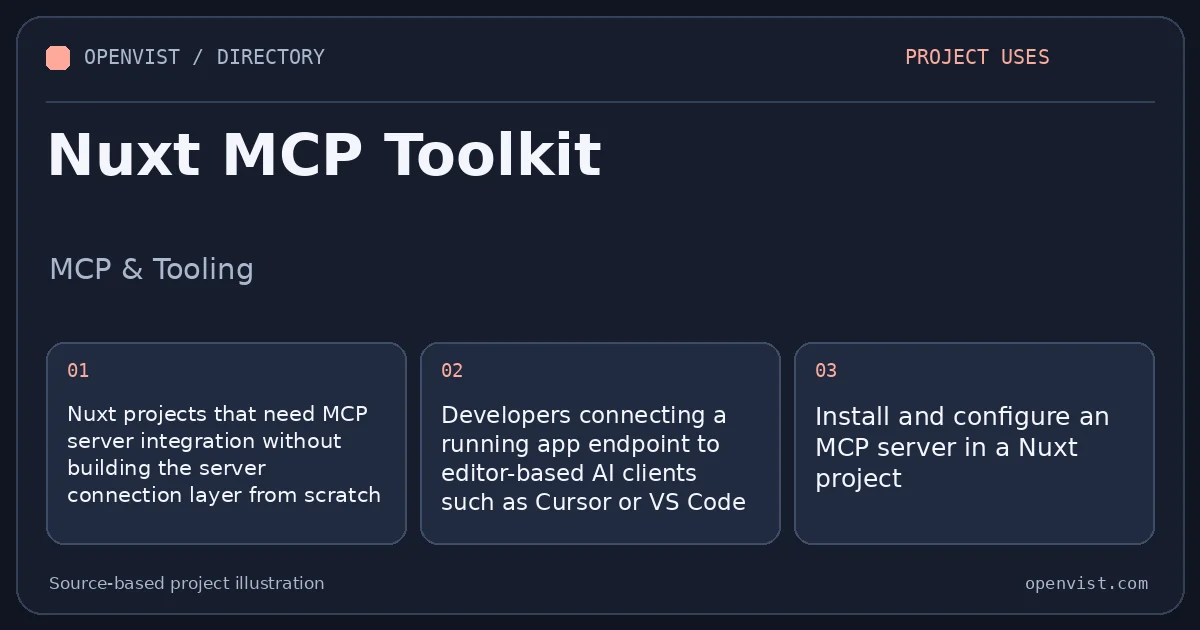
Use it when a Nuxt application needs an MCP endpoint through which assistants can access capabilities that the application defines.
Who it is for
- Developers building applications with Nuxt 3 or Nuxt 4.
- Teams that want AI assistants to access selected application-defined tools, resources or prompts through MCP.
Documented uses
- Install and configure an MCP server in a Nuxt project.
- Expose application-defined capabilities through an MCP endpoint.
- Register a running endpoint with supported AI clients or provide installation links and badges for users.
Requirements & limits
- The documented prerequisites are Nuxt 3.x or 4.x and Node.js 18.x or later; Code Mode specifically needs Node.js 18.16.0 or later.
- The toolkit's installation documentation includes
zodas a peer dependency for manual installation. - The connection guide documents HTTP endpoints and recommends HTTPS for public endpoints.
- The toolkit documents an
X-MCP-Toolsheader for limiting which tools a client can access.
Check current requirements in the official documentation. Source-based guidance does not mean OpenViST has run or independently tested this project.
Install and configure the Nuxt MCP module
Add the toolkit to a Nuxt project and configure its MCP route and definitions directory.
Before you start
- Nuxt 3.x or 4.x
- Node.js 18.x or higher
- A package manager: npm, pnpm, yarn or bun
Steps
Install automatically with the command below, or manually install
@nuxtjs/mcp-toolkitandzodusing your package manager.npx nuxt add mcpAdd
@nuxtjs/mcp-toolkitto themodulesarray innuxt.config.ts.Optionally configure the server name, route and definitions directory under
mcp.Start the Nuxt development server and check the configured route; the guide says the default
/mcproute redirects to the configured browser redirect URL.
Expected outcome
The Nuxt project has the MCP module configured and its server route can be checked in development.
Guide limitations
- This setup guide does not establish that a particular application tool or assistant connection works.
- Code Mode, if enabled, requires Node.js 18.16.0 or higher.
Register a running Nuxt MCP server with Cursor or VS Code
Add a running server endpoint to a local Cursor or VS Code MCP configuration.
Before you start
- A Nuxt app with the MCP server running.
- The server endpoint URL, using
/mcpunless a custom route is configured.
Steps
For Cursor, add the server URL under
mcpServersin~/.cursor/mcp.json.For VS Code, add the endpoint under
serversin.vscode/mcp.jsonwithtypeset tohttp.Replace the example server name and URL with the project name and the actual host, port and configured route.
Expected outcome
The server endpoint is represented in the selected editor's documented MCP configuration.
Guide limitations
- The guide describes local configuration examples; production connections use the deployed host and should use HTTPS.
- This recipe covers registration configuration, not verification that a client can use every exposed capability.
Sources & review
Source record details
- Source availability
- Active
- Sources checked
- 20 November 2026
- Original website title
- Expose your Nuxt app to any LLM with MCP — Nuxt MCP Toolkit - Nuxt MCP Toolkit · Official homepage title · retained in its source language