
Practical overview
When it fits
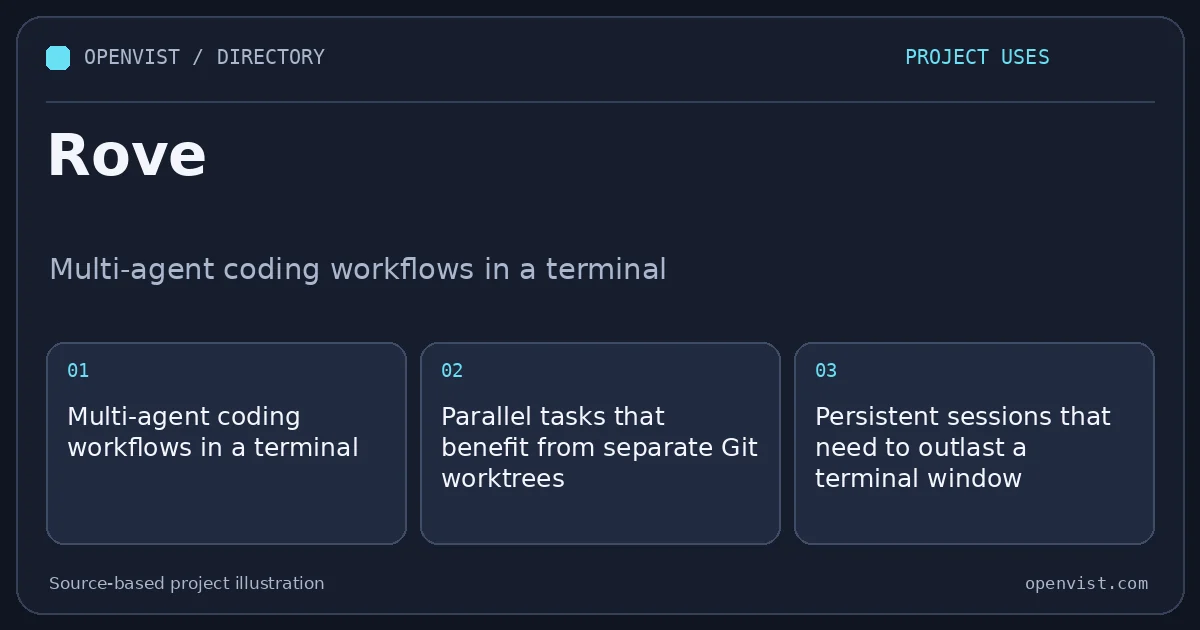
Use Rove when coordinating work across coding-agent CLIs, separating concurrent tasks into worktrees, or returning to persistent sessions. Its iPhone client is relevant when you also need remote task and terminal controls through a configured Mac bridge.
Who it is for
- Developers who use multiple coding-agent CLIs.
- Developers who want to run coding tasks in parallel with separate worktrees.
- Rove users who want to monitor and control tasks from an iPhone using a Mac-side bridge.
Documented uses
- Switch a coding task between supported agent CLIs.
- Run parallel coding tasks in isolated Git worktrees.
- Continue agent sessions after closing the terminal.
- Create child tasks that continue a conversation or branch work into a new worktree.
- View and control Rove tasks from an iPhone connected through the Mac bridge.
Requirements & limits
- The documented agent ecosystem includes Claude Code, Codex, GitHub Copilot, Gemini CLI and OpenCode.
- Rove supports task handoffs, worktree isolation and sessions that persist after the terminal closes.
- The iPhone client depends on a Mac-side bridge; the bridge is off until started and defaults to loopback listening.
- The bridge documentation describes Tailscale and Cloudflare Tunnel presets for remote phone access.
Check current requirements in the official documentation. Source-based guidance does not mean OpenViST has run or independently tested this project.
Set up the Rove iOS bridge and pair a phone
Start the Mac-side bridge and connect the Rove Mobile app to it using a pairing URL or QR code.
Before you start
- A checkout of the Rove repository with Bun available.
- A Mac running Rove; the bridge connects to the same daemon and PTY Host used by the TUI.
- For a real phone, use the documented Tailscale or Cloudflare preset. Cloudflare pairing also requires the CF-Access client ID and secret from an Access service token.
Steps
From the repository checkout, run
bun install.Start the bridge with
bun run --filter rove-bridge startfor the real Rove home, or usebun run --filter rove-bridge devfor the dev:sandbox home; the documented named sandbox form isbun run --filter rove-bridge dev -- --name ios. For a real phone, configure a documented remote preset as described in the bridgeUse the pairing URL or QR code printed by the bridge. In Rove Mobile, open Settings and scan the code or paste the URL. Alternatively, open a
rove://pair?url=link.Choose the matching network option in the app. For Cloudflare, enter the CF-Access client ID and secret. The app stores the connection settings in the iOS Keychain and connects.
Expected outcome
The phone connects to the Mac through the bridge and can display task information and hosted terminal sessions; the bridge prints pairing information when it starts.
Guide limitations
- The bridge is off unless started and listens on loopback by default; a real phone requires a documented remote-access configuration.
- Plain WebSocket access on a LAN is not supported for remote use because the token and terminal output are sent in cleartext.
- Treat the pairing URL like a password. A bridge token grants the app's documented task and terminal capabilities.
- The phone does not retain copies of tasks, files, or sessions; task state remains on the Mac.
Compare options for Agent orchestration
These projects document a common task and share a project role. This is a source-based comparison, not an execution benchmark or a guarantee of interchangeability.
| Project | Documented purpose | Platform | Access and requirements |
|---|---|---|---|
| Rove | Switch a coding task between supported agent CLIs. | macOS, Linux, CLI, Desktop | |
| Nac | Keep a coding agent aligned with a longer project task by retaining its goals and session history. | CLI | Nac is available as an open-source project under the Apache-2.0 license. The documented stable-release installer puts `nac-web` in `$HOME/.local/bin`; the local dashboard defaults to `http://127.0.0.1:3210`. |
Sources & review
Source record details
- Source availability
- Active
- Sources checked
- 20 November 2026
- Original website title
- Rove: all your coding agents, in one place · Official homepage title · retained in its source language