
Practical overview
When it fits
Use it when a Claude Code session needs to continue after a recognized interruption, particularly when a remote or unattended session must survive a terminal disconnect or the native usage-limit wait does not apply.
Who it is for
- Claude Code users running long or unattended tasks over SSH or in tmux.
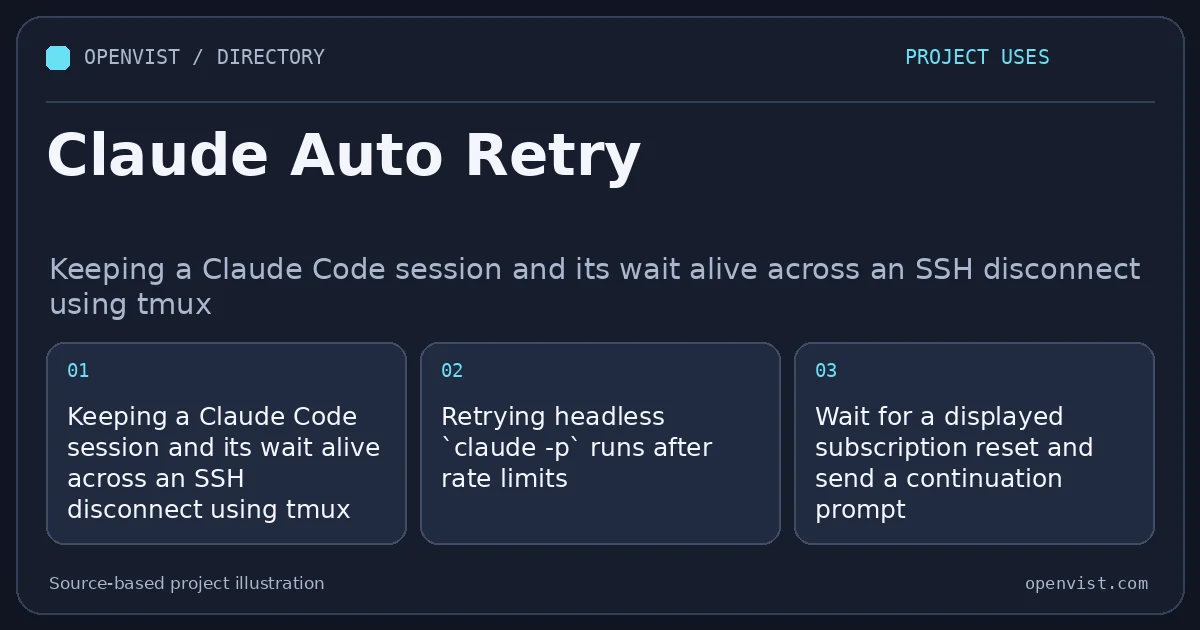
- Developers piping headless `claude -p` output into another command and needing rate-limit retries.
Documented uses
- Wait for a displayed subscription reset and send a continuation prompt.
- Retry transient API overload and 5xx errors with exponential backoff and jitter.
- Resume selected safeguard false positives or interrupted streams.
- Buffer headless print-mode output, retry after a rate limit, and return a single response.
Requirements & limits
The repository identifies the project as MIT-licensed. The documented prerequisites are Node.js 18 or later and tmux 2.1 or later; the README says tmux is auto-installed if missing.
- Claude Code's native auto-continue covers the standard interactive subscription-limit wait when the session remains open, so that specific use may not require this tool.
- The project relies on recognizing terminal output; custom regex patterns are matched against raw recent lines and can introduce false positives.
- Bash and zsh support automatic shell setup; fish setup is manual.
- Print mode buffers output and retries rate-limited runs, but the documented print-mode behavior is not a general retry mechanism for every error type.
Check current requirements in the official documentation. Source-based guidance does not mean OpenViST has run or independently tested this project.
Configure retry behavior
Set optional retry and detection settings in the user configuration file.
Before you start
- Node.js 18 or later.
- Create or edit
~/.claude-auto-retry.json. All configuration fields are optional.
Steps
Create
~/.claude-auto-retry.json.Add supported JSON settings such as
maxRetries,pollIntervalSeconds,marginSeconds,fallbackWaitHours,retryMessage, orcustomPatterns.Save the file; invalid values fall back to defaults automatically.
Expected outcome
The tool uses configured retry, wait, message, or custom-pattern settings, with defaults for omitted or invalid values.
Guide limitations
- Custom patterns match raw recent terminal lines and can cause false positives; users are responsible for that tradeoff.
- This covers configuration only; installation and session execution are not described here.
Sources & review
Source record details
- Source availability
- Active
- Sources checked
- 16 November 2026
- Original website title
- cheapestinference/claude-auto-retry · Official homepage title · retained in its source language