
Practical overview
When it fits
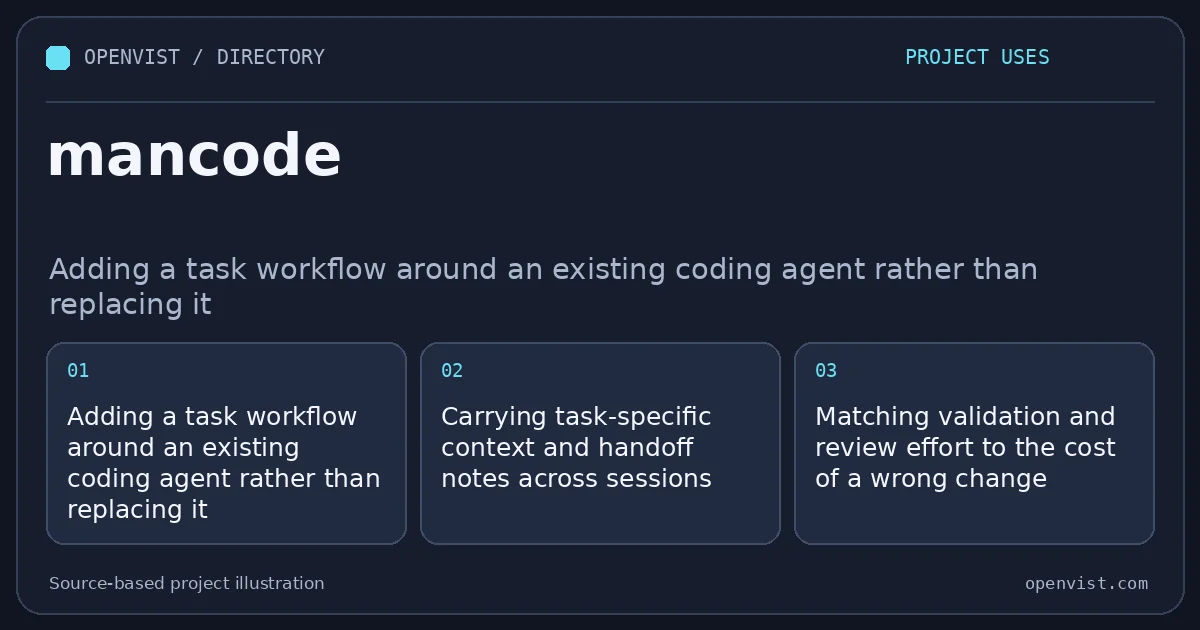
Use mancode when you want a coding agent to work with project-specific context and structured task records, especially when a bug needs regression checks or a consequential change warrants planned review.
Who it is for
- Developers using coding agents such as Claude Code, Cursor or Codex
- Teams that want shared project context and handoff records
- Developers who want task review and verification depth to reflect the risk of a change
Documented uses
- Initialize generated workflow instructions for a coding agent in a project.
- Choose a lightweight, bug-focused or risk-governed workflow for a coding task.
- Record task goals, requirements, plans, validation results and handoff notes for later sessions.
- Check whether generated adapter files are present and ready.
Requirements & limits
The CLI requires Node.js 22 or newer. Documentation describes local project operation and no telemetry.
- The CLI scans the current project and stores workflow records and generated adapter files there.
- A new session must identify its own client and explicitly resume a task; session histories remain isolated.
- Generated workflow evidence may contain sensitive data, so review records before sharing or committing them.
- Team mode can use shared memory; Git is optional and improves team-mode detection.
- Design policy for UI work is opt-in and is not created by initialization.
Check current requirements in the official documentation. Source-based guidance does not mean OpenViST has run or independently tested this project.
Initialize mancode in a project
Install the CLI, initialize a project and check whether the selected agent adapter files are ready.
Before you start
- Node.js 22 or newer
- An existing project directory, or an intentionally empty directory
- A supported shell: Windows CMD, PowerShell or Git Bash are documented
Steps
Install the CLI with the command below.
npm install -g mancodeEnter the project directory and run
mancode init; choose one or more agent adapters when prompted. For targeted initialization, use the documented--platformoption.Run
mancode statusto see the project mode, installed adapters and their readiness.Reload or restart the coding agent after initialization.
Expected outcome
The selected adapter’s generated files can be checked for readiness, and the agent can reload its instructions for subsequent work.
Guide limitations
- A ready status means required generated files are present; it does not confirm that an already-open agent session has reloaded them.
- Git is optional and only improves team-mode detection.
- The initializer does not change the project’s .gitignore; review generated records before sharing or committing them.
Compare options for AI coding assistance
These projects document a common task and share a project role. This is a source-based comparison, not an execution benchmark or a guarantee of interchangeability.
| Project | Documented purpose | Platform | Access and requirements |
|---|---|---|---|
| mancode | Initialize generated workflow instructions for a coding agent in a project. | CLI, Self-hosted | The CLI requires Node.js 22 or newer. Documentation describes local project operation and no telemetry. |
| Nac | Keep a coding agent aligned with a longer project task by retaining its goals and session history. | CLI | Nac is available as an open-source project under the Apache-2.0 license. The documented stable-release installer puts `nac-web` in `$HOME/.local/bin`; the local dashboard defaults to `http://127.0.0.1:3210`. |
| Honey (I Shrunk the AI) | Encourage an assistant to choose a minimal implementation, starting with whether new code is needed and considering existing language features or dependencies. | CLI | The repository is public and MIT-licensed. The README documents Claude Code plugin installation and points users of other platforms to separate instructions. |
Sources & review
Source record details
- Source availability
- Active
- Sources checked
- 11 November 2026
- Original website title
- mancode — AI Coding Agent Workflow for Claude Code & Codex · Official homepage title · retained in its source language