
Practical overview
When it fits
Use Syda when test fixtures need linked synthetic records, document outputs, or both, and a Python code workflow with an LLM provider suits the project.
Who it is for
- Python developers preparing realistic relational test datasets.
- Teams testing data-processing workflows that need synthetic documents linked to structured records.
- Developers who want to generate data from schemas inferred from a database.
Documented uses
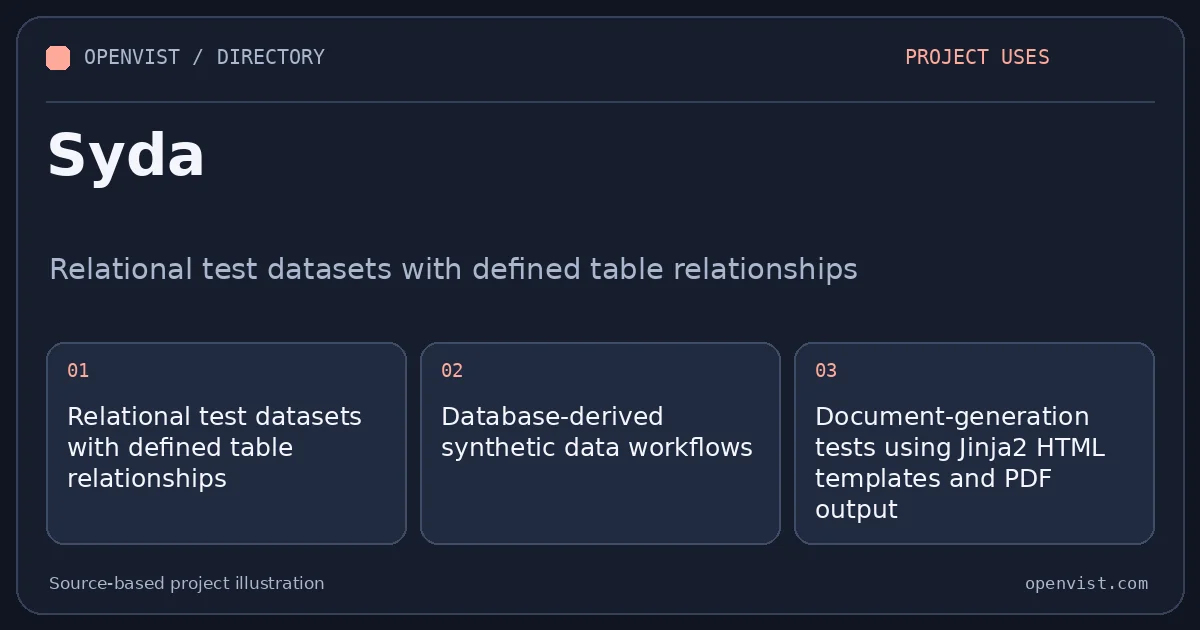
- Generate linked records across tables while preserving foreign-key relationships.
- Create synthetic test data from an existing database's inferred schemas.
- Produce template-based documents such as invoices, contracts or reports using generated data.
- Create PDF test fixtures from HTML or Markdown templates.
Requirements & limits
- The quick start requires a valid API key for the chosen model provider.
- The documentation names OpenAI, Anthropic and Google providers; its quick-start example uses Anthropic.
- Existing-database generation uses SQLAlchemy and requires the relevant database driver.
- The document-generation guide describes HTML templates using Jinja2 and PDF output from HTML or Markdown templates.
Check current requirements in the official documentation. Source-based guidance does not mean OpenViST has run or independently tested this project.
Prepare Syda for schema-based data generation
Install Syda, configure a provider key and define a relational schema for the documented generation example.
Before you start
- Python environment with pip
- Valid API key for the chosen model provider
- A provider and model name for ModelConfig
Steps
Install the package with the command below.
pip install sydaSet the chosen provider's API key in a
.envfile or as an environment variable.Create a ModelConfig with the provider and model name, then initialize SyntheticDataGenerator.
Define schemas, foreign-key relationships and sample sizes, then call
generate_for_schemaswith an output directory.
Expected outcome
The example is configured to generate related synthetic records for the supplied schemas in the specified output directory.
Guide limitations
- Generation requires a valid provider API key.
- The documented example describes a code workflow; it does not establish that it was executed.
Generate data from an existing database
Use the documented database loader workflow to infer schemas and generate related synthetic rows.
Before you start
- Syda and SQLAlchemy installed
- A SQLAlchemy-compatible database and connection string
- The database's required driver; the documentation gives psycopg2-binary for PostgreSQL and pymysql for MySQL
- A valid model-provider API key
Steps
Install Syda and SQLAlchemy, plus the driver required for the database.
Create a SyntheticDataGenerator with a ModelConfig and initialize DatabaseSchemaLoader with the database connection string.
Call
load_schemas()and pass the returned schemas togenerate_for_schemaswith an output directory.Use
write_to_database(results)to write generated rows back in foreign-key-safe order.
Expected outcome
The documented workflow infers schemas from the database, generates synthetic data and provides a step for writing rows back.
Guide limitations
- The example requires database credentials and an appropriate SQLAlchemy driver.
- The documentation lists compatible database families but does not establish execution against a particular database.
Sources & review
Source record details
- Source availability
- Active
- Sources checked
- 20 November 2026
- Original website title
- Syda - AI-Powered Synthetic Test Data Generation | Python Library - Syda Documentation · Official homepage title · retained in its source language