
Practical overview
When it fits
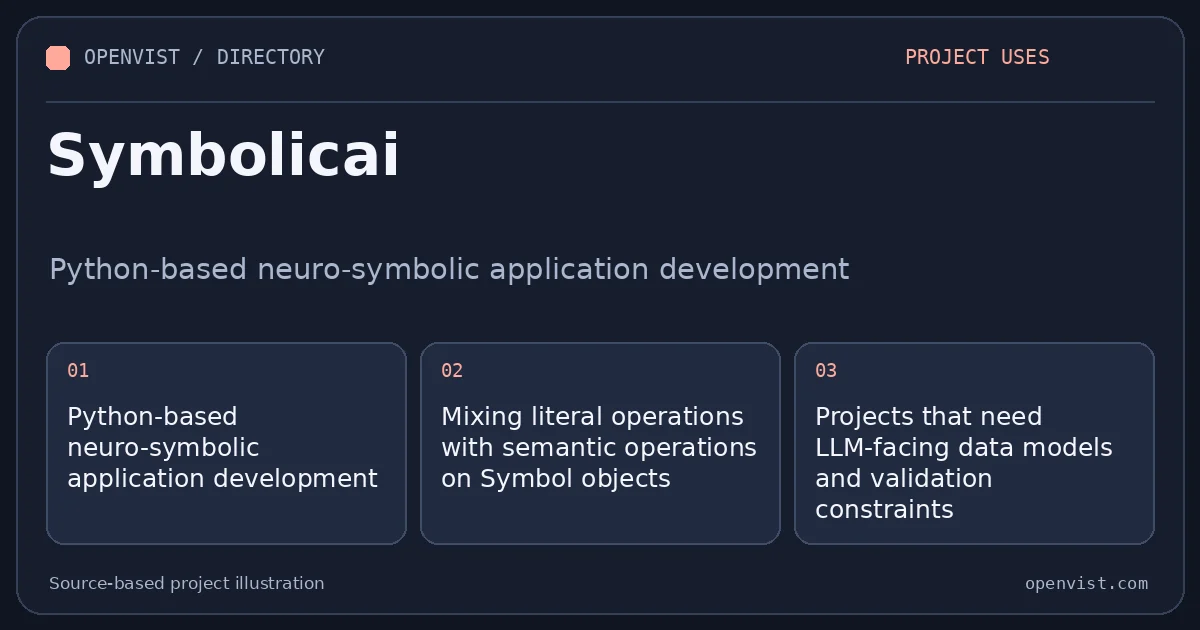
Use it when building a Python application that needs both conventional code and language-model-driven semantic operations, especially where structured models and validation are part of the design.
Who it is for
- Python developers building applications that combine conventional logic with LLM-based semantic operations.
- Teams that want structured data models and validation constraints around LLM work.
- Developers evaluating configurable engines and optional capabilities such as search or image generation.
Documented uses
- Compose semantic operations with ordinary Python values and logic.
- Apply meaning-aware mapping, matching, clustering or similarity operations to data.
- Define structured LLM-facing models with field descriptions and validation.
- Configure a neuro-symbolic engine and, where needed, optional integrations.
Requirements & limits
The repository is public and specifies a BSD-3-Clause license. The README documents installation through pip or a Python environment set up with uv.
- A neuro-symbolic engine must be configured to use the package.
- Symbols are syntactic by default; semantic behavior is opted into through projections, construction options or semantic operations.
- Optional extras are installed separately, and the README cautions that some need extra setup or are experimental.
- The README documents local engine hosting and custom engines alongside integrations for web search and image generation.
Check current requirements in the official documentation. Source-based guidance does not mean OpenViST has run or independently tested this project.
Install and configure SymbolicAI
Install the Python package, initialize its configuration files and prepare an engine configuration.
Before you start
- Python environment
- pip, or a repository checkout and uv (the README specifies uv >= 0.9.17 for its checkout workflow)
- A neuro-symbolic engine; the package requires one
- Engine configuration, including required API keys where applicable
Steps
Install with the command below, or follow the documented repository checkout and uv setup.
pip install symbolicaiRun
symconfigto initialize and inspect the configuration setup.Edit
symai.config.jsonwith the selected neuro-symbolic engine settings.
Expected outcome
The package is installed and its configuration is prepared for use with a neuro-symbolic engine.
Guide limitations
- Some optional dependencies require additional installation steps.
- The README says some optional features are experimental and may not work as expected.
Sources & review
Source record details
- Source availability
- Active
- Sources checked
- 3 November 2026
- Original website title
- ExtensityAI/symbolicai · Official homepage title · retained in its source language