
Practical overview
When it fits
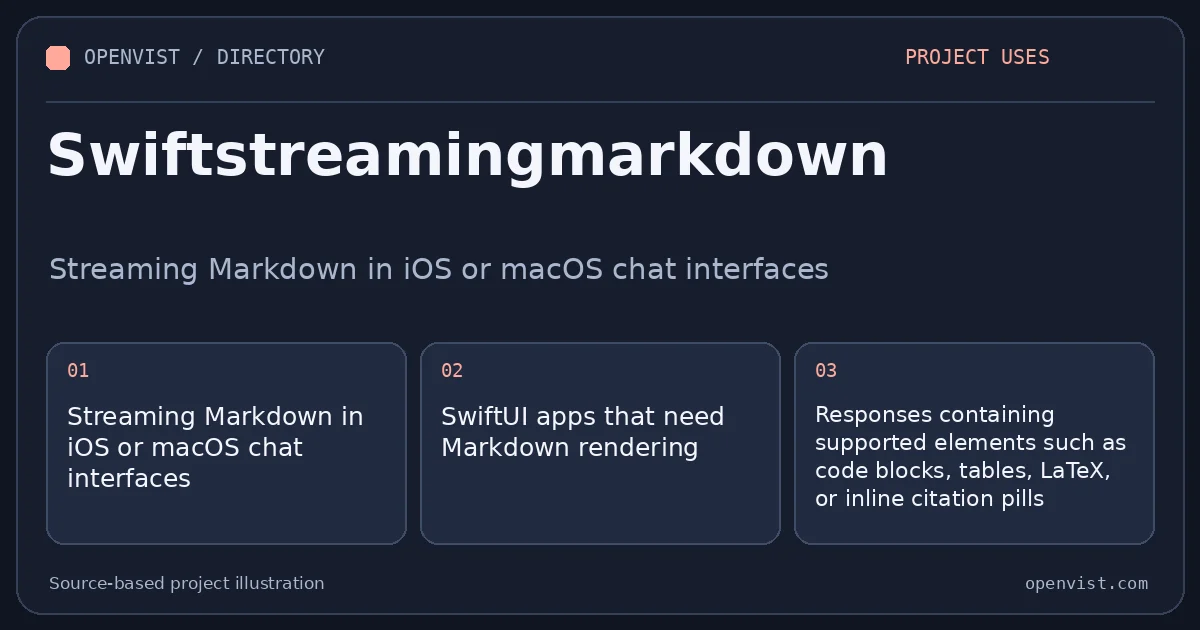
Use it when a Swift app needs formatted Markdown to appear incrementally rather than waiting for a complete response, or when it needs a native Markdown view for static text.
Who it is for
- Swift developers building iOS or macOS interfaces that display Markdown.
- Teams building chat-style views for progressively received or generated responses.
Documented uses
- Render Markdown text in a Swift application.
- Display a response progressively as complete, growing Markdown snapshots arrive.
- Style rendered headings, paragraphs, lists, tables, and citations through render configuration.
- Receive callbacks for rendering and documented user interactions.
Requirements & limits
Distributed exclusively as a Swift Package. The repository specifies an MIT license.
- The documented platform baselines are iOS 16+ and macOS 14+, with Swift 5.9.
- Streaming input must provide full snapshots of the source-so-far, not individual text deltas.
- Raw HTML, footnotes, GitHub alerts, and Mermaid or PlantUML diagrams are among the unsupported syntax.
- Integration adds approximately 1 MB to App Store download size, with actual size dependent on architecture and compression.
Check current requirements in the official documentation. Source-based guidance does not mean OpenViST has run or independently tested this project.
Add Swiftstreamingmarkdown to an Xcode app
Add the Swift package and its product to an app target using the documented Xcode workflow.
Before you start
- An Xcode app project
- An iOS 16+ or macOS 14+ target
Steps
In Xcode, choose File ▸ Add Package Dependencies…
Enter https://github.com/microsoft/SwiftStreamingMarkdown.
Select a version rule and add the SwiftStreamingMarkdown product to the app target.
Expected outcome
The package product is added as an app-target dependency; the README separately documents MarkdownView for static Markdown and StreamedMarkdownView for incrementally growing Markdown.
Guide limitations
- The streaming source must emit full, progressively larger Markdown snapshots, not deltas.
- The README estimates about 1 MB added to App Store download size; actual size varies with architecture slices and compression.
Sources & review
Source record details
- Source availability
- Active
- Sources checked
- 16 November 2026
- Original website title
- microsoft/SwiftStreamingMarkdown · Official homepage title · retained in its source language