
Practical overview
When it fits
Use it when learning OpenCode or looking up its configuration and extension concepts; consult the relevant topic for a focused task rather than treating the repository as the agent itself.
Who it is for
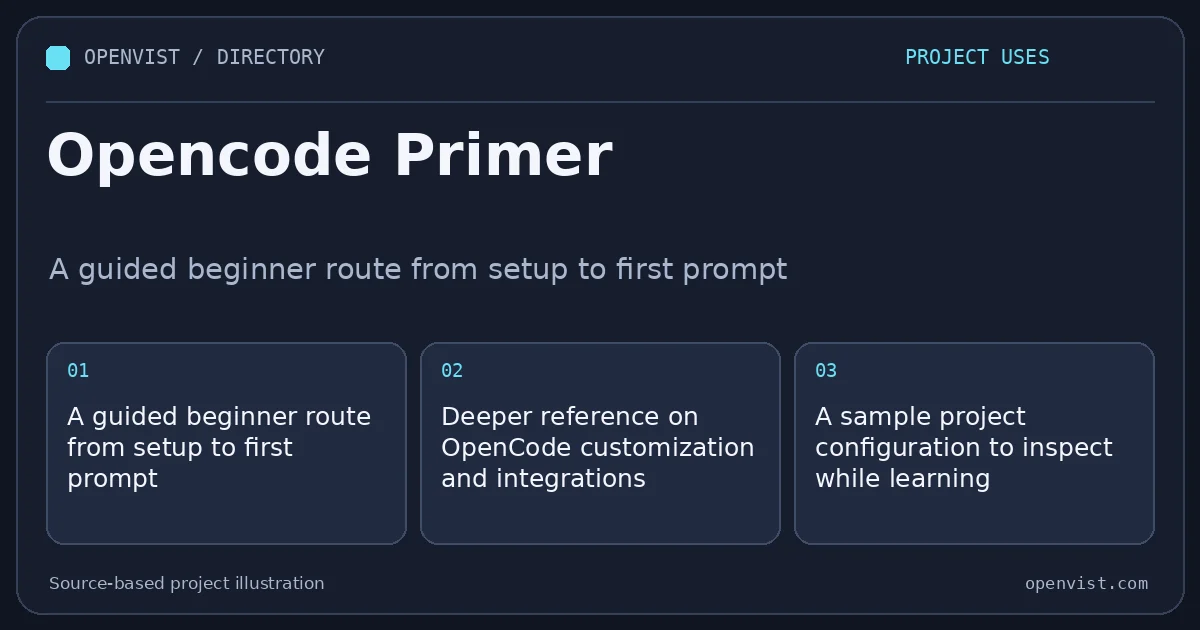
- Developers who are new to OpenCode and want a guided setup and first-prompt path.
- OpenCode users seeking reference material for custom commands, agents, skills, plugins, MCP or headless CI.
Documented uses
- Learn how to install OpenCode and authenticate with a model provider.
- Get started with a coding agent in an existing project.
- Understand how to configure project instructions and extend OpenCode with agents, skills, plugins and MCP servers.
- Explore OpenCode’s documented headless and CI use cases.
Requirements & limits
The guide is in a public GitHub repository identified as MIT-licensed.
- This is educational documentation, not an AI coding-agent application.
- The guide’s example configuration includes agents, commands, plugins, skills, project instructions and an OpenCode configuration file.
- The repository says it is community-maintained and not affiliated with the OpenCode team.
- The guide cautions that documentation may lag releases and recommends reviewing agent changes and running tests.
Check current requirements in the official documentation. Source-based guidance does not mean OpenViST has run or independently tested this project.
Install OpenCode and start a first project session
Follow the guide’s documented setup path to authenticate and try a first prompt in a project.
Before you start
- A project directory to work in.
- An OpenCode installation, using one of the installation methods listed in the guide.
- A model provider account or access method for the authentication step.
Steps
Install OpenCode using the documented shell installer or another listed installer appropriate to your environment.
Run
opencode auth loginand select a provider.Change to your project directory and run
opencode.Try a prompt such as asking OpenCode to explain the codebase or find a failing test.
Expected outcome
An authenticated OpenCode session in the project, ready for a first coding-agent prompt.
Guide limitations
- The guide’s setup section does not specify provider pricing or account terms.
- AI-generated code can be wrong; review changes and run relevant tests.
Sources & review
Source record details
- Source availability
- Active
- Sources checked
- 15 November 2026
- Original website title
- wesammustafa/opencode-primer · Official homepage title · retained in its source language