
Practical overview
When it fits
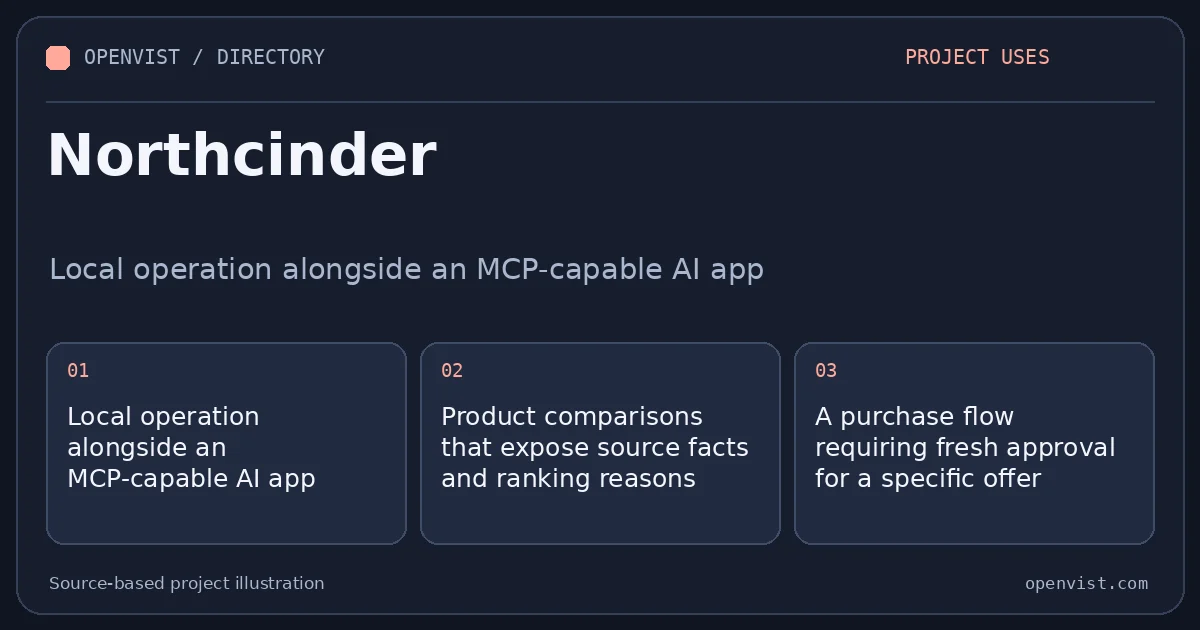
Use it when a shopping agent needs to compare offers across selected sources and keep the purchase decision with the buyer.
Who it is for
- People using an MCP-capable AI app for shopping research.
- Developers adding product comparison and explicit buyer approval to a shopping agent.
Documented uses
- Compare product offers across selected store sources.
- Review why products ranked, alongside finalists, rejected offers and unverified facts.
- Require approval for one exact offer before checkout.
- Continue product research through an AI app’s own browser or search tools when a native store connection is missing.
Requirements & limits
Northcinder is run by the user; the repository owner does not operate a Northcinder account or cloud service. Local mode is keyless. The project is open source under the MIT license.
- Requires Node.js 20 or later and an MCP-capable AI app.
- Built-in adapters cover Shopify, WooCommerce, eBay and Etsy, with read-only Amazon comparison.
- Store coverage varies; unavailable or unconfigured sources are reported rather than represented as complete coverage.
- Checkout approval is separate from recommendations and applies once to one exact offer and one unit.
- Raw card details are rejected; documented checkout options are an opaque payment token for supported automated checkout or a cart link for browser completion.
Check current requirements in the official documentation. Source-based guidance does not mean OpenViST has run or independently tested this project.
Set up Northcinder in local mode
Initialize local configuration and obtain the MCP entry for an AI app.
Before you start
- Node.js 20 or later
- An MCP-capable AI app
Steps
Run the command below.
npx northcinder initUse the printed MCP entry to connect Northcinder to the AI app.
Expected outcome
Configuration is saved on the computer, and the command prints the MCP entry. Local mode runs the server and search engine together without an API key.
Guide limitations
- This setup does not configure store connections or document a completed shopping search.
- Store coverage depends on availability and configuration.
Sources & review
Source record details
- Source availability
- Active
- Sources checked
- 4 November 2026
- Original website title
- cinderline/northcinder · Official homepage title · retained in its source language