
Practical overview
When it fits
Use Lagune when you want an AI agent to structure defensive security work during development or to guide a staged review of existing source code.
Who it is for
- Developers who want an AI coding agent to review and harden a project as they build.
- Teams using an AI agent to assess an existing codebase and track security fixes through verification.
Documented uses
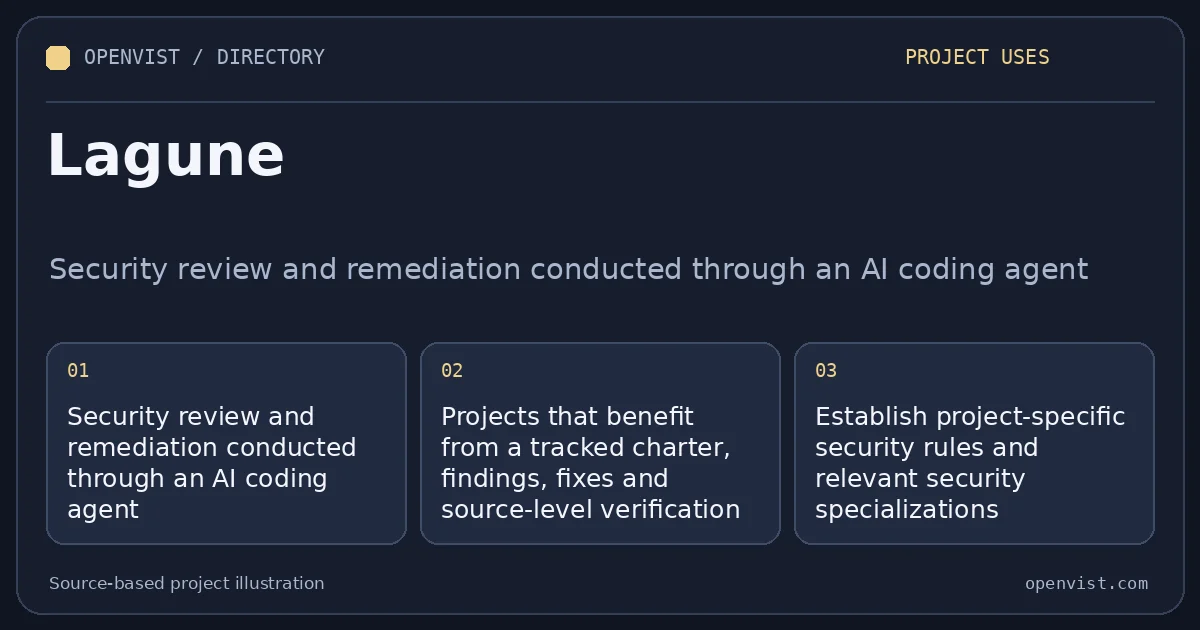
- Establish project-specific security rules and relevant security specializations.
- Map code-level risks and pair findings with proposed fixes.
- Apply defensive changes and check them against the source code.
- Run a read-only sweep that reports flaws and fixes without changing Lagune tracking.
Requirements & limits
Node.js LTS is required. Installation method depends on the AI agent; the documentation also provides an npm command for installing Lagune in a project for offline use.
- Lagune reviews source code and does not run the system or send crafted requests; it does not answer live-runtime security questions.
- The phased workflow tracks findings across runs, while the documented shallow scan is read-only and does not write to Lagune tracking.
- The skills CLI installs slash commands in the project; an agent plugin keeps them inside the agent.
- Lagune runs on Node.js, but its documentation says it can audit and harden projects written in any programming language.
Check current requirements in the official documentation. Source-based guidance does not mean OpenViST has run or independently tested this project.
Install Lagune in a project with npm
Install Lagune as a project dependency for use with an AI agent.
Before you start
- Node.js LTS.
- A project where you can install npm dependencies.
Steps
From the project, install Lagune with the command below.
npm i -D lagune@0.21.0Choose the security specialization categories that fit the project; the documentation gives the command below as an example.
npx lagune write add --categories owaspUse the installation guidance for your chosen agent to connect Lagune: supported agents may use a plugin, extension, package, or the skills CLI.
Expected outcome
Lagune is installed in the project, with security specializations selected for the project. The first command that writes creates a `.lagune/` directory for its security state.
Guide limitations
- The installation command alone does not audit or harden the project.
- Agent-specific installation details are provided on the corresponding agent installation pages.
- Lagune reads source code; it does not run the application or test a live target.
Run Lagune’s sequential Blue Team audit flow
Run the documented charter, detection, planning, hardening, and verification stages in sequence.
Before you start
- Lagune installed and available to the chosen AI agent.
- An existing project for the audit.
Steps
Ask the agent to run
/lagune-charter.Run
/lagune-detect, then/lagune-plan, then/lagune-harden, in that order.Run
/lagune-verify.If verification rejects any fixes, repeat
/lagune-hardenand/lagune-verifyuntil the findings are resolved.
Expected outcome
The flow produces a project charter, maps and plans findings, applies fixes, and checks them against the source code.
Guide limitations
- Verification evaluates source code and does not establish whether controls withstand attacks on a live application.
- Lagune does not replace a penetration test or dynamic application security testing.
Compare options for AI coding assistance
These projects document a common task and share a project role. This is a source-based comparison, not an execution benchmark or a guarantee of interchangeability.
| Project | Documented purpose | Platform | Access and requirements |
|---|---|---|---|
| Lagune | Establish project-specific security rules and relevant security specializations. | CLI, Server, Self-hosted | Node.js LTS is required. Installation method depends on the AI agent; the documentation also provides an npm command for installing Lagune in a project for offline use. |
| Greyhaven | Observe agent filesystem reads and writes, network connections and command attempts. | Linux, macOS, CLI, Self-hosted | Greywall is described as running entirely on the user's machine, and no account is described as needed for its primary local command-line use. The source code is described as open and auditable. |
| Project CodeGuard | Make security rules available to a coding agent during code generation and review. |
Sources & review
Source record details
- Source availability
- Active
- Sources checked
- 20 November 2026
- Original website title
- AI-Driven Security Hardening for Any Codebase | Lagune · Official homepage title · retained in its source language