
Practical overview
When it fits
Use Capsule when an application needs to run untrusted code as a task and configure resource limits and sandbox access around that execution.
Who it is for
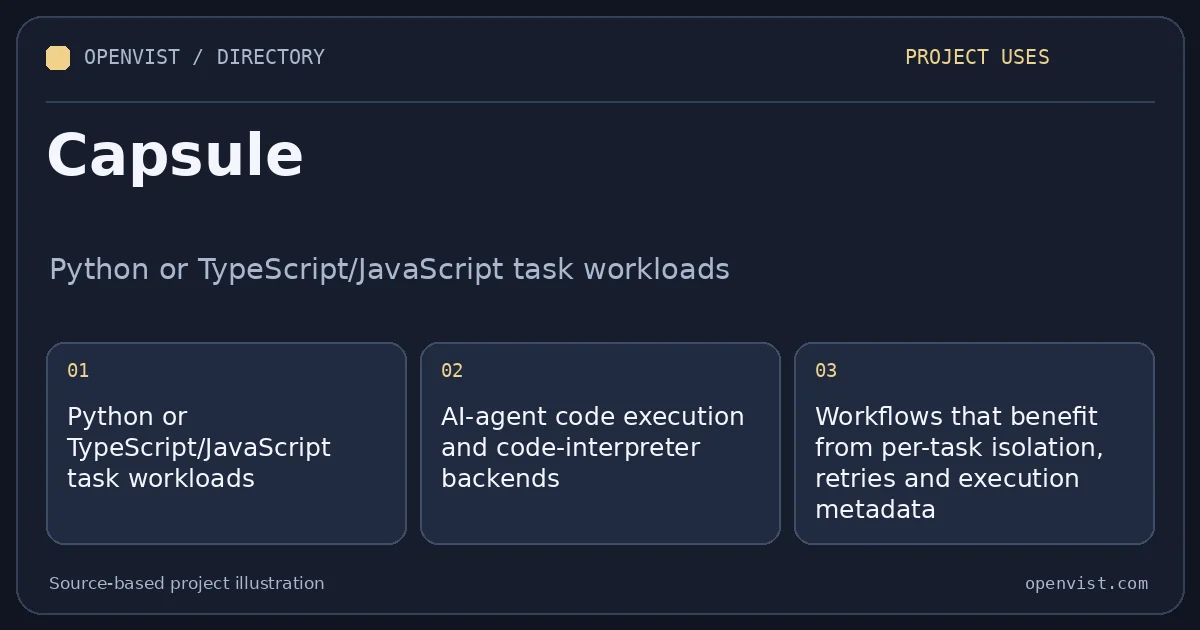
- Developers building AI-agent systems that need to execute untrusted code.
- Teams creating sandboxed code-interpreter backends or isolated execution services.
- Python and TypeScript/JavaScript developers who want task-level resource and access controls.
Documented uses
- Run generated or supplied code as isolated tasks.
- Set per-task CPU, memory and timeout limits.
- Restrict sandbox access to configured files, network hosts and environment variables.
- Invoke tasks from the CLI or from application code.
- Build WebAssembly artifacts ahead of time when reducing first-run compilation latency matters.
Requirements & limits
Capsule is documented as an open-source project under the Apache-2.0 license.
- Tasks execute in separate WebAssembly sandboxes and use WebAssembly fuel metering for CPU control.
- Compute levels include LOW, MEDIUM, HIGH and a custom fuel value; memory and timeout limits can also be configured.
- Files, hosts and environment variables accessible to a task can be configured.
- The README documents Python and TypeScript/JavaScript workflows, including CLI and programmatic runners.
- The README recommends ahead-of-time builds for use cases where first-call latency is critical.
Check current requirements in the official documentation. Source-based guidance does not mean OpenViST has run or independently tested this project.
Run a Python task with Capsule
Install the Python package, define a main task and run it through the Capsule CLI.
Before you start
- Python 3.13+ is listed for development setup.
- Install the
capsule-runPython package.
Steps
Install the package with the command below.
pip install capsule-runCreate a Python file that imports
taskfromcapsuleand defines a function decorated with@task(name="main", compute="LOW", ram="64MB").Run the file with
capsule run .py.
Expected outcome
Capsule compiles the task to WebAssembly and executes it in an isolated sandbox; task results use a structured JSON response.
Guide limitations
- The documented CLI flow uses a task named
mainas its entry point. - Source-file execution includes compilation at run time; the README says this adds latency on the first call.
Run a TypeScript task with Capsule
Install the JavaScript CLI and SDK, define a main task and invoke it with the CLI.
Before you start
- Node.js 22+ is listed for development setup.
- Install
@capsule-run/cliand@capsule-run/sdk.
Steps
Install the CLI with the command below.
npm install -g @capsule-run/cliInstall the SDK with the command below.
npm install @capsule-run/sdkCreate a TypeScript file importing
taskfrom@capsule-run/sdkand export a task namedmain.Run the file with
capsule run .ts.
Expected outcome
Capsule compiles and executes the defined task in an isolated WebAssembly sandbox.
Guide limitations
- The TypeScript task name is required in the documented configuration.
- Source-file execution includes compilation at run time; the README says this adds latency on the first call.
Sources & review
Source record details
- Source availability
- Active
- Sources checked
- 20 November 2026
- Original website title
- capsulerun/runtime · Official homepage title · retained in its source language