
Practical overview
When it fits
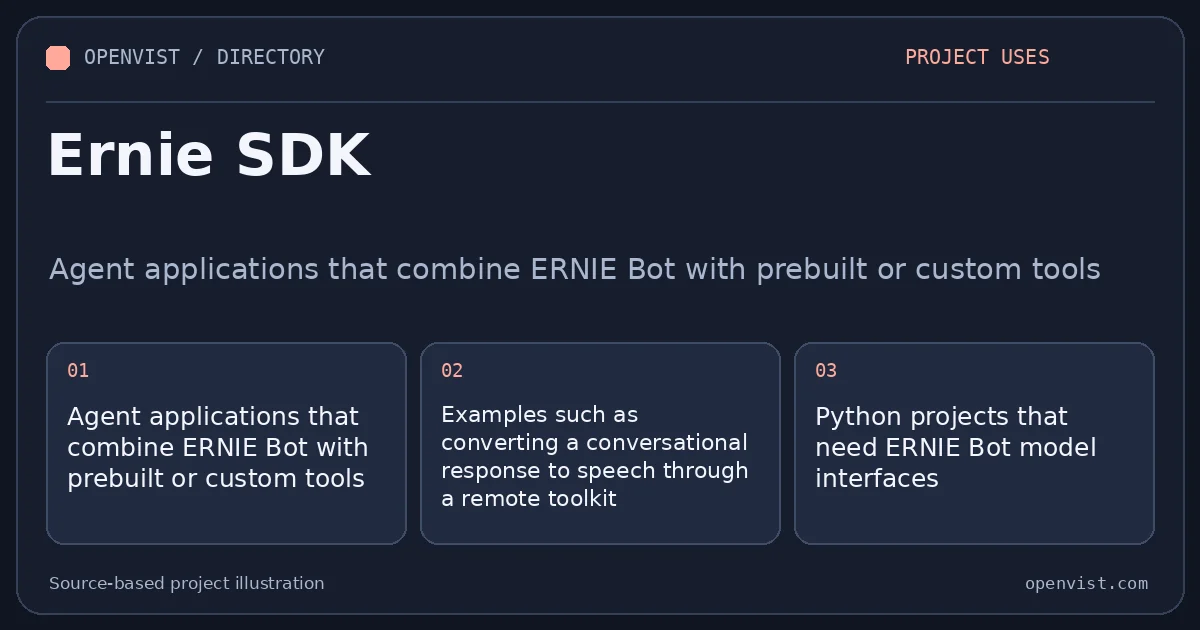
Use the agent component when an ERNIE-backed application needs function-calling orchestration across tools or knowledge-base components. Use ERNIE Bot interfaces directly for the listed model tasks without building an agent workflow.
Who it is for
- Python developers building tool-using agents with ERNIE Bot.
- Developers integrating knowledge-base components into an agent application.
- Application developers needing ERNIE Bot interfaces for generation, conversation, embeddings or image generation.
Documented uses
- Create a conversational agent that selects and invokes tools.
- Add local or remote tools to an agent.
- Combine an agent with a knowledge base, including the named LangChain and LlamaIndex options.
- Call ERNIE Bot interfaces for text, conversation, embeddings or image generation.
Requirements & limits
The quick-start requires an AI Studio account and access token. The repository documents Python 3.8 or later and Linux, Windows and macOS. Both components are identified as Apache-2.0 licensed.
- Agent tool selection and orchestration are based on ERNIE Bot function calling.
- The repository includes both the agent framework and separate ERNIE Bot interfaces.
- Knowledge-base choices documented include a platform integration and LangChain or LlamaIndex for further development.
- The quick-start's remote text-to-speech tool is obtained through AI Studio.
Check current requirements in the official documentation. Source-based guidance does not mean OpenViST has run or independently tested this project.
Install ERNIE Bot Agent and prepare the quick-start
Install the SDK components and configure the documented AI Studio access token before running the agent example.
Before you start
- Python 3.8 or later
- An AI Studio account and access token
Steps
Clone the ERNIE-SDK repository and change into its directory.
Install ERNIE Bot with the command below.
pip install ./erniebotInstall the core agent package with the command below.
pip install ./erniebot-agentSet
EB_AGENT_ACCESS_TOKENto the AI Studio access token and follow the README's quick-start example.
Expected outcome
The documented packages are installed and the quick-start has the token environment variable it requires.
Guide limitations
- The README's example also uses a remote AI Studio text-to-speech toolkit.
- This guide covers the documented setup; it does not verify a successful run.
Compare options for Agent orchestration
These projects document a common task and share a project role. This is a source-based comparison, not an execution benchmark or a guarantee of interchangeability.
| Project | Documented purpose | Platform | Access and requirements |
|---|---|---|---|
| Ernie SDK | Create a conversational agent that selects and invokes tools. | Linux, Windows, macOS | The quick-start requires an AI Studio account and access token. The repository documents Python 3.8 or later and Linux, Windows and macOS. Both components are identified as Apache-2.0 licensed. |
| graph-flow | Define tasks that read and update shared workflow context. | Linux, macOS, Windows | The repository is public, and its metadata identifies an MIT license. |
| Agenticle | Define agents with descriptions, model endpoints and task-specific tools. | CLI |
Sources & review
Source record details
- Source availability
- Active
- Sources checked
- 16 November 2026
- Original website title
- PaddlePaddle/ERNIE-SDK · Official homepage title · retained in its source language