
Practical overview
When it fits
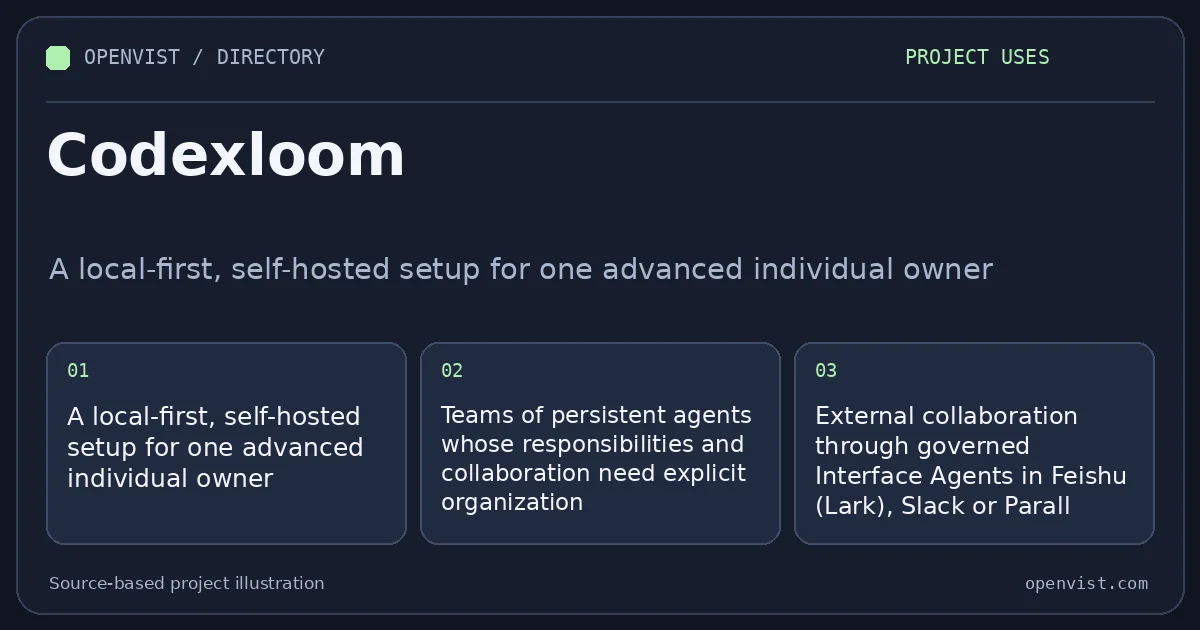
Use Codexloom when Codex work needs to persist beyond a single task and you want to assign durable responsibilities, coordinate agents within boundaries and govern how work reaches outside collaborators.
Who it is for
- Advanced individual Codex users who maintain specialized agents over time.
- One-person company owners who want agents with distinct domain responsibilities to collaborate.
- Owners who want governed agents to support collaborators through existing Feishu, Slack or Parall conversations.
Documented uses
- Maintain an agent’s identity, profile and primary thread for continuing domain work.
- Separate durable responsibilities across agents as recurring work reveals stable boundaries.
- Coordinate agent work through messages, topics, explicit owner decisions and managed artifact handoffs.
- Resume the same agent thread through Codex Desktop, Mobile, WebUI or CLI.
- Provide external collaborators with governed agent access through supported conversation environments.
Requirements & limits
The documented setup is local-first and self-hosted. Starting from source requires the Codex CLI and ChatGPT sign-in.
- Codex provides the agent runtime and threads; Codexloom adds organization and governance around them.
- The same primary thread can be resumed through Codex Desktop, Mobile, WebUI and CLI, while other agents coordinate through bounded messages and topics rather than taking over that thread.
- External delivery uses Interface Agents, external identities and conversation memberships as explicit boundaries.
- Dedicated hierarchical messaging policies and organization templates are still being modeled.
Check current requirements in the official documentation. Source-based guidance does not mean OpenViST has run or independently tested this project.
Create and profile a first domain agent
Set up one continuing agent responsibility through the local WebUI.
Before you start
- Codex CLI installed
- ChatGPT account sign-in
- A working directory for the agent
- Codexloom started from source using the documented commands
Steps
Run the command below and then
./bin/codex-loom.make releaseOpen
http://localhost:4870.Select **New agent**, then provide a stable name and working directory.
Open its workspace, send an assignment for its continuing responsibility, and record Identity, Domain and Scope in the Agent Inspector’s Profile.
Expected outcome
A named agent with a working directory, an initial assignment and a profile defining its responsibility.
Guide limitations
- This guide covers the initial single-agent setup, not deployment or external integrations.
- The documented source start requires Codex CLI and ChatGPT sign-in.
Compare options for Agent orchestration
These projects document a common task and share a project role. This is a source-based comparison, not an execution benchmark or a guarantee of interchangeability.
| Project | Documented purpose | Platform | Access and requirements |
|---|---|---|---|
| Codexloom | Maintain an agent’s identity, profile and primary thread for continuing domain work. | CLI | The documented setup is local-first and self-hosted. Starting from source requires the Codex CLI and ChatGPT sign-in. |
| OtoDock | Create agents with instructions, memory, reference documents, skills and permitted tools. | Cloud, Self-hosted, Server | The pricing page describes free self-hosting for up to five users and paid seat licensing as teams grow. The site calls the project Fair Source and says releases become Apache 2.0 after two years. |
| Bloks | Create agents for different roles and assign them tasks through chat. | macOS, Windows, Linux, Desktop, Self-hosted | The desktop application is described as free, while hosted services are paid. The project is classified for macOS, Windows and Linux; the installation instructions specifically describe a universal macOS build for Apple silicon and Intel. |
Sources & review
Source record details
- Source availability
- Active
- Sources checked
- 16 November 2026
- Original website title
- yan5xu/codexloom · Official homepage title · retained in its source language