
Practical overview
When it fits
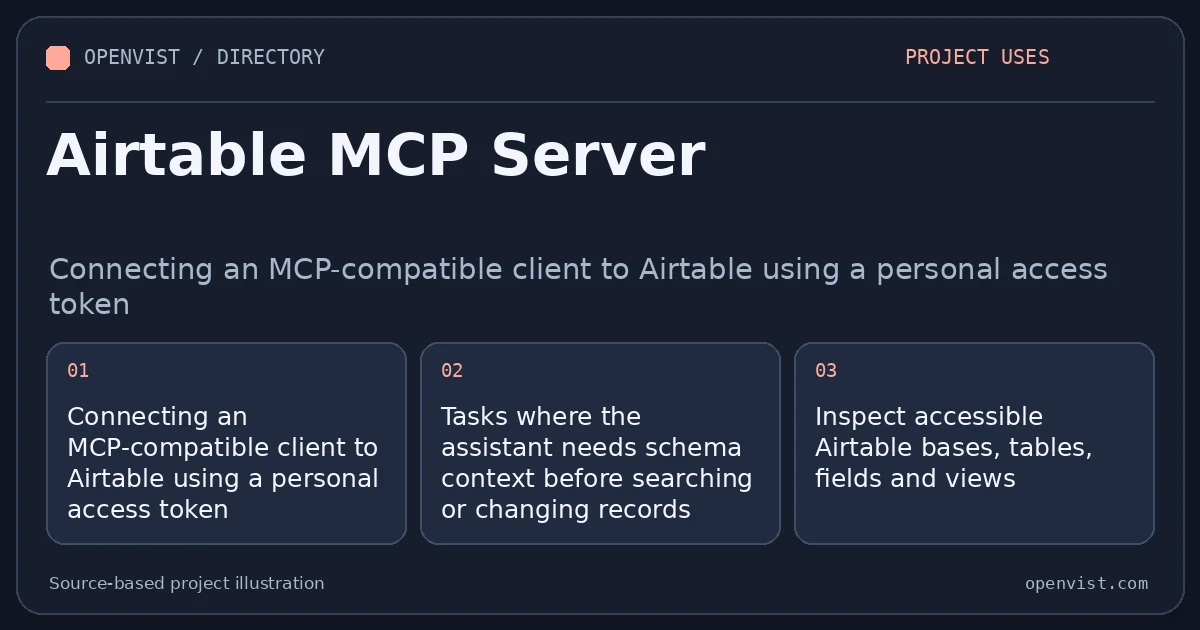
Use it when an MCP client needs structured access to Airtable schemas or records, including supported write operations.
Who it is for
- People configuring an MCP-compatible AI client to work with Airtable bases.
- Teams that want an assistant to inspect table structure and access Airtable records.
Documented uses
- Inspect accessible Airtable bases, tables, fields and views.
- Search, list or retrieve records from a specified table.
- Create, update or delete records, and use documented table, field and comment operations.
Requirements & limits
Requires an Airtable personal access token and access to the bases being used. The project is MIT-licensed and the repository is public.
- Read access requires schema.bases:read and data.records:read scopes.
- Write and comment operations require the corresponding optional token scopes.
- The server exposes separate tools for schema inspection, record search and retrieval, and data or schema changes.
- Record listing and search support result limits; listing also supports an Airtable formula filter.
Check current requirements in the official documentation. Source-based guidance does not mean OpenViST has run or independently tested this project.
Configure the server for an MCP client
Prepare the documented Airtable credentials and client configuration for using the server.
Before you start
- An Airtable personal access token
- Access to the Airtable bases you intend to use
- An MCP client, such as Claude Code, Claude Desktop, Cursor, Cline or VS Code
Steps
Create an Airtable personal access token with schema.bases:read and data.records:read scopes.
Add schema.bases:write and data.records:write if write operations are needed; add the listed comment scopes for comment operations.
Use the install-mcp instructions to generate the configuration for the MCP client.
Set the token as AIRTABLE_API_KEY in the generated configuration in place of its placeholder.
Expected outcome
A client configuration with the server command and Airtable token setting specified by the project’s installation instructions.
Guide limitations
- The token must have access to the bases the client is intended to use.
- Write and comment operations require their corresponding optional token scopes.
Sources & review
Source record details
- Source availability
- Active
- Sources checked
- 14 November 2026
- Original website title
- domdomegg/airtable-mcp-server · Official homepage title · retained in its source language