
Practical overview
When it fits
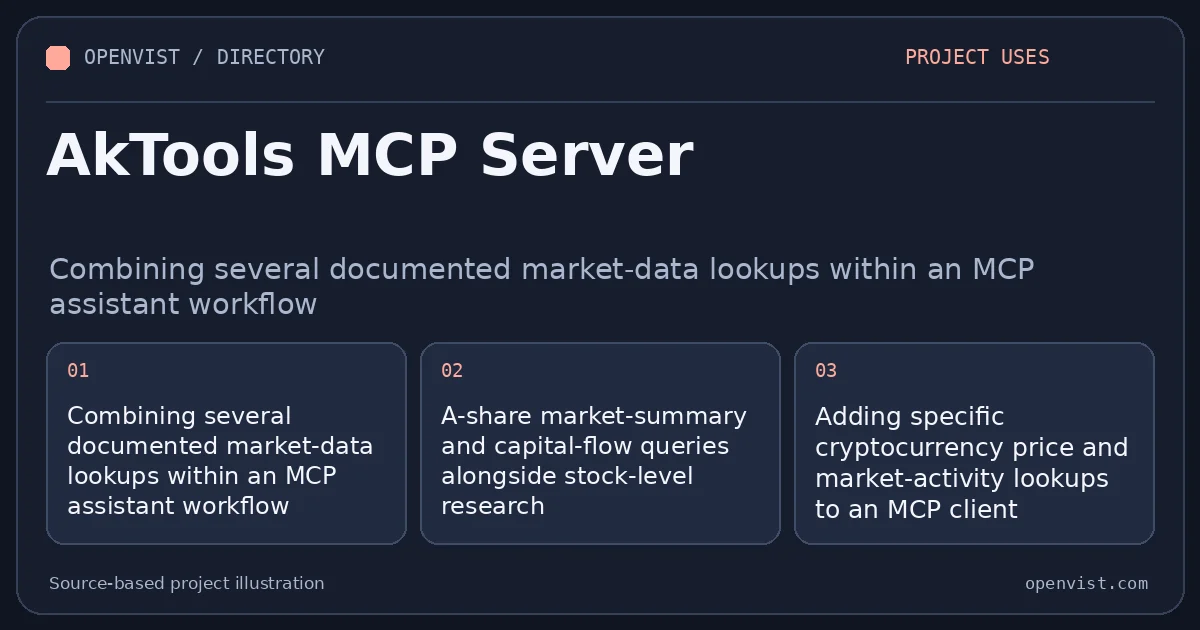
Use it when an MCP client needs market-data tools for assistant-led stock or cryptocurrency research, such as assembling a brief from historical prices, indicators and news.
Who it is for
- People configuring MCP-compatible assistants to retrieve stock or cryptocurrency data.
- Developers building assistant-led workflows that combine market prices, indicators, news or selected A-share statistics.
Documented uses
- Search for stock codes across A-shares, Hong Kong stocks and US stocks.
- Retrieve stock information, historical prices and market indicators.
- Look up A-share limit-up pools, Dragon-Tiger List statistics and sector capital flows.
- Retrieve financial-report metrics for A-shares and Hong Kong or US stocks.
- Request stock or cryptocurrency news, crypto prices, long-short ratios and taker-volume data.
Requirements & limits
The repository is public and MIT-licensed. The README documents uvx and Docker connection setups; its Smithery-hosted option requires OAuth authorization or a Smithery key.
- It is an MCP server that provides tools to a separate compatible client, rather than a standalone assistant.
- The documented scope spans stock search, historical prices, indicators, selected A-share statistics, financial news and cryptocurrency analysis.
- The README offers command-based uvx and Docker/Streamable HTTP setup paths, as well as a Smithery-hosted option.
- The README lists a trading-suggestion tool but does not explain its methodology.
Check current requirements in the official documentation. Source-based guidance does not mean OpenViST has run or independently tested this project.
Connect the server through uvx
Add AkTools MCP Server as a command-based MCP server in a compatible client.
Before you start
- An MCP-compatible client that accepts a command and arguments for an MCP server.
- The README's uvx configuration uses the command
uvxwith the argumentmcp-aktools.
Steps
Add a server entry named
aktoolsto the client'smcpServersconfiguration.Set its command to
uvxand its arguments to["mcp-aktools"].Optionally set the documented OKX, Binance or Newsnow environment variables when configuring those endpoints or news sources.
Expected outcome
The client has a documented command-based configuration for connecting to AkTools MCP Server.
Guide limitations
- The README labels all listed environment variables optional.
- The configuration documents connection setup, not a particular client-side query or result.
Configure the Docker connection
Start the Docker Compose service and configure an MCP client to use its documented Streamable HTTP address.
Before you start
- Docker Compose.
- An MCP-compatible client that accepts a Streamable HTTP URL.
Steps
Create
/opt/mcp-aktoolsand change into that directory.Download the repository's
docker-compose.ymlusing the README's documented wget command.Run
docker-compose up -d.Configure the MCP client to use
http://0.0.0.0:8808/mcpas the server URL.
Expected outcome
The README provides a Docker Compose launch sequence and the corresponding Streamable HTTP client URL.
Guide limitations
- The instructions do not document troubleshooting or verification steps.
Sources & review
Source record details
- Source availability
- Active
- Sources checked
- 16 November 2026
- Original website title
- aahl/mcp-aktools · Official homepage title · retained in its source language