
Practical overview
When it fits
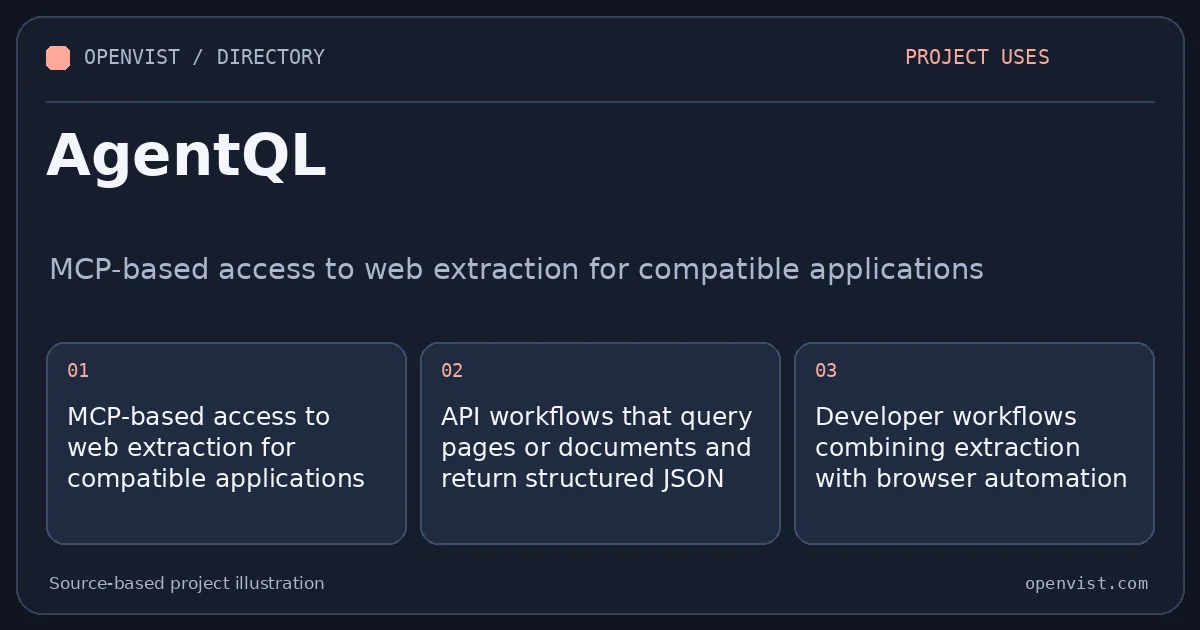
Use AgentQL when a workflow needs structured data from web pages or documents, especially when the application already supports MCP or the developer wants a REST API or Playwright-based SDK route.
Who it is for
- Developers connecting MCP-compatible assistants or applications to structured web data.
- Teams building research or market-monitoring workflows that retrieve information from web pages.
- Developers automating web interactions and extraction with Playwright-based Python or JavaScript SDKs.
Documented uses
- Retrieve structured information from web pages or documents through the REST API.
- Expose AgentQL extraction to an MCP-compatible application.
- Use SDKs to identify page elements, extract data, and automate browser interactions.
- Inspect and refine AgentQL queries with the Chrome debugging extension.
Requirements & limits
The quick start states that AgentQL queries require an API key, available through the AgentQL Developer Portal.
- The MCP route depends on using an MCP-compatible application.
- The REST API and MCP server serve different integration paths: direct API requests versus access from an MCP application.
- Python and JavaScript SDKs use Playwright for extraction and automation.
- The documented quick-start flow uses the Chrome extension to debug queries before implementing them in an SDK.
Check current requirements in the official documentation. Source-based guidance does not mean OpenViST has run or independently tested this project.
Set up AgentQL’s Python SDK for web queries
Initialize the Python SDK and prepare an API key so a project can proceed to programmatic AgentQL queries.
Before you start
- Python project environment
- AgentQL API key from the AgentQL Developer Portal
Steps
Install the SDK with the command below.
pip3 install agentqlInitialize AgentQL in the project with
agentql init.Provide the API key when prompted, then create a Python file for the example query workflow.
Expected outcome
The project has the documented SDK setup and API key configuration needed to continue with programmatic queries.
Guide limitations
- The quick start documents setup and points to adding code, but this recipe does not execute a query or verify a result.
- AgentQL queries require an API key.
Sources & review
Source record details
- Source availability
- Active
- Sources checked
- 20 November 2026
- Original website title
- MCP Server Integration | AgentQL · Official homepage title · retained in its source language