
Practical overview
When it fits
Use it when you want a desktop agent to work with repositories or connected services, or to run recurring bot tasks. Ongoing work while away requires the laptop to stay powered on and online.
Who it is for
- Developers seeking an agent for repository coding, debugging or code review.
- People who want to automate recurring tasks across connected services.
- Users who want a personal bot available through messaging apps.
Documented uses
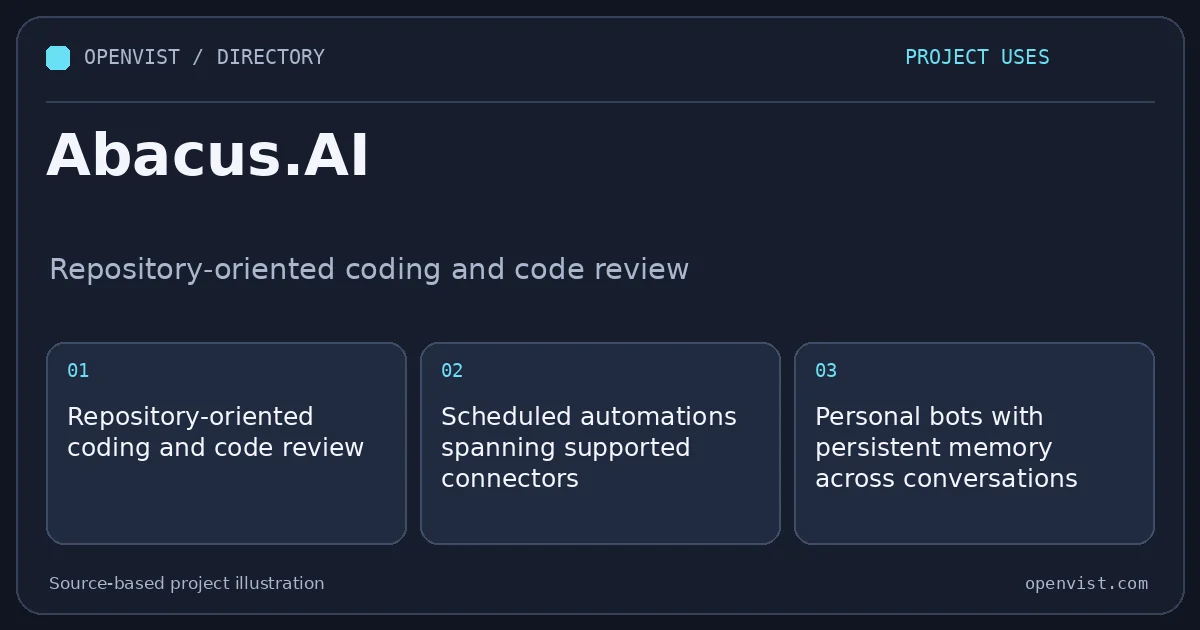
- Write, run and debug code in a repository.
- Review code changes and identify possible bugs or missing tests.
- Prepare scheduled briefings or research summaries from connected services.
- Triage reported bugs and retain information across conversations.
Requirements & limits
The FAQ says the app is free to start, requires an Abacus.AI account, and includes 2,000 free credits at signup. After credits run out, users can upgrade or connect their own model API keys. It is described as supporting Windows, Mac and Linux.
- The FAQ lists connectors including messaging services, email, calendars, GitHub, Jira and productivity tools.
- Credit use depends on AI models; users can connect their own API keys or existing AI subscriptions.
- The desktop app needs an active, powered-on internet-connected laptop to continue working while the user is away.
- The FAQ says transcripts, crash logs and reports are sent to Abacus.AI servers, while API keys and credentials stay on the computer.
- Connector permissions vary; messaging integrations may include permission to read, send and receive messages or set auto-replies.
Check current requirements in the official documentation. Source-based guidance does not mean OpenViST has run or independently tested this project.
Install Abacus AI Bot on a supported desktop system
Set up the desktop app for use with an Abacus.AI account.
Before you start
- A Windows, Mac, or Linux computer
- A free Abacus.AI account
Steps
Create an Abacus.AI account if you do not already have one.
Install the desktop app from bot.abacus.ai.
Expected outcome
The desktop app is installed and you have an account required to use Abacus AI Bot.
Guide limitations
- The laptop must remain powered on and connected to the internet for the Bot to keep working while you are away.
- Transcripts, crash logs, reports, and related data are sent to Abacus.AI servers; API keys and credentials remain on your computer.
Connect an AI model with your API key
Configure Abacus AI Bot to use a model through your own provider API key.
Before you start
- An Abacus.AI account
- An API key for a preferred model provider
Steps
Open Profile.
Go to Models.
Choose your preferred provider.
Connect it using your API key.
Expected outcome
The selected provider's model is connected for use in Abacus AI Bot.
Guide limitations
- The FAQ does not specify which providers or models are available in the Models list.
- API keys and credentials remain on your computer.
Compare options for AI coding assistance
These projects document a common task and share a project role. This is a source-based comparison, not an execution benchmark or a guarantee of interchangeability.
| Project | Documented purpose | Platform | Access and requirements |
|---|---|---|---|
| Abacus.AI | Write, run and debug code in a repository. | macOS, Windows, Linux | The FAQ says the app is free to start, requires an Abacus.AI account, and includes 2,000 free credits at signup. After credits run out, users can upgrade or connect their own model API keys. It is described as supporting Windows, Mac and Linux. |
| Ouijit | Run multiple coding-agent tasks in separate repository worktrees and terminals. | macOS, Linux, Desktop, Self-hosted | The project describes Ouijit as free and open source, and its about page says no account or sign-in is needed. The documented desktop platforms are macOS 13 or later and Linux x64. |
| Sortie AI | Select tracker issues for agent work using a configured workflow. | macOS, Linux, Windows, Docker, Self-hosted, Server | The project describes Sortie as free and open-source under Apache-2.0, with no registration for using Sortie itself. Configured trackers and agents may require their own credentials. |
Sources & review
Source record details
- Source availability
- Active
- Sources checked
- 15 November 2026
- Original website title
- Abacus.AI - Abacus AI Bot · Official homepage title · retained in its source language