
OPENVIST LEARN · FREE LESSONS
Terminal & VPS: from zero to your first recipe
Ten beginner lessons for Ubuntu 24.04: connect with SSH, navigate folders, transfer files, run Python and inspect a published recipe.
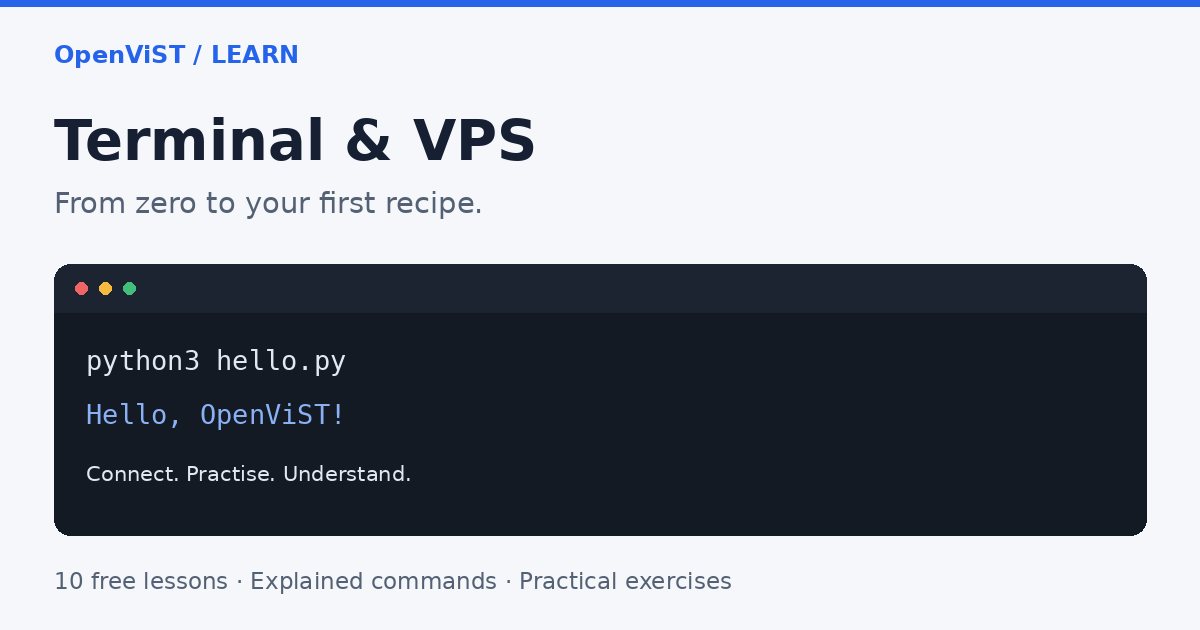
What you will build
Start with a terminal, connect to an Ubuntu practice server and run a real Python recipe against a small JSON file. Each lesson explains the commands, shows an expected result and gives you an exercise with a suggested answer.
This route targets Ubuntu Server 24.04 LTS with Bash and Python 3.12. Local connection steps cover macOS, Linux and Windows PowerShell. Read lessons 1 and 2 before buying a VPS; lessons are free, but a provider may charge for a server.
Allow about 3 hours of practice, plus provider setup time. No account, certificate, API key or external Python package is required by OpenViST for this route.
Your learning path
- LESSON 1 · 10 MIN
Your computer, the terminal and a VPS
Understand where commands run before connecting to a server. No server purchase is needed for this first lesson.
- LESSON 2 · 15 MIN
Prepare a practice VPS without guessing the settings
Choose a suitable learning environment and collect the details needed to connect.
- LESSON 3 · 15 MIN
Make your first SSH connection
Connect, identify the remote computer and return to your local terminal.
- LESSON 4 · 15 MIN
Find your way around folders and paths
Use a small practice folder so that later commands run in the right place.
- LESSON 5 · 15 MIN
Create, read and copy a small text file
Write a predictable practice file and understand the difference between commands and file contents.
- LESSON 6 · 20 MIN
Move a practice file between your computer and VPS
Download the file you created, then upload a separate copy.
- LESSON 7 · 15 MIN
Check Python and install it when needed
Prepare the Python interpreter on the practice server without changing the system Python manually.
- LESSON 8 · 20 MIN
Write and run your first small Python script
Create a two-line program, run it explicitly and make one intentional change.
- LESSON 9 · 25 MIN
Run a real OpenViST recipe with sample JSON
Count sample records by status using the same source version as a published recipe.
- LESSON 10 · 20 MIN
Read results, errors and service status
Finish the route by collecting useful evidence instead of repeating commands blindly.