
Practical overview
When it fits
Use Bloks when you want a desktop workspace to organize agents with different roles or engines and oversee their tool-based work, including file changes.
Who it is for
- People who want to coordinate several personal AI agents from one desktop workspace.
- Users who want to choose different engines or models for different agents.
- People who want local storage for agent conversations, memory and credentials.
Documented uses
- Create agents for different roles and assign them tasks through chat.
- Separate work into parallel conversation lanes.
- Connect agents to supported CLI tools, API-key engines, OpenRouter or a running Ollama installation.
- Review or discard work rehearsed on a copy of an agent's folder.
- Approve consequential actions and undo documented file changes.
Requirements & limits
The desktop application is described as free, while hosted services are paid. The project is classified for macOS, Windows and Linux; the installation instructions specifically describe a universal macOS build for Apple silicon and Intel.
- Bloks does not include a model by default; users connect an engine or provider, or use Bloks AI on a plan that includes it.
- Ollama models are listed when Ollama is running, but tool use depends on the model.
- The documented backup engine handles engine availability problems such as limits, lack of credit, overload or sign-in issues; it does not retry failed work or refused commands.
- Source describes the desktop app as source-available under the license stated in the terms.
Check current requirements in the official documentation. Source-based guidance does not mean OpenViST has run or independently tested this project.
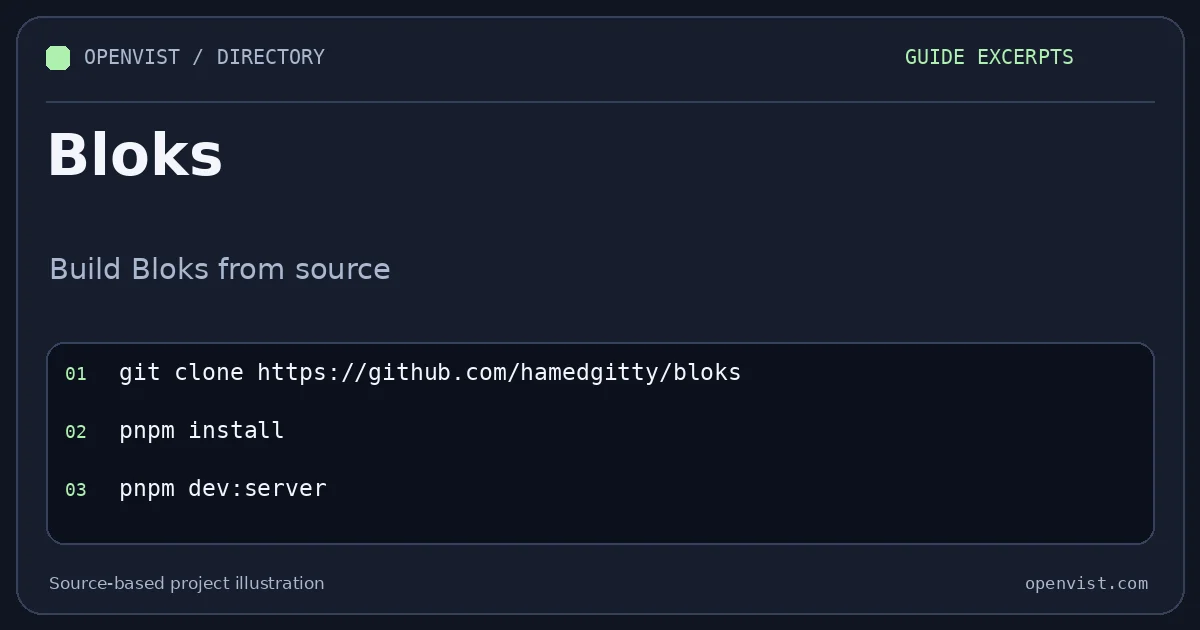
Build Bloks from source
Install dependencies and start the documented development harness, app and desktop window.
Before you start
- A computer with Git and pnpm available.
Steps
Clone the Bloks repository with the command below.
git clone https://github.com/hamedgitty/bloksChange into the
bloksdirectory and runpnpm install.Start the harness with
pnpm dev:server.In separate commands, start the app with
pnpm devand the desktop window withpnpm dev:desktop.
Expected outcome
The documented development processes for the harness, app and desktop window are started.
Guide limitations
- The instructions do not specify how to connect an engine or use the resulting application.
Compare options for Agent orchestration
These projects document a common task and share a project role. This is a source-based comparison, not an execution benchmark or a guarantee of interchangeability.
| Project | Documented purpose | Platform | Access and requirements |
|---|---|---|---|
| Bloks | Create agents for different roles and assign them tasks through chat. | macOS, Windows, Linux, Desktop, Self-hosted | The desktop application is described as free, while hosted services are paid. The project is classified for macOS, Windows and Linux; the installation instructions specifically describe a universal macOS build for Apple silicon and Intel. |
| OtoDock | Create agents with instructions, memory, reference documents, skills and permitted tools. | Cloud, Self-hosted, Server | The pricing page describes free self-hosting for up to five users and paid seat licensing as teams grow. The site calls the project Fair Source and says releases become Apache 2.0 after two years. |
| Codexloom | Maintain an agent’s identity, profile and primary thread for continuing domain work. | CLI | The documented setup is local-first and self-hosted. Starting from source requires the Codex CLI and ChatGPT sign-in. |
Sources & review
Source record details
- Source availability
- Active
- Sources checked
- 19 November 2026
- Original website title
- Bloks: personal AI agents that live on your machine · Official homepage title · retained in its source language