
Practical overview
When it fits
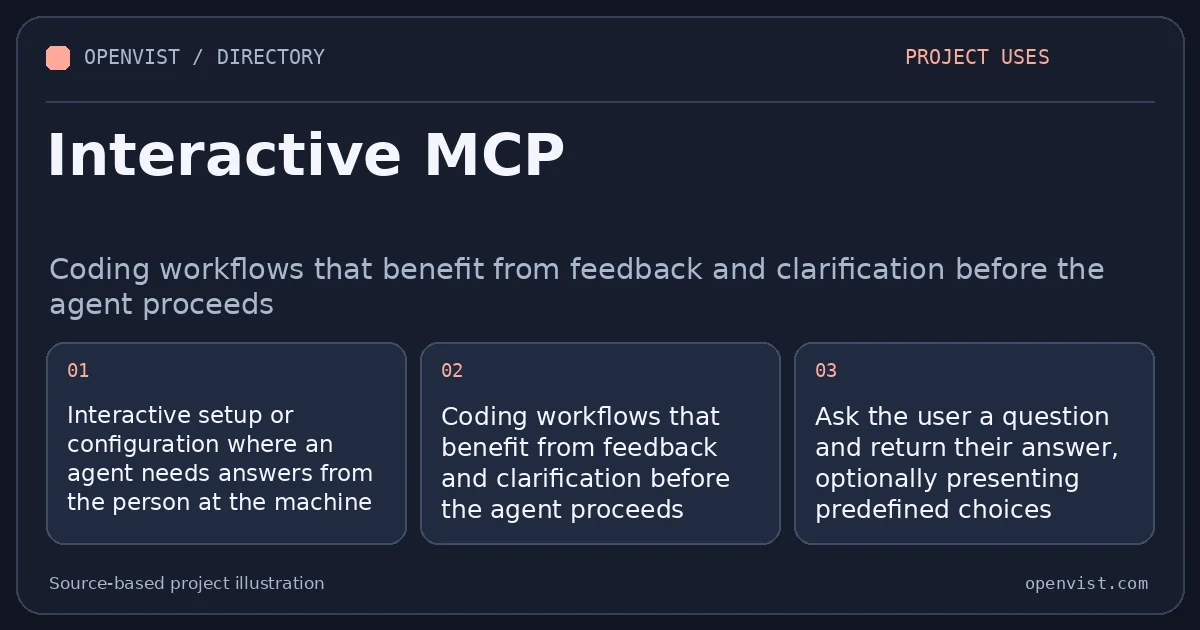
Use it when an AI agent working through an MCP client needs user input, clarification, confirmation, or a local completion notification.
Who it is for
- People using MCP-enabled AI coding assistants who want to provide answers or feedback during a task.
- Developers configuring an MCP client to add local prompts and notifications to an agent workflow.
Documented uses
- Ask the user a question and return their answer, optionally presenting predefined choices.
- Gather feedback during code generation or modification and clarify instructions in pair programming.
- Start, continue, and stop a persistent command-line chat with the user.
- Send a simple operating-system notification, including a completion notification.
Requirements & limits
- It runs locally alongside the MCP client and needs operating-system access to display command-line prompts and notifications.
- The README documents configuration examples for Claude Desktop, Cursor, and VS Code.
- The client configuration requires npx; prompts time out after 30 seconds by default.
Check current requirements in the official documentation. Source-based guidance does not mean OpenViST has run or independently tested this project.
Add Interactive MCP to an MCP client
Configure Claude Desktop, Cursor, or VS Code to launch the local server.
Before you start
- An MCP client such as Claude Desktop, Cursor, or VS Code.
- The npx command available.
- Access to the relevant client configuration file or settings.
Steps
Open the MCP configuration for your client: claude_desktop_config.json or mcp.json for Claude Desktop or Cursor, or User Settings (JSON) or .vscode/mcp.json for VS Code.
Add the project's documented server entry, using command npx and args ["-y", "interactive-mcp"].
Save the configuration; the client entry launches the package as its MCP server.
Expected outcome
The client configuration includes Interactive MCP as a server, exposing its user-question, notification, and intensive-chat tools.
Guide limitations
- The server is designed to run locally alongside the MCP client because it needs operating-system access for prompts and notifications.
- User prompts time out after 30 seconds by default; the README says server options can be added as command-line flags in the args array.
Compare options for AI coding assistance
These projects document a common task and share a project role. This is a source-based comparison, not an execution benchmark or a guarantee of interchangeability.
| Project | Documented purpose | Platform | Access and requirements |
|---|---|---|---|
| Interactive MCP | Ask the user a question and return their answer, optionally presenting predefined choices. | CLI, Server, Self-hosted | |
| Codex Bridge | Authorize project directories for chat-driven file and command tasks. | macOS, Windows, Linux, Desktop, Self-hosted | The project is self-hosted and provides desktop builds for macOS, Windows and Linux. The documented ChatGPT or Dot Tunnel route requires Plus or higher, or a team subscription. Windows requires WebView2 Runtime; the macOS installer is ad-hoc signed and not Apple-notarized. |
| Awwwards MCP | Search for website references using natural-language queries or filters such as color, tags, technology and award type. | CLI | The README documents a local setup with no API key or account requirement. Node.js 22.13 or later is required. The core npx setup does not run browser-dependent tools. |
Sources & review
Source record details
- Source availability
- Active
- Sources checked
- 17 November 2026
- Original website title
- ttommyth/interactive-mcp · Official homepage title · retained in its source language