
Practical overview
When it fits
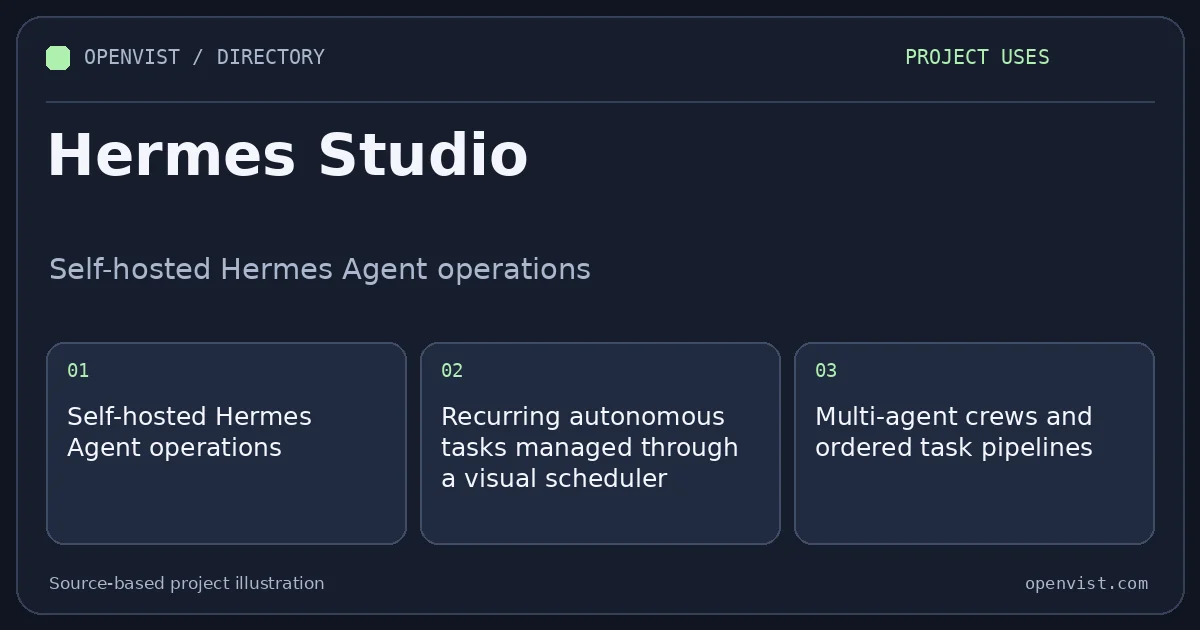
Choose it when you operate Hermes Agent and want browser-based controls for recurring tasks, approvals or multi-agent workflows. A compatible chat backend can connect, while Hermes-specific controls depend on gateway API support.
Who it is for
- People running Hermes Agent who want to manage it through a browser dashboard.
- Operators who need to schedule and monitor autonomous agent jobs.
- Users coordinating agent crews or reviewing command approvals and tool activity.
Documented uses
- Chat with an agent through a browser interface and view streamed output.
- Create, edit, pause, trigger and monitor scheduled agent jobs.
- Create agent crews, dispatch tasks and run DAG-structured workflows.
- Review shell-command approval requests and inspect tool activity in an audit timeline.
- Browse and edit agent memory, manage skills, and configure MCP servers.
Requirements & limits
The documented setup is self-hosted. The project describes a PWA for browser-based installation; a hosted cloud service and native desktop app are listed as planned.
- Node.js 22 or later is required for the documented quick start.
- An OpenAI-compatible backend is required; Python 3.11 or later is optional for running a Hermes gateway locally.
- Agent-specific features require Hermes gateway APIs from the connected backend.
- Redis is optional; file-based storage is used as a fallback for session persistence.
- The documented Docker Compose setup requires Docker, Docker Compose and an Anthropic API key.
Check current requirements in the official documentation. Source-based guidance does not mean OpenViST has run or independently tested this project.
Start Hermes Studio with an OpenAI-compatible backend
Run the dashboard locally and connect it to an existing compatible backend.
Before you start
- Node.js 22 or later
- An OpenAI-compatible backend and its base URL
- pnpm, as used in the documented install commands
Steps
Clone the Hermes-Studio repository and enter its directory.
Run pnpm install, copy .env.example to .env, and set HERMES_API_URL to the backend URL.
Run pnpm dev and open http://localhost:3000.
Complete onboarding by connecting the backend, then check whether chat works.
Expected outcome
A locally running Hermes Studio dashboard connected to the selected backend.
Guide limitations
- Hermes-specific sessions, memory, skills, approvals and jobs require a backend exposing Hermes gateway APIs.
- The documented quick start does not require a locally installed Hermes gateway.
Sources & review
Source record details
- Source availability
- Active
- Sources checked
- 16 November 2026
- Original website title
- JPeetz/Hermes-Studio · Official homepage title · retained in its source language