
Practical overview
When it fits
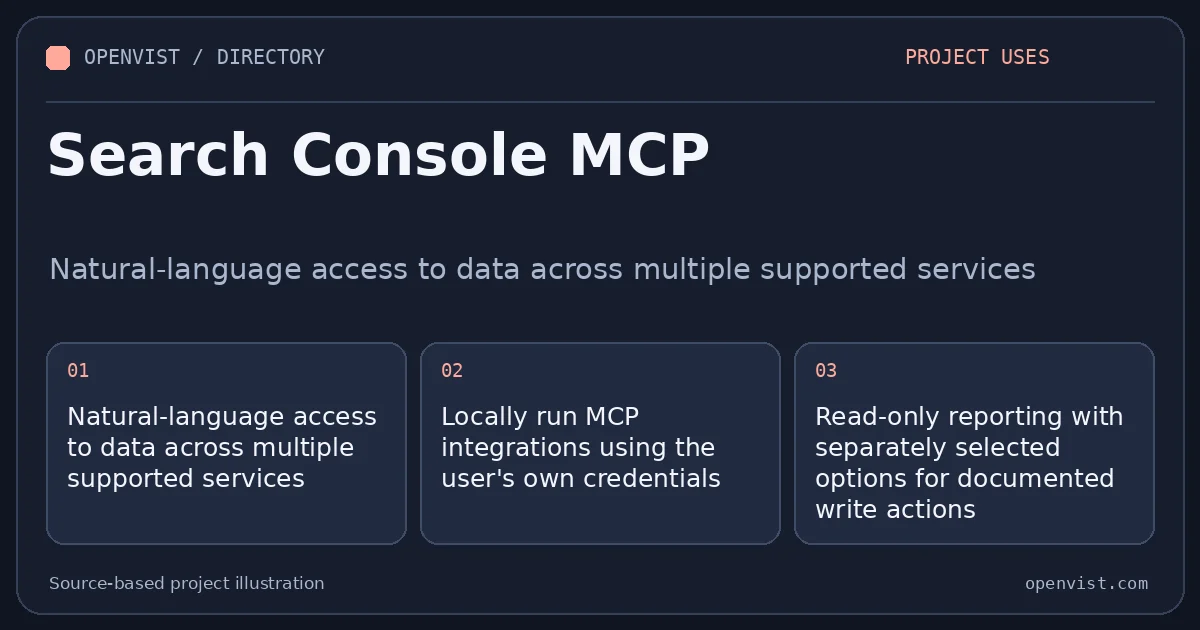
Use it when an AI assistant or MCP-enabled workflow needs to query data from supported search and analytics services, or when a CLI is useful for managing and checking connected accounts.
Who it is for
- Site owners and founders reviewing search performance
- SEO professionals investigating traffic or ranking changes
- Developers building AI agents that need access to site-performance data
Documented uses
- Ask an AI assistant for search, traffic, engagement or ad-revenue information.
- Retrieve reports and investigate traffic anomalies or keyword opportunities.
- Connect multiple Google or Bing accounts and inspect their accessible sites.
Requirements & limits
The installation guide documents a Node.js setup and a packaged MCPB installation option for Claude Desktop and other supported MCP clients. Bing access uses an API key. The documentation describes credentials as stored locally, in the operating-system keychain where available.
- The documented integrations cover Google Search Console, Bing Webmaster Tools, GA4 and AdSense.
- Google and Microsoft APIs are contacted directly from the local tool using the user's credentials.
- Read access is the default; sitemap/site management and URL indexing are separate opt-in capabilities.
- URL indexing is documented for JobPosting and BroadcastEvent pages.
Check current requirements in the official documentation. Source-based guidance does not mean OpenViST has run or independently tested this project.
Set up Search Console MCP with Node.js
Install and configure the MCP server, then check which accounts and sites are connected.
Before you start
- Node.js 18 or higher
- A verified Google Search Console, Bing Webmaster Tools or Google Analytics 4 property
- An MCP client that accepts server configuration
Steps
Run the command below in a terminal and follow the browser authentication flow.
npx search-console-mcp setupCopy the configuration snippet provided by the setup wizard into the MCP client.
Run the command below to view connected accounts and accessible sites.
npx search-console-mcp accounts list
Expected outcome
The MCP server is configured for the client, and the CLI displays connected accounts and sites they can access.
Guide limitations
- Bing integration uses an API key; Google service-account authentication may also use an environment variable.
- This setup guide does not cover making or validating a data query.
Sources & review
Source record details
- Source availability
- Active
- Sources checked
- 14 November 2026
- Original website title
- Search Console MCP - Search Console MCP · Official homepage title · retained in its source language