
Practical overview
When it fits
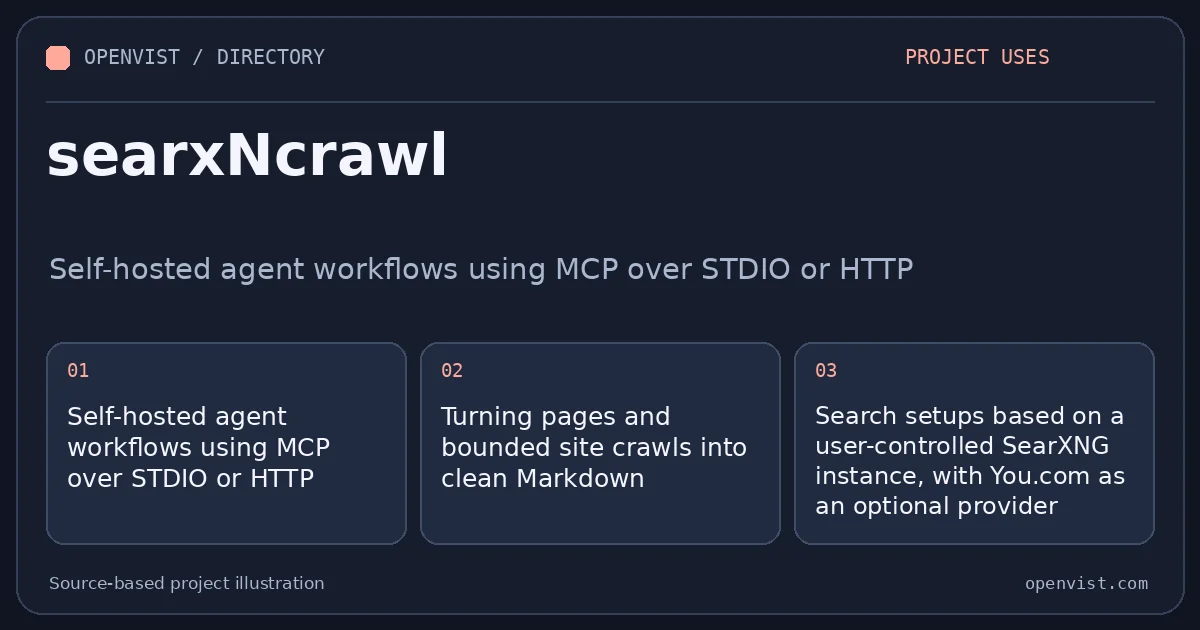
Use it when an agent needs search results or web-page content brought into its workflow through MCP, CLI or the documented Python crawling functions, and you want to run the server yourself.
Who it is for
- Developers connecting AI agents or MCP clients to web search and crawling.
- Teams that want to run the search-and-crawl server on their own hardware.
- Agent builders who need Markdown from documentation sites or authenticated pages.
Documented uses
- Give an agent merged web search results from a SearXNG instance and optionally You.com.
- Fetch one or more pages and return their content as Markdown or JSON.
- Crawl a site within configured depth and page limits for documentation context.
- Capture a browser login session and crawl pages that require authentication.
Requirements & limits
The open-source server is described as free and MIT-licensed. The managed Cloud version is planned, with a waitlist described on the site.
- SearXNG search requires JSON output to be enabled on the instance.
- You.com search requires the user’s own API key; SearXNG search does not require an API key.
- Crawling can be used without either search provider.
- The server supports local STDIO and HTTP transport; the user runs the open-source infrastructure.
- Authenticated crawling uses a captured browser session.
Check current requirements in the official documentation. Source-based guidance does not mean OpenViST has run or independently tested this project.
Set up searxNcrawl with a SearXNG search provider
Configure a local MCP server to use SearXNG and register it with an agent client.
Before you start
- A SearXNG instance with JSON output enabled.
- The uvx command used in the project’s quickstart.
Steps
Enable JSON in the SearXNG instance’s search.formats configuration.
Run
uvx searxncrawl setupand provide the SearXNG URL when prompted.Use the generated client registration, or run
SEARXNG_URL=http://localhost:8888 uvx searxncrawlto start the server over STDIO.
Expected outcome
An MCP server configured to provide search, crawl and crawl_site tools to an agent client.
Guide limitations
- Search through SearXNG depends on its JSON format being enabled.
- The first crawl installs Chromium.
Run the MCP server over HTTP with Docker Compose
Start the documented HTTP MCP endpoint using Docker Compose.
Before you start
- Docker Compose.
- A
.envfile configured withSEARXNG_URL,YDC_API_KEY, or both.
Steps
Copy
.env.exampleto.env.Set
SEARXNG_URL,YDC_API_KEY, or both in the environment file.Run the command below.
docker compose up --buildUse the documented MCP endpoint at
http://localhost:9555/mcpin the client configuration.
Expected outcome
A locally hosted HTTP MCP endpoint for the server’s search and crawling tools.
Guide limitations
- SearXNG and You.com are search-provider options; crawling works without either.
- The guide documents the endpoint configuration, not a deployment or external-access guarantee.
Sources & review
Source record details
- Source availability
- Active
- Sources checked
- 20 November 2026
- Original website title
- searxNcrawl: Open-Source Web Search & Crawl MCP Server · Official homepage title · retained in its source language