
Practical overview
When it fits
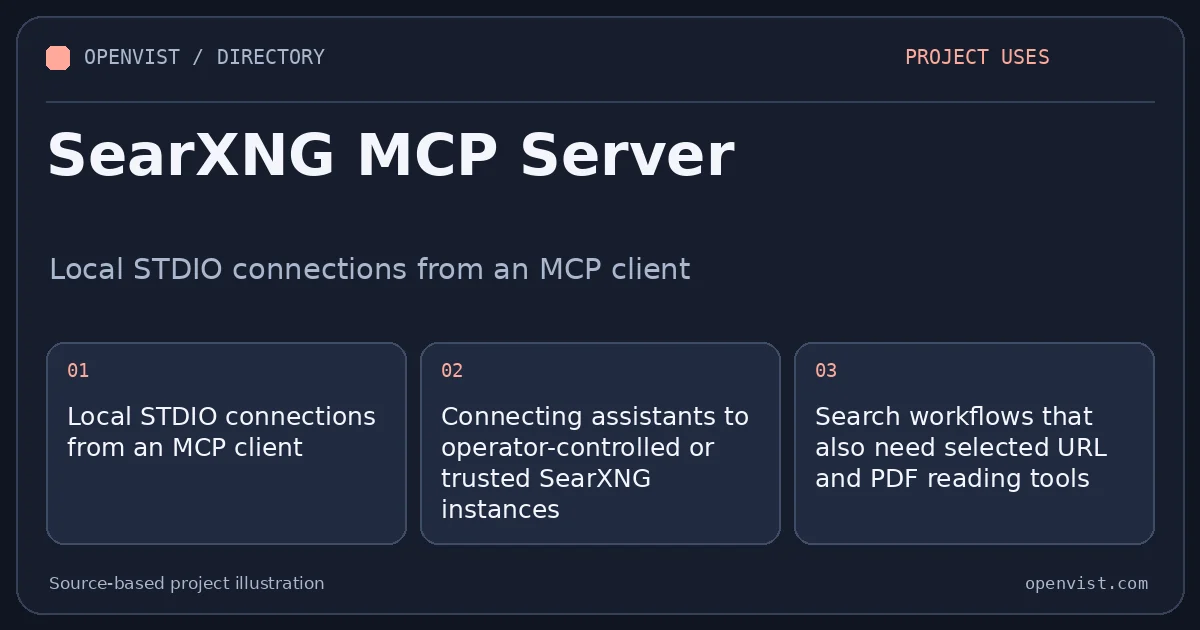
Use it when an MCP-compatible assistant needs web-search tools backed by an existing SearXNG instance, especially when you want to select or operate the search service yourself.
Who it is for
- People configuring MCP-compatible assistants such as Claude or Cursor to search through SearXNG
- Developers who operate or choose a SearXNG instance and want to expose its search tools to an assistant
Documented uses
- Connect an MCP client to an existing SearXNG service
- Search the web with pagination and filters through an assistant
- Read HTML, structured text or bounded PDF text from selected URLs
Requirements & limits
The public repository specifies the MIT license. npm and Docker are documented distribution methods; npm/npx installations require Node.js 22 or later.
- A SearXNG instance is a separate prerequisite; this server does not install one.
- JSON search must be enabled for the standard search connection.
- A public SearXNG instance receives queries and may log them; the integration does not itself provide anonymity.
- Choose local STDIO or Streamable HTTP according to how the MCP client connects.
- URL reading fetches the selected website directly, rather than using the SearXNG search endpoint.
Check current requirements in the official documentation. Source-based guidance does not mean OpenViST has run or independently tested this project.
Configure a Docker-based MCP client connection
Set up an MCP client to start the SearXNG MCP server in Docker using STDIO.
Before you start
- An existing SearXNG instance with JSON search enabled, using an instance you operate or trust.
- Docker.
- An MCP client that accepts mcpServers JSON and can start Docker with STDIO.
Steps
Pull the pre-built image with docker pull isokoliuk/mcp-searxng:latest.
Add an mcpServers entry that runs docker with args ["run", "-i", "--rm", "-e", "SEARXNG_URL", "isokoliuk/mcp-searxng:latest"].
Set SEARXNG_URL in the client configuration to your SearXNG instance URL; add any additional environment variables to both the Docker args as -e VAR_NAME and the client's env configuration.
Reload the client and inspect its MCP tool inventory.
Expected outcome
The configured client can start the MCP server in a Docker container and discover its tools.
Guide limitations
- Docker requires environment forwarding into the container.
- Tool discovery alone does not test SearXNG connectivity.
- The project connects to SearXNG but does not install it.
- The documented search attempt and troubleshooting steps are in the README.
Sources & review
Source record details
- Source availability
- Active
- Sources checked
- 3 November 2026
- Original website title
- ihor-sokoliuk/mcp-searxng · Official homepage title · retained in its source language