
Understand the project
Practical overview
When it fits
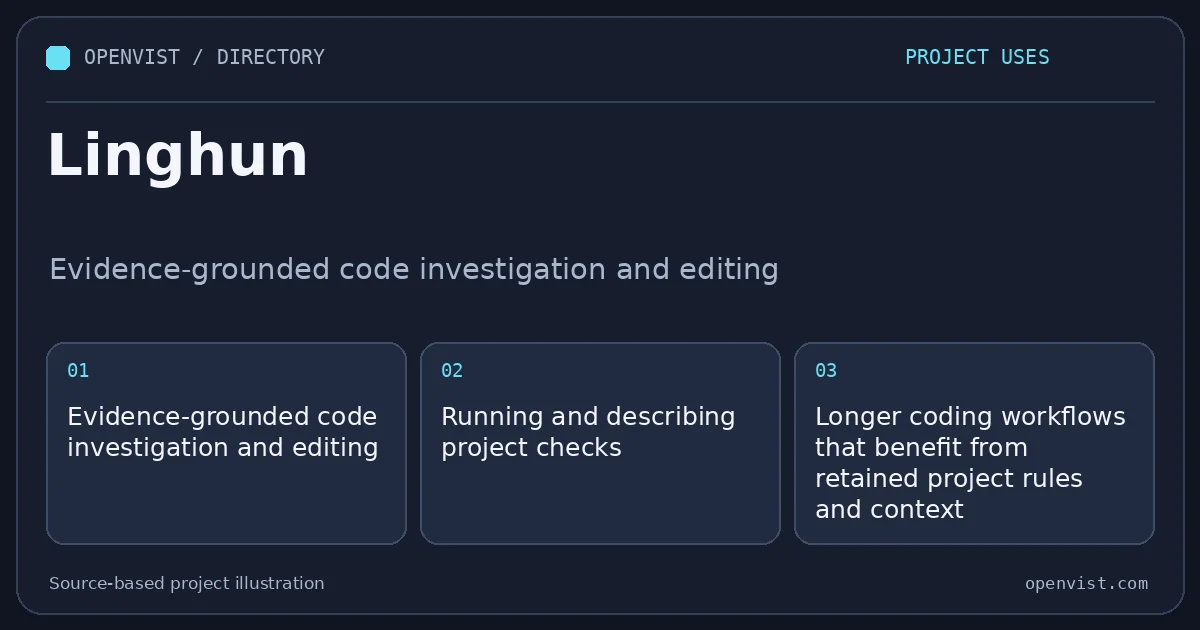
Use Linghun when a coding task needs an assistant to inspect or change a real project and report what was actually checked, especially across longer workflows where project context and task history matter.
Who it is for
- Developers who want an AI assistant to work with project files and run project checks.
- Developers seeking a permission-aware terminal workflow with project memory and evidence-based reporting.
Documented uses
- Inspect a project and locate code issues.
- Edit files, generate patches and explain changes.
- Run builds, tests, scripts and verification commands.
- Use Git status and stable points to support rollback or handoff.
- Carry confirmed project rules and prior failure lessons into later work.
Before you choose
Requirements & limits
The README documents a CLI installation through npm and requires Node.js 22 or later. The repository identifies the project as Apache-2.0 licensed.
- The documented interface is a terminal CLI, installed through npm.
- The README specifies Node.js 22 or later.
- The project describes permissions, tool results and verification records as runtime constraints on coding tasks.
- The README labels Linghun Windows-first and also mentions pre-check engine packages for Windows, Linux and macOS.
- The repository is TypeScript and licensed under Apache-2.0.
Check current requirements in the official documentation. Source-based guidance does not mean OpenViST has run or independently tested this project.
Source-based practical guide
Install and launch the Linghun CLI
Set up the documented command-line interface and open Linghun.
Before you start
- Node.js 22 or later
- npm
Steps
Install the CLI globally with the command below.
npm install -g @linghun/cliLaunch it by running
linghun.
Expected outcome
The Linghun command-line interface starts.
Guide limitations
- These instructions cover installation and launch only, not provider configuration or a completed coding task.
Evidence and transparency
Sources & review
Source record details
- Source availability
- Active
- Sources checked
- 13 November 2026
- Original website title
- linghungegeg/Linghun · Official homepage title · retained in its source language