
Practical overview
When it fits
Use Async when you want an AI coding workflow in a desktop project workspace, especially when you want to choose between reviewed plans and direct agent execution while keeping editing, Git, and terminal work nearby.
Who it is for
- Developers who want an AI agent to plan and carry out coding work within a desktop project workspace.
- Developers who want code editing, Git review, and terminal work alongside agent interactions.
- People building or adapting an open-source AI coding application.
Documented uses
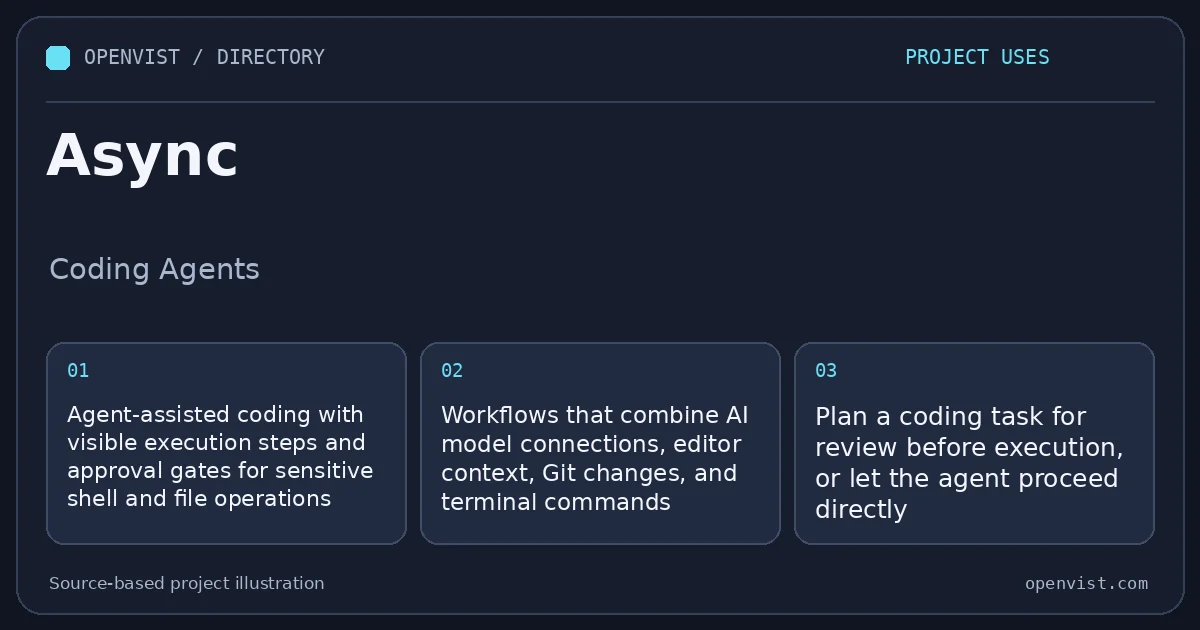
- Plan a coding task for review before execution, or let the agent proceed directly.
- Ask read-only questions about a project or use a debugging mode for troubleshooting.
- Review code changes and work with Git status, diffs, staging, commits, and pushes.
- Run user or agent terminal operations within the same workspace.
Requirements & limits
The project is open source under Apache-2.0. Its README describes model setup as bring-your-own-key and local-first.
- The README lists Anthropic, OpenAI, and Gemini integrations, plus OpenAI-compatible endpoints such as Ollama, vLLM, and self-hosted services.
- Composer modes differ: Agent runs directly, Plan offers review before running, Ask is read-only, and Debug supports troubleshooting.
- The documented source setup requires Node.js 18 or later and npm 9 or later; Git is recommended.
- The project describes threads, settings, and plans as stored on the user's machine.
Check current requirements in the official documentation. Source-based guidance does not mean OpenViST has run or independently tested this project.
Set up Async from source
Install the project dependencies and start the desktop application from its repository.
Before you start
- Node.js 18 or later
- npm 9 or later
- Git is recommended
Steps
Clone the Async repository.
Change into the cloned project directory.
Run npm install.
Run npm run desktop.
Expected outcome
The documented command sequence starts the desktop application from the source checkout.
Guide limitations
- The README does not specify operating-system requirements in this setup sequence.
- This documents setup steps; it does not establish that the build or launch was independently tested.
Sources & review
Source record details
- Source availability
- Active
- Sources checked
- 13 November 2026
- Original website title
- x-man-git/Async · Official homepage title · retained in its source language