
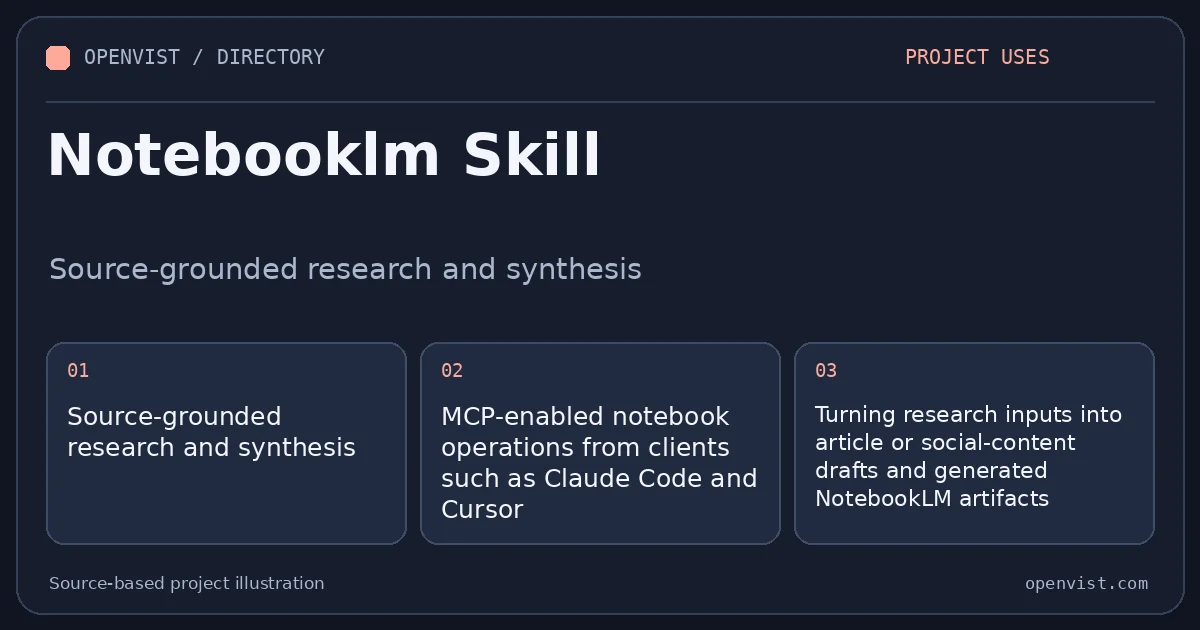
Practical overview
When it fits
Use it when a NotebookLM-based research workflow needs a terminal interface, MCP tools for an agent client, or documented pipelines that produce local drafts and artifacts.
Who it is for
- Researchers who want to organize source material in NotebookLM and ask evidence-grounded questions.
- Developers using Claude Code or other MCP clients who want to expose NotebookLM workflows as tools.
- Writers and content teams who want research-based drafts or generated artifacts from notebooks.
Documented uses
- Create notebooks from web links, local files and raw text.
- Ask questions against notebook sources and receive citation metadata.
- Run fast or deep web research and use the material in research-to-content pipelines.
- Generate or download artifacts such as reports, slides, audio, video, quizzes and flashcards.
Requirements & limits
Requires Python 3.10 or newer and a Google account with NotebookLM access. Browser login uses Chromium or local Google Chrome or Microsoft Edge. The repository is MIT-licensed.
- The CLI, pipelines and MCP server use a shared compatibility layer.
- Pipelines return drafts and local artifacts; they do not publish to social platforms or remote CMSs.
- The integration is unofficial and relies on NotebookLM’s web API, whose service behavior may change.
- Trend workflows require the optional trend-pulse command; the video-making script requires ffmpeg and Poppler.
Check current requirements in the official documentation. Source-based guidance does not mean OpenViST has run or independently tested this project.
Set up Notebooklm Skill and authenticate
Install the CLI and Claude Code skill from the source repository, then set up a NotebookLM login profile.
Before you start
- Python 3.10 or newer
- A Google account with access to NotebookLM
- Chromium installed by the installer, or local Google Chrome or Microsoft Edge
- Git and a shell environment
Steps
Clone https://github.com/claude-world/notebooklm-skill.git and change into the repository directory.
Run ./install.sh to create the isolated environment, install Chromium, link commands and install the Claude Code skill.
Ensure ~/.local/bin is on PATH.
Run notebooklm-auth setup, then notebooklm-skill list.
Expected outcome
The command-line interface is installed and the documented authentication setup and notebook listing commands can be used.
Guide limitations
- A Google account with NotebookLM access is required.
- The integration uses NotebookLM’s web API, which may change in ways that affect service behavior.
Configure the MCP server for a client
Add the server’s documented stdio configuration to an MCP client.
Before you start
- An MCP-compatible client, such as Claude Code or Cursor
- uvx available in the environment
- A Google account with access to NotebookLM and a configured authentication profile
Steps
Add an MCP server entry named notebooklm to the client configuration.
Set its command to uvx and its arguments to --from, notebooklm-skill, notebooklm-mcp.
Use the client’s stdio transport to connect to the server.
Expected outcome
The client is configured to start the Notebooklm Skill MCP server, which documents 13 tools for notebook operations, research and artifacts.
Guide limitations
- The README documents the client configuration but does not describe client-specific setup steps.
- The optional HTTP mode is documented as loopback-only and should not be exposed directly to a network.
Sources & review
Source record details
- Source availability
- Active
- Sources checked
- 13 November 2026
- Original website title
- claude-world/notebooklm-skill · Official homepage title · retained in its source language