
Practical overview
When it fits
Use it when an MCP-compatible client needs access to Notion search, reading, data-source operations or workspace edits.
Who it is for
- People using MCP-compatible AI clients or agents with Notion workspaces
- Developers integrating Notion operations into MCP workflows
Documented uses
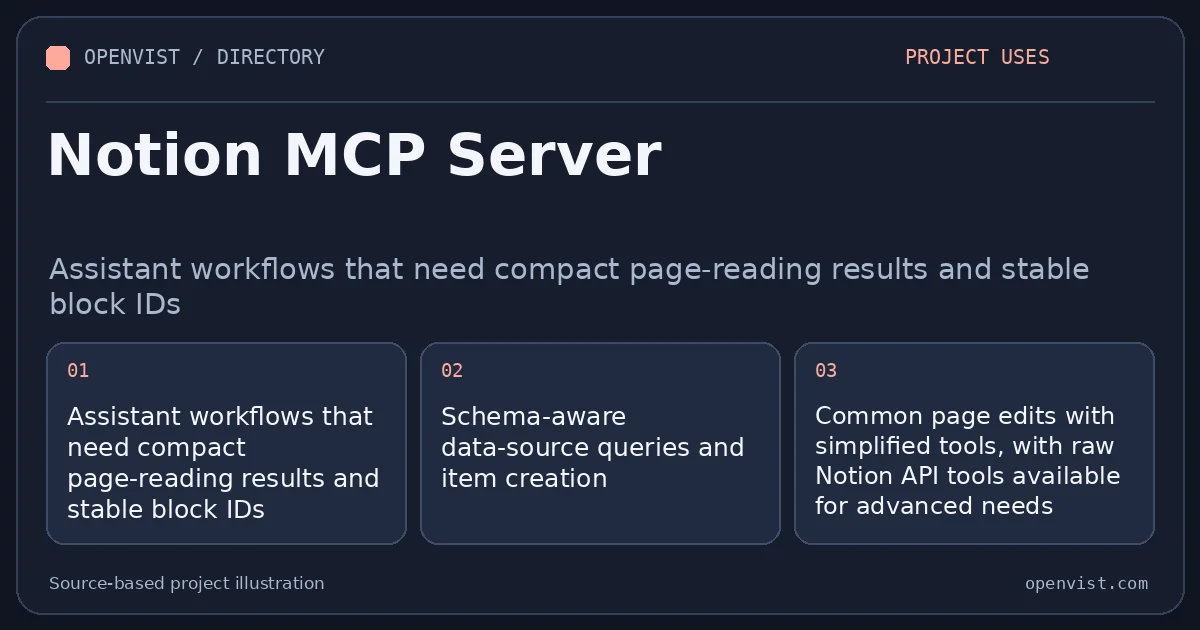
- Find Notion pages and data sources for an assistant workflow
- Read pages and retain stable block IDs for edits
- Inspect a data-source schema before querying or creating items
- Append or update common page content, or use raw API tools for advanced operations
Requirements & limits
The server requires a Notion integration token in the MCP host configuration. The integration must be granted access to the relevant pages or databases.
- The client must support MCP server configuration.
- Notion integration capabilities determine which read, insert, update, comment and user operations are available.
- The repository documents Node.js 22 or newer and pnpm for development.
Check current requirements in the official documentation. Source-based guidance does not mean OpenViST has run or independently tested this project.
Configure the server in an MCP host
Set up the Notion integration and add the server configuration to an MCP host.
Before you start
- An MCP host such as Claude Desktop or Cursor
- A Notion internal integration and its token
- Notion pages or databases shared with the integration
- The relevant integration capabilities for the intended actions
Steps
Create a new internal integration in Notion.
Enable read, insert or update content capabilities as needed; add comment or user capabilities only if using those tools.
Grant the integration access to the target pages or databases.
Copy its secret and set it as NOTION_API_TOKEN in the MCP host configuration, using the package command npx -y @suekou/mcp-notion-server.
Save the configuration and restart the MCP host.
Expected outcome
The MCP host is configured to connect to the Notion MCP server using the integration token.
Guide limitations
- The integration can access only pages and databases shared with it.
- Available operations depend on the capabilities granted to the integration.
Sources & review
Source record details
- Source availability
- Active
- Sources checked
- 5 November 2026
- Original website title
- suekou/mcp-notion-server · Official homepage title · retained in its source language