OpenViSTAI · Agents · Blockchain · Crypto
Menu
OPENVIST RECIPES

Validate Hexadecimal Event IDs and Find Duplicates

JavaScript

Read a JSON array of hexadecimal event ID strings from a UTF-8 file or standard input, validate each value, normalize valid IDs to lowercase without an optional leading `0x`, and report duplicate positions. Do not convert IDs to numbers or claim chain validity.

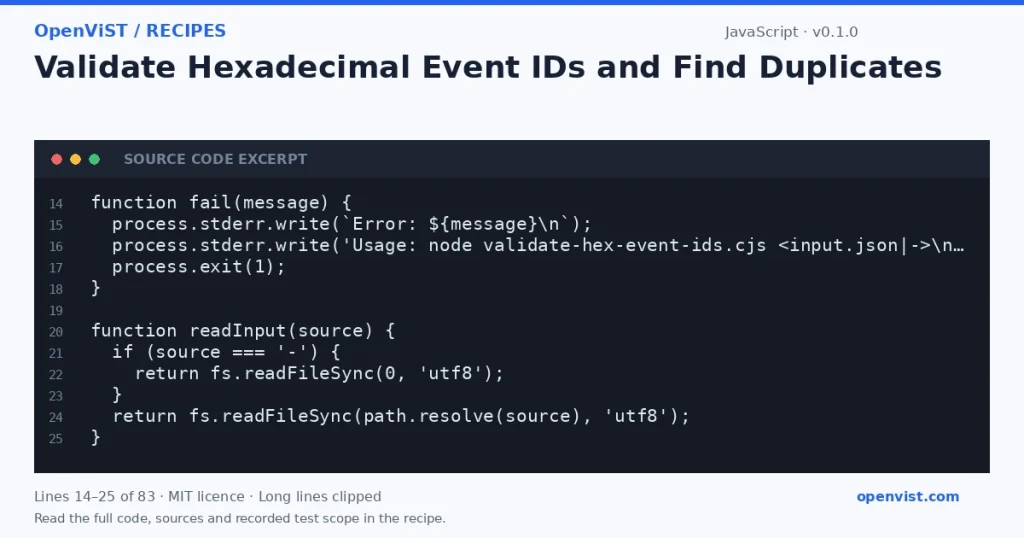
JavaScript code excerpt: Validate Hexadecimal Event IDs and Find Duplicates. Version 0.1.0. Read the full recipe for code, sources and recorded test scope.

This read-only Node.js 22 command-line recipe checks an input array of event IDs. It accepts hexadecimal strings with or without a `0x` prefix, normalizes valid strings for case-insensitive duplicate detection, and reports one-based positions. Validation here means only that a value is a nonempty hexadecimal string; it does not establish any blockchain-specific format or validity.

Before you start

  • Intended runner: Node.js 22.
  • No package installation is required; the recipe uses CommonJS and Node.js built-ins.
  • Input must be UTF-8 JSON whose top-level value is an array.

Build and check

  1. Save the supplied code in a `.cjs` file.
  2. Prepare a JSON array containing event ID strings and select a file path or `-` for stdin.
  3. Run the Node.js command and inspect the JSON report and exit status.
  4. Use the reported positions to correct or review invalid and repeated values.

Limits to understand

  • The rule accepts one or more hexadecimal digits after an optional case-insensitive `0x` prefix; it does not impose a fixed byte length.
  • An empty string and a prefix without following hex digits are invalid.
  • Duplicate comparison uses lowercase text with the optional prefix removed; it performs no numeric conversion.
  • This validates only textual hexadecimal syntax, not event existence, chain membership, or any chain-specific ID rules.
  • The program reads the entire input into memory and is intended for bounded JSON inputs.
  • Input values are treated only as data; the program does not execute them or modify files.

What this example adds

Provides a configurable file-or-stdin interface, explicit structural and per-item validation, canonicalized duplicate detection, and position-oriented JSON output. Invalid input is reported without printing potentially unexpected input values; malformed IDs are identified by position and value type.

Run it

Save the code as `validate-hex-event-ids.cjs`, then run `node validate-hex-event-ids.cjs ids.json`. Use `node validate-hex-event-ids.cjs - < ids.json` to read standard input. The program prints a JSON report; it exits 0 when all entries are valid, 2 when one or more entries are invalid, and 1 for usage, file, or JSON parse errors.

Example input

["0xAb12", "ff00", "0xab12", "G1"]

Expected output

{
  "valid": false,
  "normalized": [
    "ab12",
    "ff00",
    "ab12",
    null
  ],
  "invalid": [
    {
      "position": 4,
      "valueType": "string"
    }
  ],
  "duplicates": [
    {
      "normalizedId": "ab12",
      "firstPosition": 1,
      "duplicatePosition": 3
    }
  ]
}
INSPECT THE SCRIPT

Inspect, copy and run the documented checks.

This browser preview builds code locally. It does not contact an API or run the code.

Default example ready.

JavaScript example
// SPDX-License-Identifier: MIT
// Copyright (c) 2026 OpenViST contributors
'use strict';

const fs = require('node:fs');
const path = require('node:path');
const crypto = require('node:crypto');
const { fileURLToPath } = require('node:url');
const assert = require('node:assert');

// Recipe code intentionally uses only node:fs and node:path from the allowed
// built-ins. The other permitted built-ins are required but not needed here.

function fail(message) {
  process.stderr.write(`Error: ${message}\n`);
  process.stderr.write('Usage: node validate-hex-event-ids.cjs <input.json|->\n');
  process.exit(1);
}

function readInput(source) {
  if (source === '-') {
    return fs.readFileSync(0, 'utf8');
  }
  return fs.readFileSync(path.resolve(source), 'utf8');
}

function normalize(value) {
  if (typeof value !== 'string') return null;
  const withoutPrefix = value.startsWith('0x') || value.startsWith('0X')
    ? value.slice(2)
    : value;
  if (!/^[0-9a-fA-F]+$/.test(withoutPrefix)) return null;
  return withoutPrefix.toLowerCase();
}

function inspect(values) {
  const invalid = [];
  const firstPosition = new Map();
  const duplicates = [];
  const normalized = [];

  values.forEach((value, index) => {
    const position = index + 1;
    const id = normalize(value);
    if (id === null) {
      invalid.push({ position, valueType: value === null ? 'null' : typeof value });
      normalized.push(null);
      return;
    }
    normalized.push(id);
    if (firstPosition.has(id)) {
      duplicates.push({
        normalizedId: id,
        firstPosition: firstPosition.get(id),
        duplicatePosition: position
      });
    } else {
      firstPosition.set(id, position);
    }
  });

  return { valid: invalid.length === 0, normalized, invalid, duplicates };
}

function main() {
  const args = process.argv.slice(2);
  if (args.length !== 1) fail('provide exactly one input path, or - for standard input.');

  let parsed;
  try {
    parsed = JSON.parse(readInput(args[0]));
  } catch (error) {
    fail(`could not read or parse input: ${error.message}`);
  }

  if (!Array.isArray(parsed)) fail('the JSON top level must be an array.');

  const report = inspect(parsed);
  process.stdout.write(`${JSON.stringify(report, null, 2)}\n`);
  if (!report.valid) process.exit(2);
}

main();
What to verify after running
  • Run the example fixture and compare the JSON report with the expected output.
  • Try entries that vary only by letter case or optional prefix and confirm they are reported as duplicates with one-based positions.
  • Try empty strings, non-hex characters, and non-string array members; confirm they are listed by position as invalid.
  • Try malformed JSON and a non-array JSON top level; confirm the command writes an actionable error to stderr and exits nonzero.
  • Run once with a file path and once with `-` plus piped input to verify both input modes.

Request or format preview

Illustrative preview. No provider response, price or balance is fetched.

Change a setting to inspect the preview.

Official sources and related profiles

    Code license: MIT. Keep the license notice with your copy.

    Example version 0.1.0 · Documentation reviewed 2026-10-12.

    Executed 6 synthetic local fixture cases in isolated Node.js 22.23.3 on GitHub Actions, without network access. Declared exit codes, output assertions and input integrity checks passed. Live services, installed third-party packages and production behavior remain outside scope. Editorial approval is still required.