Validate each nonempty JSONL line as a JSON object
Python
Read a saved JSONL fixture or standard input, count valid object records, and report one-based line numbers for malformed JSON or lines that decode to a non-object.
Use this small local checker to catch malformed JSONL records before another tool consumes the file. It validates structure only; it does not test an AI model or the meaning of any record fields. Blank lines are ignored, and each nonempty line must decode to a JSON object.
Before you start
Intended runner: Python 3.12; no tested minimum version is claimed.
Uses only the Python standard library modules `argparse`, `json`, `pathlib`, and `sys`.
For file input, the selected path must exist and be readable as UTF-8; otherwise the tool reports an input error to stderr and exits with status 2.
The JSON module documents `json.loads` for decoding JSON, and argparse documents parsing positional CLI arguments. The task validates local fixture data, not an external model or service.
Build and check
Save the code as `validate_jsonl.py`.
Create a UTF-8 JSONL fixture with one JSON object per nonempty line.
Run `python validate_jsonl.py path/to/fixture.jsonl`, or omit the path to read stdin.
Review the valid-object count and every reported one-based line number.
Use the exit status: 0 means all nonempty lines were objects, 1 means record validation errors, and 2 means the input could not be read.
Limits to understand
Blank or whitespace-only lines are ignored and are not counted as records.
Only JSON syntax and top-level object type are checked; fields, schemas, duplicate keys, and application-level meaning are not validated.
The complete input is read into memory. Python's JSON documentation cautions that parsing untrusted data can consume considerable CPU and memory; use appropriately bounded local fixtures.
JSON decoding errors are reported by line number and decoder message, not by column position.
The script writes its report to stdout and file-read diagnostics to stderr; it does not alter input files.
What this example adds
The example is a standalone local CLI instead of a live-service client. It accepts either a file path or stdin, skips blank lines, continues after individual record errors so all offending line numbers are reported, and returns distinct exit statuses for invalid data versus file-reading errors. No remote service is contacted.
Run it
Save as `validate_jsonl.py`, then run `python validate_jsonl.py records.jsonl`. To validate piped input, run `python validate_jsonl.py < records.jsonl`. The script performs no network calls and has no retry behavior.
Example input
{"id": 1}

[2]
not-json
{"id": 3}
Expected output
valid object records: 2
line 3: expected a JSON object
line 4: malformed JSON (Expecting value)
INSPECT THE SCRIPT
Inspect, copy and run the documented checks.
This browser preview builds code locally. It does not contact an API or run the code.
Default example ready.
Python example
# SPDX-License-Identifier: MIT
# Copyright (c) 2026 OpenViST contributors
import argparse
import json
import pathlib
import sys


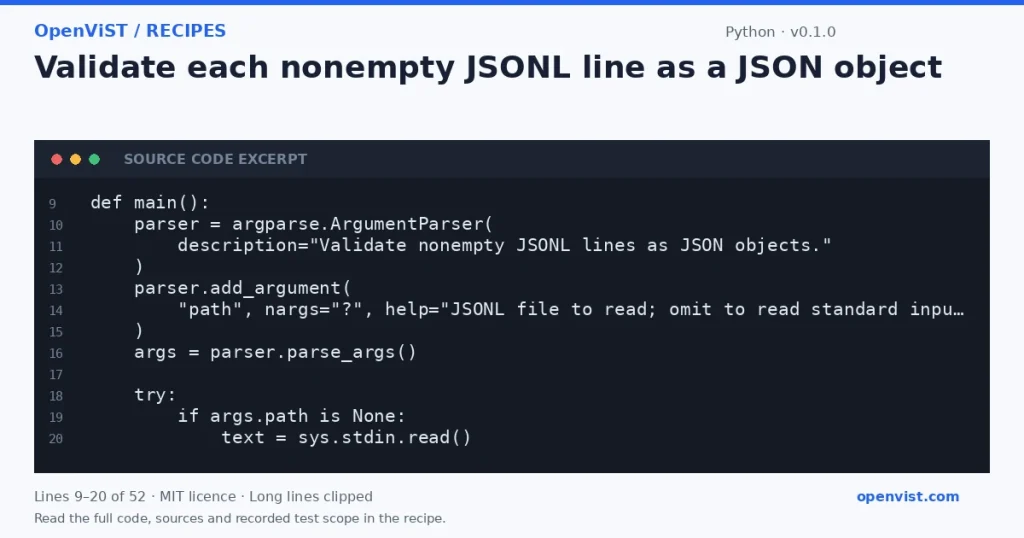
def main():
    parser = argparse.ArgumentParser(
        description="Validate nonempty JSONL lines as JSON objects."
    )
    parser.add_argument(
        "path", nargs="?", help="JSONL file to read; omit to read standard input"
    )
    args = parser.parse_args()

    try:
        if args.path is None:
            text = sys.stdin.read()
        else:
            text = pathlib.Path(args.path).read_text(encoding="utf-8")
    except (OSError, UnicodeError) as exc:
        print(f"input error: {exc}", file=sys.stderr)
        return 2

    record_count = 0
    errors = []
    for line_number, line in enumerate(text.splitlines(), start=1):
        if not line.strip():
            continue
        try:
            value = json.loads(line)
        except json.JSONDecodeError as exc:
            errors.append(f"line {line_number}: malformed JSON ({exc.msg})")
            continue
        if not isinstance(value, dict):
            errors.append(f"line {line_number}: expected a JSON object")
            continue
        record_count += 1

    print(f"valid object records: {record_count}")
    if errors:
        for error in errors:
            print(error)
        return 1
    print("status: valid")
    return 0


if __name__ == "__main__":
    raise SystemExit(main())
What to verify after running
Run with a fixture containing two object lines and confirm the count is 2 and status is valid.
Add a blank line and confirm it does not change the count or create an error.
Add a valid JSON array or scalar and confirm its exact one-based line is reported as not an object.
Add malformed JSON and confirm its exact line number is reported while later lines are still checked.
Run with an empty file and confirm a count of 0 and valid status.
Run with a nonexistent path and confirm an input error and exit status 2.
Pipe a fixture through stdin and confirm it is validated without supplying a path.
Request or format preview
Illustrative preview. No provider response, price or balance is fetched.
Code license: MIT. Keep the license notice with your copy.
Example version 0.1.0 · Documentation reviewed 2026-10-11.
Executed 5 synthetic local fixture cases in isolated CPython 3.12.15 on GitHub Actions, without network access. Declared exit codes, output assertions and input integrity checks passed. Live services, installed third-party packages and production behavior remain outside scope. Editorial approval is still required.
Related browser tools
Inspect related data locally in your browser. These tools have their own input rules and limits; they do not execute this recipe.