
Understand the project
Practical overview
When it fits
Use Xam when building a Python data-science workflow and a documented utility for preprocessing, feature work, model selection, ensembling or time-series analysis fits the task.
Who it is for
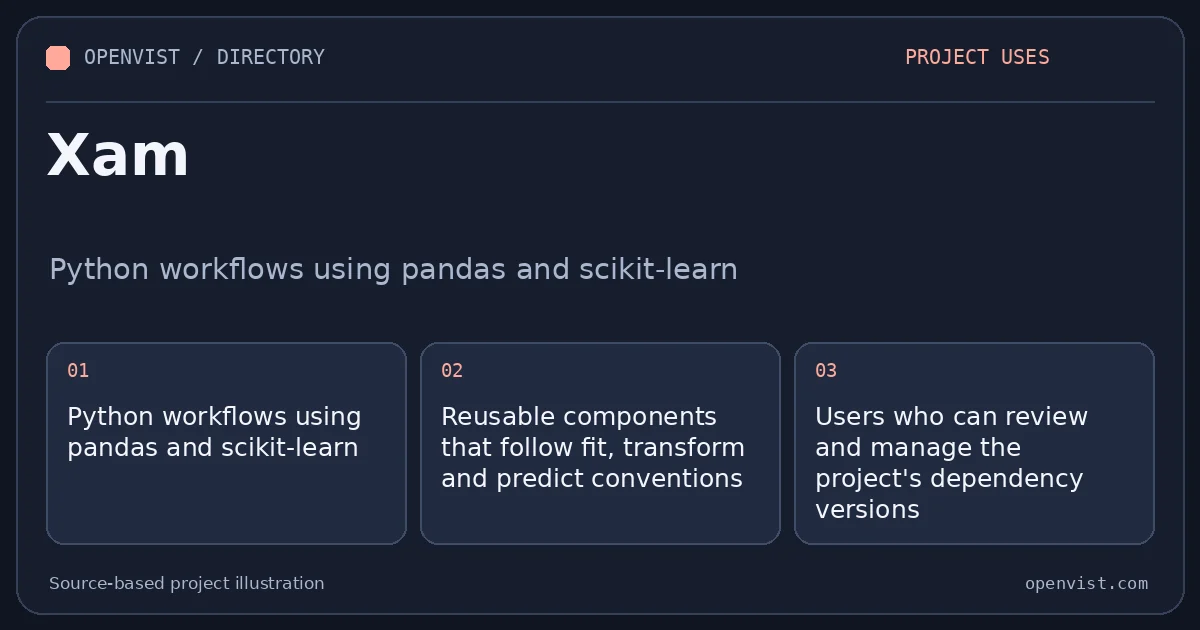
- Python data scientists who want reusable preprocessing and feature-engineering components.
- Machine-learning practitioners seeking utilities for cross-validation, model selection or ensemble workflows.
- Developers working with pandas and scikit-learn conventions.
Documented uses
- Transform and encode data before model training.
- Extract, combine or select features.
- Add cross-validation and model-selection utilities to an ML workflow.
- Explore stacking and other ensemble approaches.
- Use documented time-series and exploratory-analysis utilities.
Before you choose
Requirements & limits
The public GitHub repository is open source under the MIT license.
- The toolkit is described by its README as personal, so assess the specific utilities against your project's needs.
- The documented installation command uses
--upgradeand may update dependencies such as SciPy and pandas. - The README points to topic-specific documentation and examples for ensembling, preprocessing, feature extraction, model selection and other areas.
Check current requirements in the official documentation. Source-based guidance does not mean OpenViST has run or independently tested this project.
Source-based practical guide
Install Xam from its GitHub repository
Set up the Python toolbox using the installation route in its README.
Before you start
- Anaconda for Python 3.5 or later
- A terminal with pip
Steps
Install Anaconda for Python 3.5 or later.
Run the command below in a terminal.
pip install git+https://github.com/MaxHalford/xam --upgrade
Expected outcome
The README's documented installation command installs Xam from its GitHub repository.
Guide limitations
- The
--upgradeflag also installs the latest releases of dependencies such as SciPy and pandas, which may change the environment's dependency versions.
Evidence and transparency
Sources & review
Source record details
- Source availability
- Active
- Sources checked
- 16 November 2026
- Original website title
- MaxHalford/xam · Official homepage title · retained in its source language