
Practical overview
When it fits
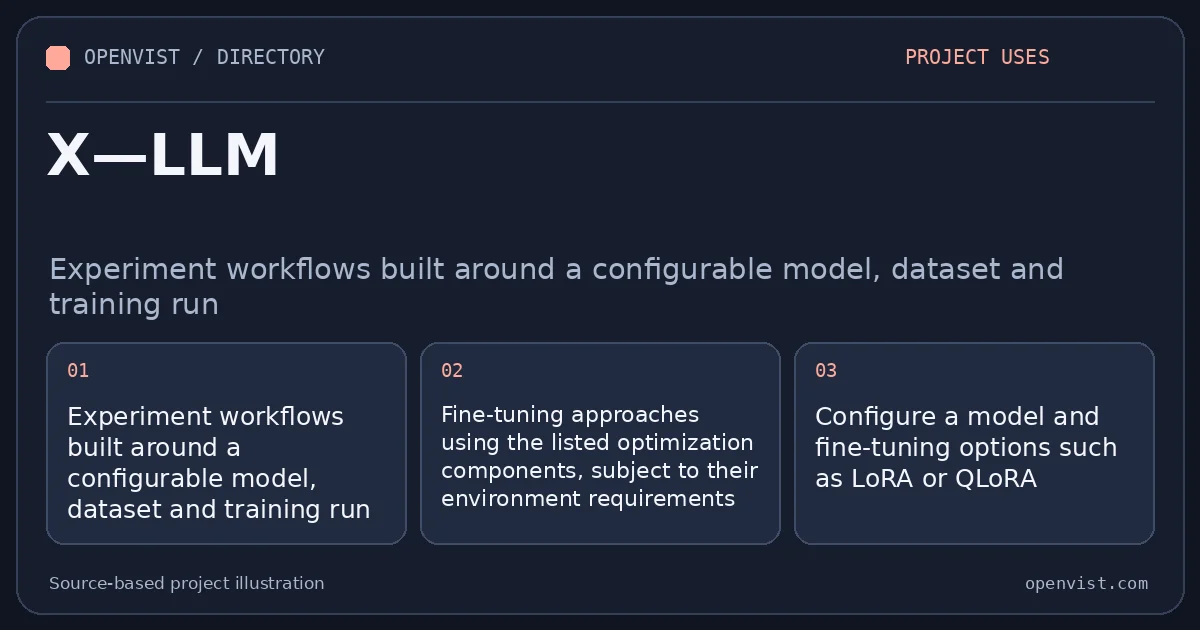
Use X—LLM when you want to build a Python-based fine-tuning experiment from a model configuration and prepared dataset, particularly for LoRA or QLoRA workflows.
Who it is for
- Python developers who want a configurable workflow for fine-tuning language models.
- Researchers or engineers preparing model-training experiments with LoRA or quantized weights.
Documented uses
- Configure a model and fine-tuning options such as LoRA or QLoRA.
- Prepare training data, build an experiment and run training.
- Track training progress with Weights & Biases.
- Fuse LoRA layers or push LoRA weights to Hugging Face Hub after training.
Requirements & limits
The repository is public and carries an Apache-2.0 license. The README gives installation through pip and identifies Python 3.8+, PyTorch 2.0.1+ and CUDA 11.8 as the tested baseline.
- The standard
xllmpackage is recommended for local development, whilexllm[train]is recommended for training and includes DeepSpeed, Flash Attention and AutoGPTQ. - The README names CUDA 11.8 and a Hugging Face Transformers PyTorch GPU Docker image as the recommended training environment.
- Publishing weights to Hugging Face Hub requires Hub login or an API token in the environment.
Check current requirements in the official documentation. Source-based guidance does not mean OpenViST has run or independently tested this project.
Run a documented fine-tuning experiment
Configure and run an example QLoRA training experiment using X—LLM.
Before you start
- Python 3.8 or later, PyTorch 2.0.1 or later and CUDA 11.8, listed as the tested baseline.
- Install the training extra with
pip install "xllm[train]"; the README recommends it for training. - A model path and training data for the experiment.
Steps
Create a
Configwith a model path,apply_lora=Trueandload_in_4bit=True.Prepare a
GeneralDatasetfrom training data usingGeneralDataset.from_list.Create an
Experimentwith the config and dataset, then callbuild().Call
run()to execute training.
Expected outcome
An X—LLM experiment runs the configured fine-tuning workflow.
Guide limitations
- The README gives a minimal example but does not specify hardware sizing or expected training duration.
- Model and training-method support depends on the configured environment and required components.
Publish trained LoRA weights to Hugging Face Hub
Push LoRA weights from an X—LLM experiment to a Hugging Face Hub repository.
Before you start
- A built and trained X—LLM experiment configured with LoRA.
- Hugging Face Hub login or an API token set in the environment.
- A destination repository ID.
Steps
Log in to Hugging Face Hub or provide an API token through an environment variable.
Call
experiment.push_to_hub(repo_id="YOUR_NAME/MODEL_NAME").
Expected outcome
The experiment's LoRA weights are submitted to the specified Hugging Face Hub repository.
Guide limitations
- The README does not specify repository visibility or access settings.
Sources & review
Source record details
- Source availability
- Active
- Sources checked
- 15 November 2026
- Original website title
- bobazooba/xllm · Official homepage title · retained in its source language