
Practical overview
When it fits
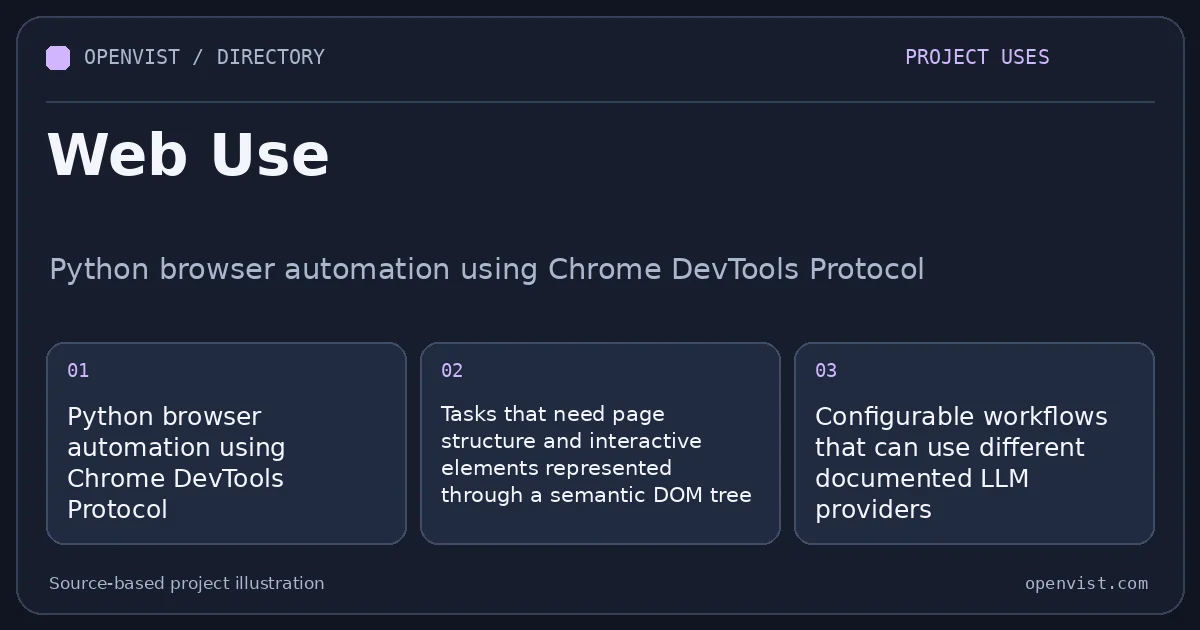
Use it for tasks performed through a browser, especially navigation, form interaction, searching, or file handling. Consider WebMCP when the target website exposes compatible tools, or its OAuth support when a workflow needs provider-based authentication.
Who it is for
- Developers building browser-based automation workflows.
- Users who need an agent to navigate websites and interact with page content.
- Teams exploring website-exposed WebMCP tools or OAuth-based browser workflows.
Documented uses
- Navigate websites and interact with dynamic content.
- Fill web forms and perform searches across websites.
- Download files and upload content to forms.
- Use a page's exposed WebMCP tools when available.
- Authenticate to OAuth-protected services through the documented PKCE workflow.
Requirements & limits
The repository is public and identifies the project as MIT-licensed. Setup prerequisites include Python 3.11 or higher and UV.
- This is a Python agent to configure and run, not a hosted browser automation service.
- An LLM provider and browser configuration are required inputs to the agent.
- Vision and WebMCP are configurable capabilities; WebMCP depends on the visited website exposing tools.
- OAuth support uses an initial user authorization flow, then saves tokens for later use.
- The README documents Chrome and Edge configuration and browser options including headless mode, profiles, and download location.
Check current requirements in the official documentation. Source-based guidance does not mean OpenViST has run or independently tested this project.
Install and configure Web Use
Prepare the documented Python environment and configure a basic browser agent.
Before you start
- Python 3.11 or higher
- UV
- A supported LLM provider and its required credentials or local setup
- Chrome or Edge browser configuration
Steps
Clone the repository and change into its directory.
Install project dependencies with the command below.
uv syncConfigure the LLM provider and browser using the documented
BrowserConfigandAgentsetup.
Expected outcome
A configured agent setup, with an LLM and browser configuration, ready for the documented execution stage.
Guide limitations
- The instructions identify setup prerequisites but do not establish that a particular provider account, browser profile, or environment will work in every deployment.
- The repository's basic example uses an Ollama provider; hosted providers may require their own credentials.
Sources & review
Source record details
- Source availability
- Active
- Sources checked
- 20 November 2026
- Original website title
- Jeomon/Web-Use · Official homepage title · retained in its source language