
Practical overview
When it fits
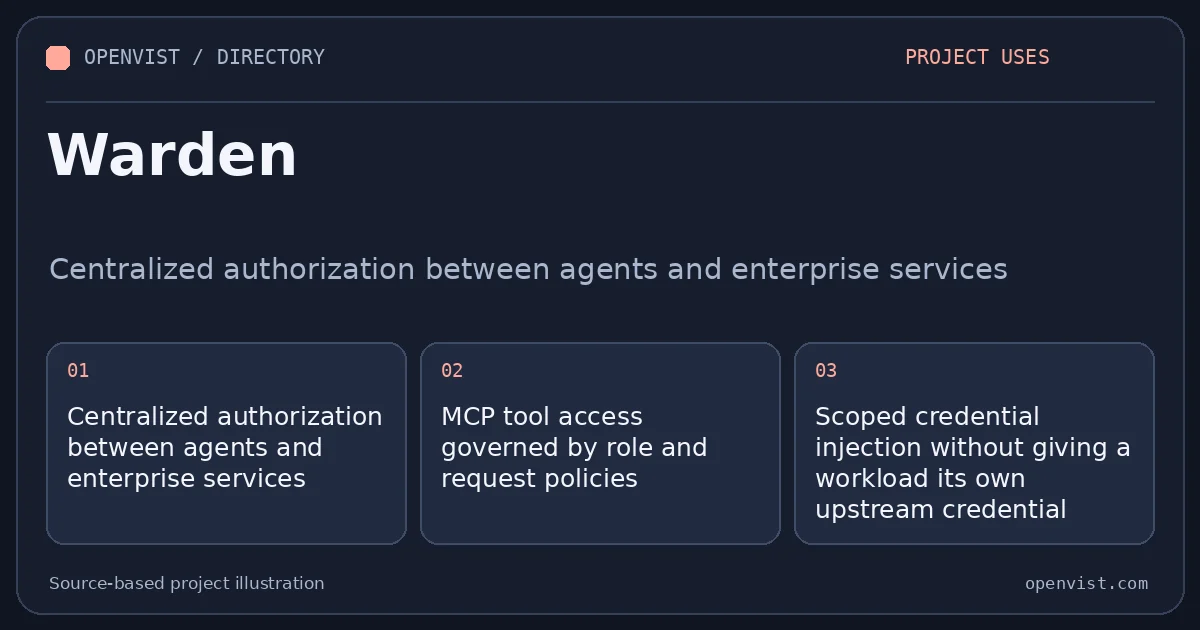
Use Warden when agents need access to enterprise systems and you want identity, authorization, and upstream credential handling centralized at a gateway.
Who it is for
- Teams governing AI agents that access enterprise APIs or MCP servers
- Operators managing agent identities, delegated human access, credential brokering, and request audits
Documented uses
- Authorize agent requests using identity, roles, and policies.
- Limit MCP tool visibility and constrain tool-call arguments.
- Provide scoped upstream credentials through credential sources, vault retrieval, or federation.
- Carry human delegation context into request auditing.
- Separate tenants and configure audit and production operations.
Requirements & limits
- Warden supports both credential sourcing and keyless federation; the appropriate approach depends on how the upstream service establishes trust.
- The concepts documentation covers MCP tool-call authorization as well as gateway access to other upstream services.
- The local playground is in-memory and resets on restart; production operations are covered separately.
- A GitHub personal access token is required only for the playground’s final GitHub scenario.
Check current requirements in the official documentation. Source-based guidance does not mean OpenViST has run or independently tested this project.
Start Warden’s local playground
Launch the in-memory playground and prepare the documented agent tour.
Before you start
- Docker or the Warden binary
- An MCP-capable agent; the guide names Claude Code, Codex, Cursor, Gemini CLI, opencode, VS Code, and other MCP clients
- A GitHub personal access token only for the final GitHub scenario
Steps
Start the playground using the Docker or binary instructions in the getting-started guide.
Set the Warden CLI environment for the playground and create the documented agent and user JWTs.
Configure the selected agent to connect to the playground’s Warden endpoint, following that client’s section of the guide.
Follow the guide’s scenarios to inspect authorization, credential brokering, delegation, and audit behavior.
Expected outcome
A local, in-memory playground for exploring Warden’s documented agent access-control scenarios.
Guide limitations
- The playground resets its setup and state when restarted.
- The guide warns that the root-token shell must be kept separate from the agent’s shell.
- The GitHub scenario needs a personal access token; the first eight scenarios run locally.
Sources & review
Source record details
- Source availability
- Active
- Sources checked
- 20 November 2026
- Original website title
- Warden — the secure gateway for AI agents · Official homepage title · retained in its source language