
Practical overview
When it fits
Use it when an MCP-connected agent needs to request a Maigret username search or profile-URL analysis and return scan output or a saved report.
Who it is for
- People configuring an MCP client to run Maigret searches through an AI agent.
- Researchers conducting authorized OSINT on publicly available information.
- Developers who want to run Maigret through Docker or a local installation and retrieve saved reports.
Documented uses
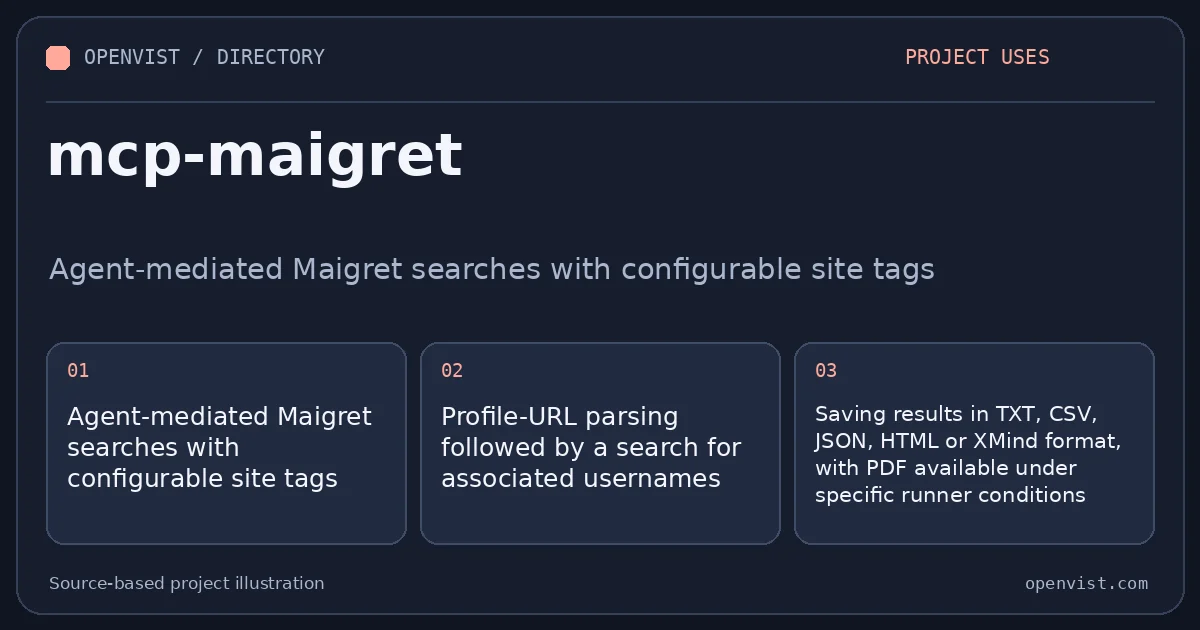
- Search a username across Maigret’s site database, optionally filtering by tags or checking all sites.
- Analyze an HTTP or HTTPS profile URL to extract information and look for associated usernames.
- Save username-search reports in supported formats to a chosen directory.
Requirements & limits
- Requires Node.js 18 or newer and either Docker or a local Maigret installation, plus a writable reports directory set through MAIGRET_REPORTS_DIR.
- Docker pulls the Maigret image on first use; the documented image is about 800 MB.
- The project documents macOS development and testing. Linux and Windows with Docker Desktop are described as expected to work but untested.
- PDF reports are unavailable with the stock Maigret image used by the Docker runner; the project Docker image or a local installation with the PDF extra supports them.
- Maigret’s detections are heuristic and some sites may rate-limit or block automated lookups.
Check current requirements in the official documentation. Source-based guidance does not mean OpenViST has run or independently tested this project.
Configure mcp-maigret for an MCP client
Set up the server with a reports directory and add it to Claude Code or Claude Desktop.
Before you start
- Node.js 18 or newer.
- Docker installed and running, or Maigret installed locally; the documented local install is
pipx install 'maigret[pdf]'. - An MCP client and a writable reports directory.
Steps
Choose a reports directory and set
MAIGRET_REPORTS_DIRto its absolute path.Add mcp-maigret to the MCP client configuration, passing the reports-directory environment variable. The documentation provides Claude Code and Claude Desktop examples.
Restart Claude Desktop after editing its configuration; MCP clients load servers at startup.
Expected outcome
The MCP client is configured to connect to mcp-maigret, which can save reports in the selected directory.
Guide limitations
- The reports directory must be writable, and Docker Desktop may need permission to share it.
- The first Docker-backed search pulls an image of about 800 MB.
- Linux and Windows with Docker Desktop are described as expected to work but are untested; development and testing were on macOS.
Request a username search or profile-URL analysis
Ask an agent connected to mcp-maigret to run one of its documented Maigret tools.
Before you start
- A configured, connected mcp-maigret server and its required reports directory.
- A username containing only letters, digits, underscores, hyphens or periods, up to 100 characters; or a plain HTTP or HTTPS profile URL without shell metacharacters.
Steps
Ask the agent to use
search_usernamewith a handle; optionally supply tags to narrow the sites checked, or request all sites.Alternatively, ask it to use
parse_urlwith a profile URL to extract information and search for associated usernames.For a username search, choose a supported report format if needed; TXT is the default. Check the returned report path and scan output.
Expected outcome
The agent receives Maigret scan output; username searches can also return the path to a saved report.
Guide limitations
- Site detection is heuristic and may have false positives or misses; verify results by hand.
- Some sites rate-limit or block automated lookups. Narrowing by tags can reduce the search scope.
- PDF availability depends on the runner: it works with a local Maigret installation with the PDF extra or the project’s Docker image, but not the stock
soxoj/maigretimage used by the Docker runner.
Sources & review
Source record details
- Source availability
- Active
- Sources checked
- 15 November 2026