
Practical overview
When it fits
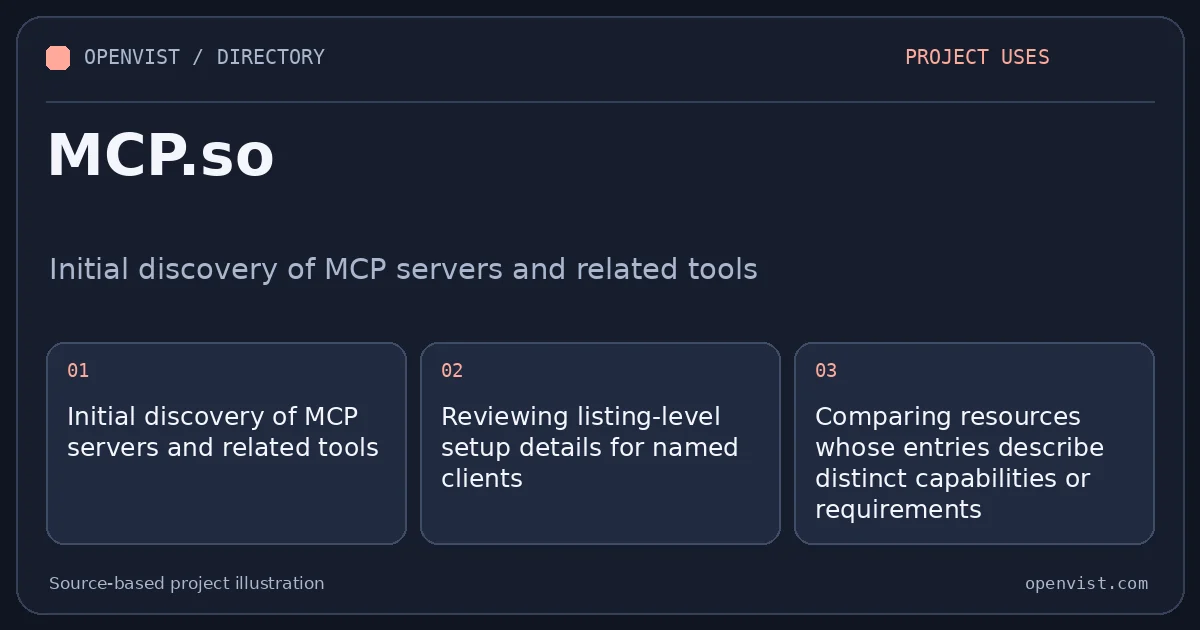
Use MCP.so when you need to discover MCP resources and want to inspect a listing’s capabilities, connection details or setup guidance before consulting the provider’s documentation.
Who it is for
- People looking for MCP servers or other MCP resources for an AI client.
- MCP developers seeking a directory where potential users can discover their resources.
Documented uses
- Browse MCP resources by category or capability.
- Compare individual listings and review their client setup information.
- Find a relevant server or tool before configuring an MCP client.
Requirements & limits
MCP.so is a web directory. The cited listings document provider-specific conditions, including OAuth authentication for 3GPP Scout and no authentication for Aayat AI; these apply to those services, not to MCP.so as a whole.
- Listings can vary in how much technical detail they provide; check whether the entry specifies transport, authentication, connection details and client setup.
- A listing may not expose its tool list. The 3GPP Scout page says tool discovery may require credentials.
- Service capabilities and usage conditions belong to each listed provider, so consult that provider’s documentation before connecting.
Check current requirements in the official documentation. Source-based guidance does not mean OpenViST has run or independently tested this project.
Connect an MCP client to 3GPP Scout
Set up a remote MCP connection to the hosted 3GPP Scout service.
Before you start
- An MCP-compatible client, such as Claude Code, Cursor, or VS Code.
- OAuth 2.1 sign-in and authorization when prompted by the client.
Steps
Add the Streamable HTTP endpoint https://api.3gppscout.com/mcp/ to the MCP client.
When the client opens a browser for OAuth, sign in and authorize access.
Use the authorized connection in later sessions; the client reuses its credentials.
Expected outcome
The client is connected to the hosted 3GPP Scout service, which supports cited searches across 3GPP specifications and related materials.
Guide limitations
- The server requires OAuth authentication.
- The listing does not display a tool list; consult the provider's documentation for supported capabilities.
- Explorer includes 150 API/MCP requests per month; higher usage is listed under a paid plan.
Sources & review
Source record details
- Source availability
- Active
- Sources checked
- 4 November 2026
- Original website title
- MCP Servers for Claude, Cursor & AI Agents | MCP.so · Official homepage title · retained in its source language