
Practical overview
When it fits
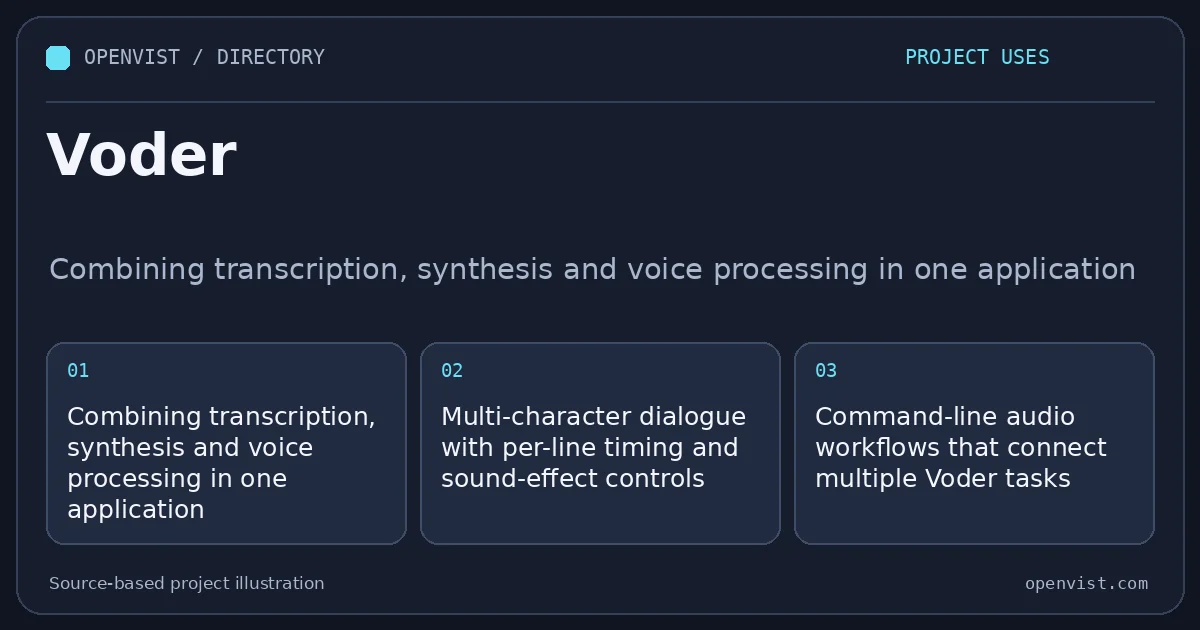
Use Voder when a speech or audio workflow benefits from several processing modes in one local Python application, especially when tasks need to be chained or run through the GUI or CLI.
Who it is for
- People processing speech or audio locally through a GUI or command line.
- Creators building multi-speaker dialogue, dubbing video, or generating and editing music and sound effects.
- Python users who want to connect Voder tasks into reusable command-line chains.
Documented uses
- Transcribe audio and identify speakers in recordings.
- Create speech from text using designed or reference voices.
- Convert voices, enhance speech, separate vocals, or generate sound effects and music.
- Build dialogue with multiple characters, or dub video with translated speech.
Requirements & limits
The repository is public and describes Voder as open-source under AGPL-3.0. Setup is documented through a Python script or manual dependency installation; a GUI and CLI are included.
- The documented baseline is a 4–6-core CPU and 12 GB RAM; a GPU is optional, but some modes need much more memory or VRAM.
- Speaker diarization requires a free Hugging Face token configured through HF_TOKEN or HF_TOKEN.txt.
- Voder offers both GUI and CLI access, and user-defined chains can connect tasks.
- Project Eva is described as an expansion with separate model and hardware requirements.
Check current requirements in the official documentation. Source-based guidance does not mean OpenViST has run or independently tested this project.
Install VODER with the recommended setup script
Clone the VODER repository and install its dependencies using the recommended setup script.
Before you start
- Python is available.
- The system has 4–6 CPU cores and 12 GB RAM minimum; a GPU is optional.
Steps
Clone the repository: the command below.
git clone https://github.com/HAKORADev/VODER.git && cd VODERRun the setup script: the command below.
python setup.pyTo check the available commands, run the command below.
python src/voder.py
Expected outcome
VODER is set up, and its command-line help can be displayed.
Guide limitations
- The documented minimum requirements are 4–6 CPU cores and 12 GB RAM; GPU is optional, though some modes benefit from more resources.
- The setup script is recommended, but no installation verification procedure is described.
Run a text-to-speech example from the command line
Generate speech from the text “Hello world” using VODER’s documented text-to-speech example.
Before you start
- VODER has been set up.
- A voice description can be supplied as text.
Steps
From the repository directory, run the command below.
python src/voder.py tts script "Hello world" voice "female, cheerful"Use the command-line help, the command below, to review available commands.
python src/voder.py
Expected outcome
The documented text-to-speech command is submitted with the text and voice description.
Guide limitations
- The README provides the example command but does not specify output-file behavior or report a successful run.
- Some VODER modes may need more resources than the stated minimum.
Sources & review
Source record details
- Source availability
- Active
- Sources checked
- 11 November 2026
- Original website title
- HAKORADev/VODER · Official homepage title · retained in its source language