
Practical overview
When it fits
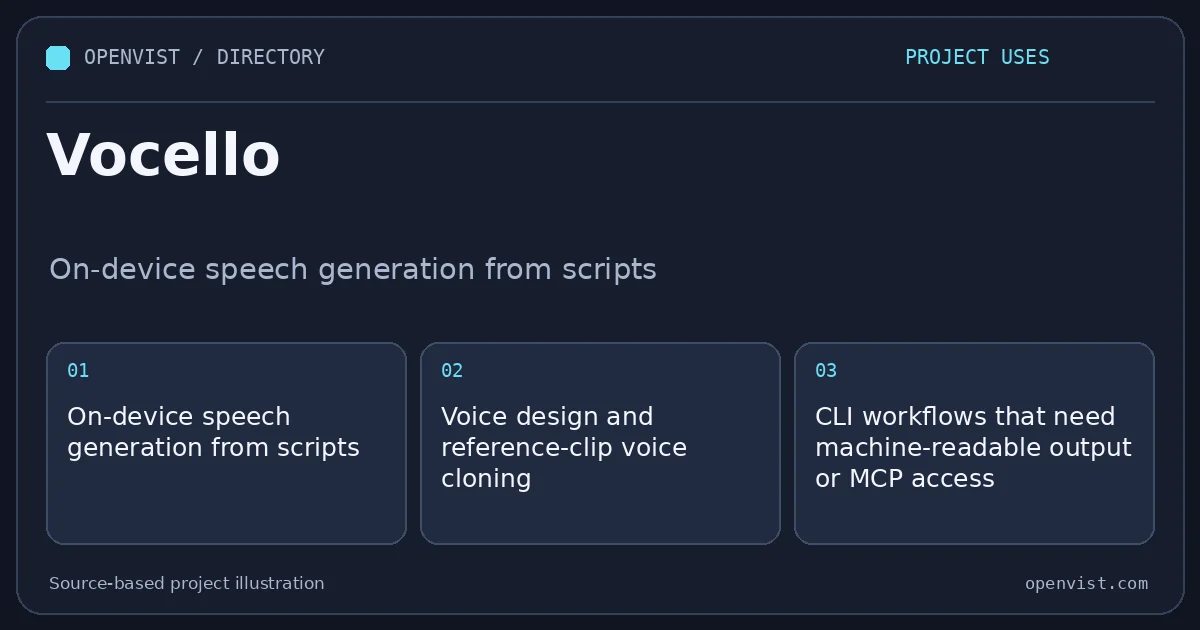
Use Vocello when you want local speech generation on an Apple Silicon Mac, or need a CLI and MCP route for scripted or agent-connected audio generation.
Who it is for
- Mac users who want to create spoken audio from written scripts.
- People who want to select, describe or clone a voice for generated speech.
- Developers and AI-agent users who need CLI-based speech generation or an MCP connection.
Documented uses
- Generate a speech file from a written script.
- Create and save a voice from a text description.
- Clone a voice from a recorded or imported reference clip.
- Generate speech from scripts through the command line or an MCP client.
Requirements & limits
The site describes Vocello as free and open-source, and the privacy policy says the apps and command line have no account. The CLI package requires an Apple Silicon Mac with macOS 26 or later; models download separately.
- The documented CLI package requires Apple Silicon and macOS 26 or later.
- Speech models are separate downloads; the Built-in Voice Speed model is about 2 GB.
- The CLI documentation lists 8 GB of memory as the minimum for the Mac app and recommends 16 GB or more for Quality models.
- On an 8 GB Mac, only one engine can run at a time.
- CLI-generated takes are saved as files but do not appear in app History.
Check current requirements in the official documentation. Source-based guidance does not mean OpenViST has run or independently tested this project.
Install the CLI and generate a first speech file
Set up the Vocello command line on a supported Mac and generate a WAV using the Built-in Voice Speed model.
Before you start
- Apple Silicon Mac running macOS 26 or later.
- About 2 GB for the Built-in Voice Speed model, downloaded separately.
- Use the installer package with an administrator password, or copy the complete CLI folder and run its executable by full path.
Steps
Install Vocello-macos26-cli.pkg, or copy the complete Vocello CLI folder from its disk image.
Run
vocello speakers listandvocello models list.Run
vocello models install pro_custom_speedto download the Built-in Voice Speed model.Run
vocello generate --mode custom --variant speed --text "The train left at dawn." --out ~/Desktop/hello.wav.
Expected outcome
A generated WAV file is saved to the specified output path.
Guide limitations
- The model is not bundled and must be downloaded once.
- If the installer does not link
vocellointo the shell path, use/usr/local/lib/vocello/vocelloor link it yourself. - On an 8 GB Mac, only one engine can run at a time.
Connect Vocello to Claude Code
Configure the Vocello MCP server for Claude Code using the CLI installer path.
Before you start
- Vocello CLI installed on the Mac.
- Claude Code and the installer package's
/usr/local/bin/vocellolink.
Steps
Run
claude mcp add --scope user vocello -- /usr/local/bin/vocello mcp.For a copied CLI folder or an installation without that link, run
mcp --print-config claude-codefrom the copied executable to print configuration using its path.
Expected outcome
The documented command adds Vocello for every Claude Code project, or prints configuration for a copied CLI installation.
Guide limitations
- Voice cloning and saving require consent in each MCP request.
- The server reads and writes audio only in Vocello's output folder unless started with
--allow-dirand named permitted folders.
Sources & review
Source record details
- Source availability
- Active
- Sources checked
- 11 November 2026
- Original website title
- Vocello: local AI voice studio for Mac and iPhone · Official homepage title · retained in its source language