
Practical overview
When it fits
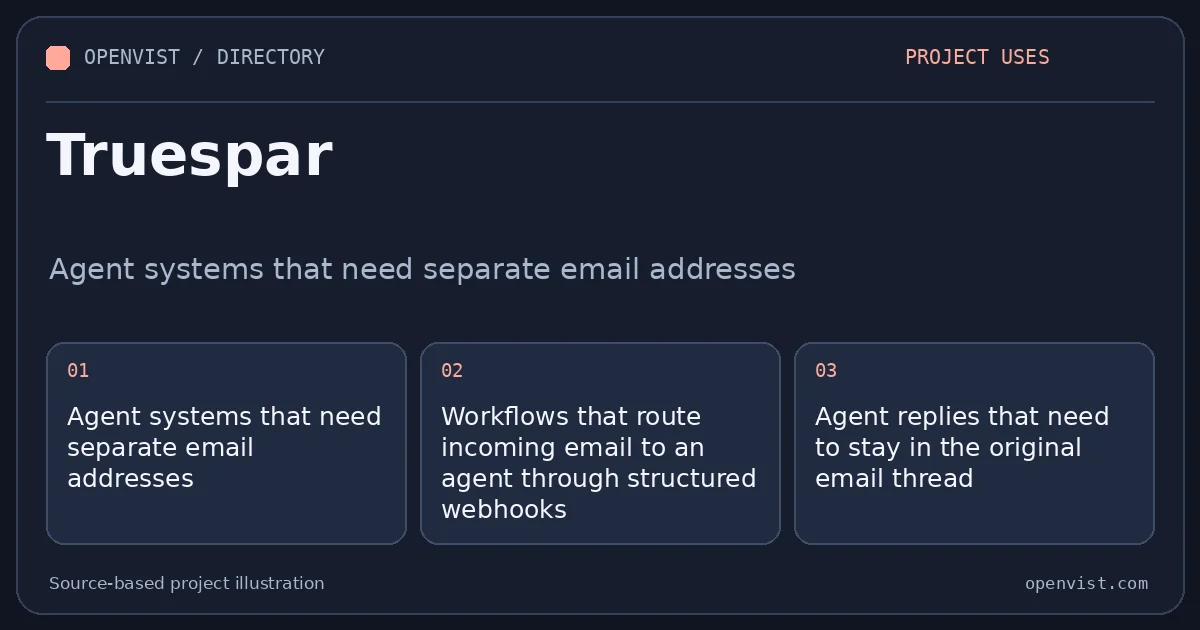
Choose Sentio when email needs to function as an input and reply channel for an agent, with inbound messages exposed as webhooks and threaded replies sent through REST.
Who it is for
- Teams building AI agents that need to receive and respond to email.
- Builders creating email-based customer-support workflows for agents.
Documented uses
- Give an agent a dedicated email address.
- Deliver incoming email to an agent as structured webhook events.
- Reply to an email within its existing thread over REST.
- Connect customer-support email threads to an agent workflow.
Requirements & limits
- Sentio is described as self-run infrastructure, so its role is providing the email service and API rather than supplying the agent's decision-making workflow.
- The documented interface covers structured inbound webhooks and REST replies in-thread.
- The official page identifies Sentio as open-source.
Check current requirements in the official documentation. Source-based guidance does not mean OpenViST has run or independently tested this project.
Install and start Paddock on Windows or Linux x64
Extract the Paddock release and start its manager and Studio.
Before you start
- Windows or Linux on x64.
- A supported NVIDIA GPU and NVIDIA driver 580 or newer; AMD GPUs are not supported.
- Disk space for the GGUF model files you intend to serve.
Steps
Download the Windows x64 ZIP or Linux x64 tar.gz from the Getting Started page.
Extract the archive; on Linux, change into the extracted paddock directory.
Start the manager with paddock.exe on Windows or ./paddock on Linux.
Open the Studio at https://localhost:11500 and use it to choose a model, download it, and start it.
Expected outcome
The Paddock manager and embedded Studio are running, and the Studio can download and start a selected model.
Guide limitations
- The documented NVIDIA GPU generations are Blackwell and Ampere; other NVIDIA generations are refused at startup.
- The x64 release instructions do not cover macOS or Linux arm64.
- This is an early preview; releases and supported models may change frequently.
Start a catalog model and send an OpenAI-compatible chat request
Use the Paddock CLI to start a catalog model and send it a chat completion request.
Before you start
- Paddock is installed and its manager is running.
- A supported GPU, NVIDIA driver 580 or newer, and disk space for the model are available.
Steps
Start the manager by running paddock.
Start a catalog model, for example with paddock serve qwen3.6-27b.
Send a POST request to the model server at http://127.0.0.1:11540/v1/chat/completions, using the documented JSON content type and a chat-completions body.
Expected outcome
The model server is started, and the documented request targets its OpenAI-compatible chat completions API.
Guide limitations
- The example server port is 11540; Paddock allocates model-server ports upward from that port, so the actual port can differ when multiple models run.
- The guide gives no response example or guarantee of successful inference.
- A model server binds all interfaces by default and generates a Bearer key for network calls; same-machine calls do not need the key.
Sources & review
Source record details
- Source availability
- Active
- Sources checked
- 15 November 2026
- Original website title
- Sentio - Open-Source Email Inbox API for AI Agents - Truespar · Official homepage title · retained in its source language