
Understand the project
Practical overview
When it fits
Use it when a Tezos workflow needs a Ledger device to hold the signing keys and approve operations. The applications work with Tezos node and tezos-client software rather than replacing those network-access components.
Who it is for
- Ledger Nano users who want to sign Tezos wallet operations with keys held on their device.
- Tezos bakers using the Nano S application to sign blocks and endorsements.
Documented uses
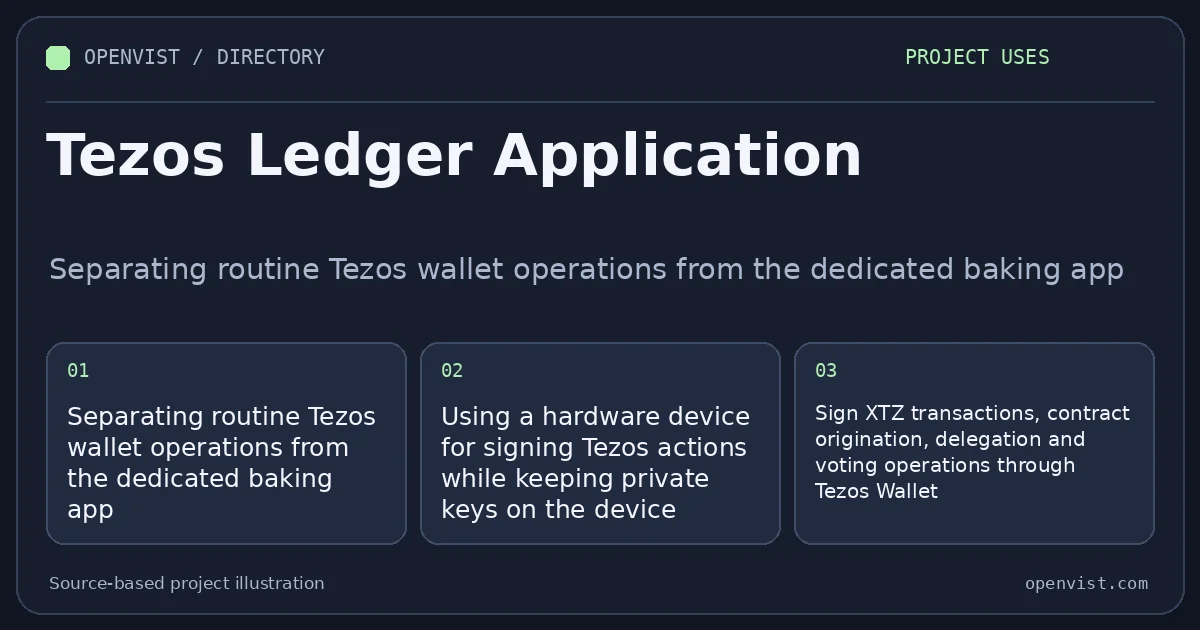
- Sign XTZ transactions, contract origination, delegation and voting operations through Tezos Wallet.
- Authorize a Ledger key and sign Tezos block headers and endorsements through Tezos Baking.
Before you choose
Requirements & limits
- Tezos Wallet is documented for Ledger Nano S and X; Tezos Baking is documented for Nano S only.
- The documented workflow assumes Linux and command-line familiarity, plus a running node and tezos-client.
- Installing from outside Ledger Live causes a device warning because the repository's apps are not Ledger-signed.
Check current requirements in the official documentation. Source-based guidance does not mean OpenViST has run or independently tested this project.
Source-based practical guide
Authorize a Ledger key for Tezos baking
Authorize a key on the Ledger device and register it as a Tezos delegate.
Before you start
- A configured Ledger device with the Tezos Baking application; the repository identifies this app as Nano S-only.
- A running Tezos node and installed tezos-client.
- A key alias available to tezos-client.
Steps
Open Tezos Baking on the Ledger device.
Run
tezos-client setup ledger to bake forto authorize the key on the device.Run
tezos-client register key as delegateto register the intention to bake on the blockchain.
Expected outcome
The key is authorized on the device and registered as a delegate for baking.
Guide limitations
- Device authorization alone does not register the baking intention with the blockchain.
- Only one key can be authorized for baking on a Ledger at a time; authorization data does not persist across app installations.
- The repository documentation is command-line oriented and says its commands were tested on Linux.
Evidence and transparency
Sources & review
Source record details
- Source availability
- Active
- Sources checked
- 24 October 2026
- Original website title
- obsidiansystems/ledger-app-tezos · Official homepage title · retained in its source language