
Practical overview
When it fits
Use it when you need a self-hosted starting point for exchange wallet services and want separate modules for wallet APIs, signing, deposit scanning and risk control. The README’s examples provide a local setup and simulation path.
Who it is for
- Developers building a centralized exchange’s custodial wallet backend.
- Exchange operations teams implementing deposit detection, signing and withdrawal-review workflows.
Documented uses
- Expose wallet-management APIs and generate wallet addresses.
- Manage signing and key material across separate services.
- Scan EVM and Solana chains for deposits, with documented handling for chain reorganizations.
- Implement risk-control and fund-rebalancing components.
- Explore local simulated deposit and withdrawal workflows, including withdrawal review.
Requirements & limits
The public repository specifies the MIT License.
- The project is modular: wallet management, signer, scanners, risk control and fund rebalancing are distinct components.
- EVM and Solana each have their own scanner modules.
- Setup requires configuring environment variables and distributing key material among modules.
- The quick-start examples use local simulated networks and include separate deposit and withdrawal stages.
Check current requirements in the official documentation. Source-based guidance does not mean OpenViST has run or independently tested this project.
Set up the documented local wallet services
Configure and start the database gateway, risk-control, signer and wallet services in the repository’s recommended order.
Before you start
- A local checkout of the repository and Node.js/npm environment for its npm scripts.
- Environment variables configured according to each module’s documentation.
- Key-pair generation through the database gateway’s documented endpoint, with the public and private keys assigned to the specified modules.
Steps
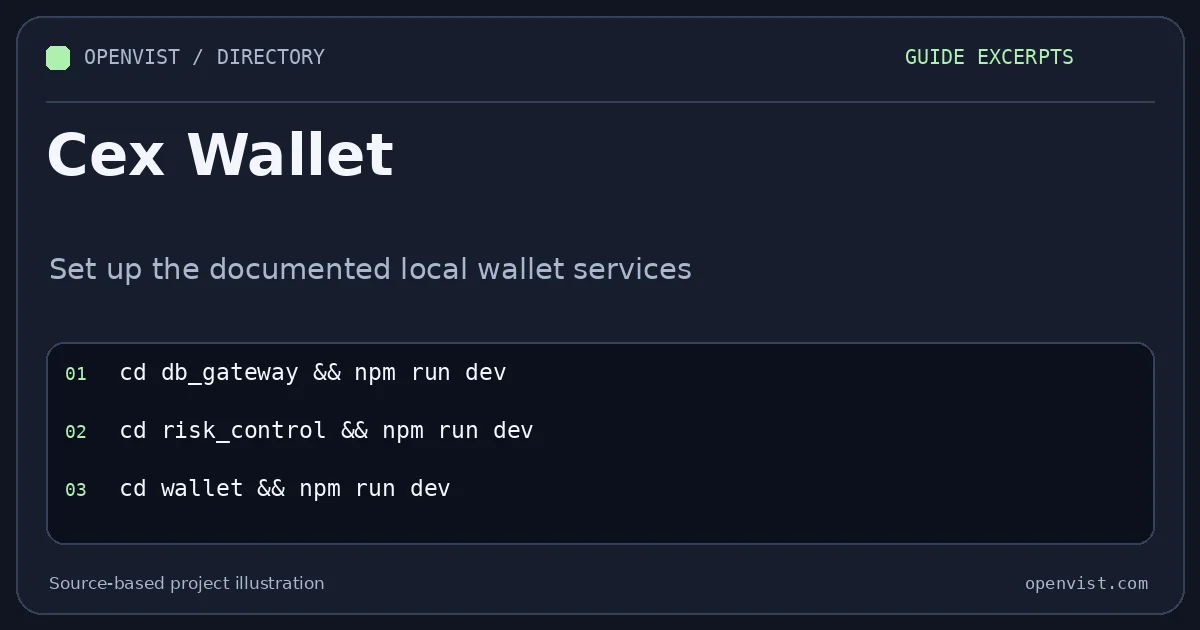
Configure environment variables and start the database gateway with
cd db_gateway && npm run dev.Generate a key pair using the documented
POST http://localhost:3003/generate-keypairendpoint and configure the public and private keys in the designated modules.Start risk control with
cd risk_control && npm run dev.Configure the signer mnemonic and start the signer using
./start_signer.sh, then start the wallet withcd wallet && npm run dev.
Expected outcome
The database gateway, risk-control, signer and wallet services are started in the recommended sequence.
Guide limitations
- The instructions require module-specific environment configuration and key placement.
- This sequence covers service setup; scanner operation and simulated transaction workflows are separate documented stages.
Start EVM and Solana deposit scanners
Start the documented chain scanners after the supporting wallet services are running.
Before you start
- The database gateway, risk-control, signer and wallet services started in the recommended order.
- Module environment variables configured according to the scanner documentation.
Steps
Start the EVM scanner with
cd scan/evm_scan && npm run dev.Start the Solana scanner with
cd scan/solana_scan && npm run dev.
Expected outcome
The EVM and Solana scanner services are running to scan for deposit crediting.
Guide limitations
- The README’s simulated deposit examples additionally require local EVM and Solana networks and token setup.
- The instructions do not establish production readiness or deployment compatibility.
Sources & review
Source record details
- Source availability
- Active
- Sources checked
- 24 October 2026
- Original website title
- lbc-team/cex-wallet · Official homepage title · retained in its source language